


Say goodbye to disappointed customers unable to deliver their gifts on time.
- Stores using it
- — Not detected yet
- Rating
- 5.0 / 5 3 reviews
- Price
- $5 / mo Free trial
- Launched
- August 2021 Denmark
Screenshots
About #GiftCardFulfiller
Say goodbye to disappointed customers unable to deliver their gifts on time.
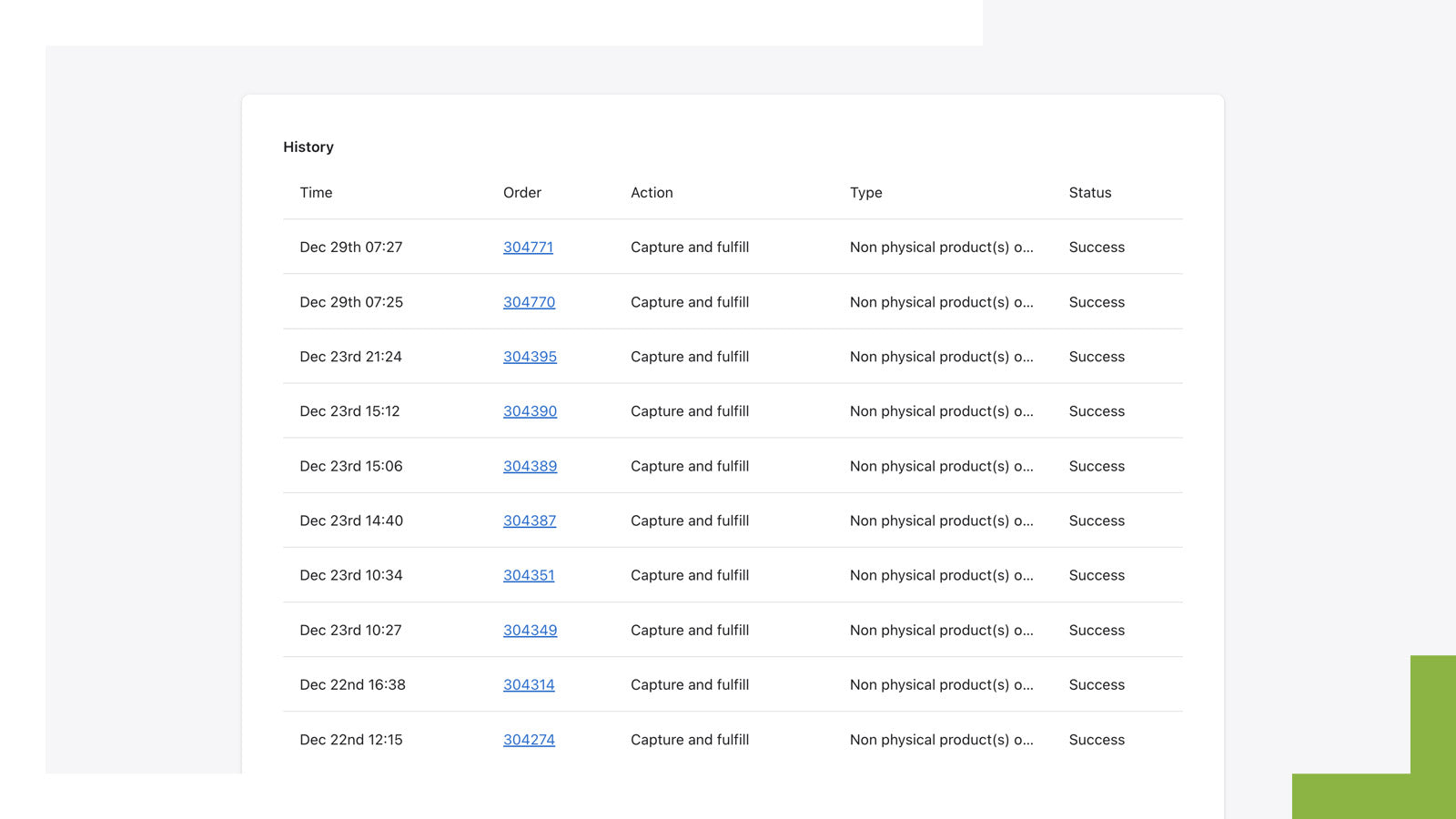
In many countries, merchants can't charge for orders until dispatch. This delays digital gift cards and specifically if ordered with physical goods. #GiftCardFulfiller solves this by processing gift cards immediately, sending them to customers at purchase, while other items await manual fulfillment. Enhance customer experience and avoid delays in gifting intentions.
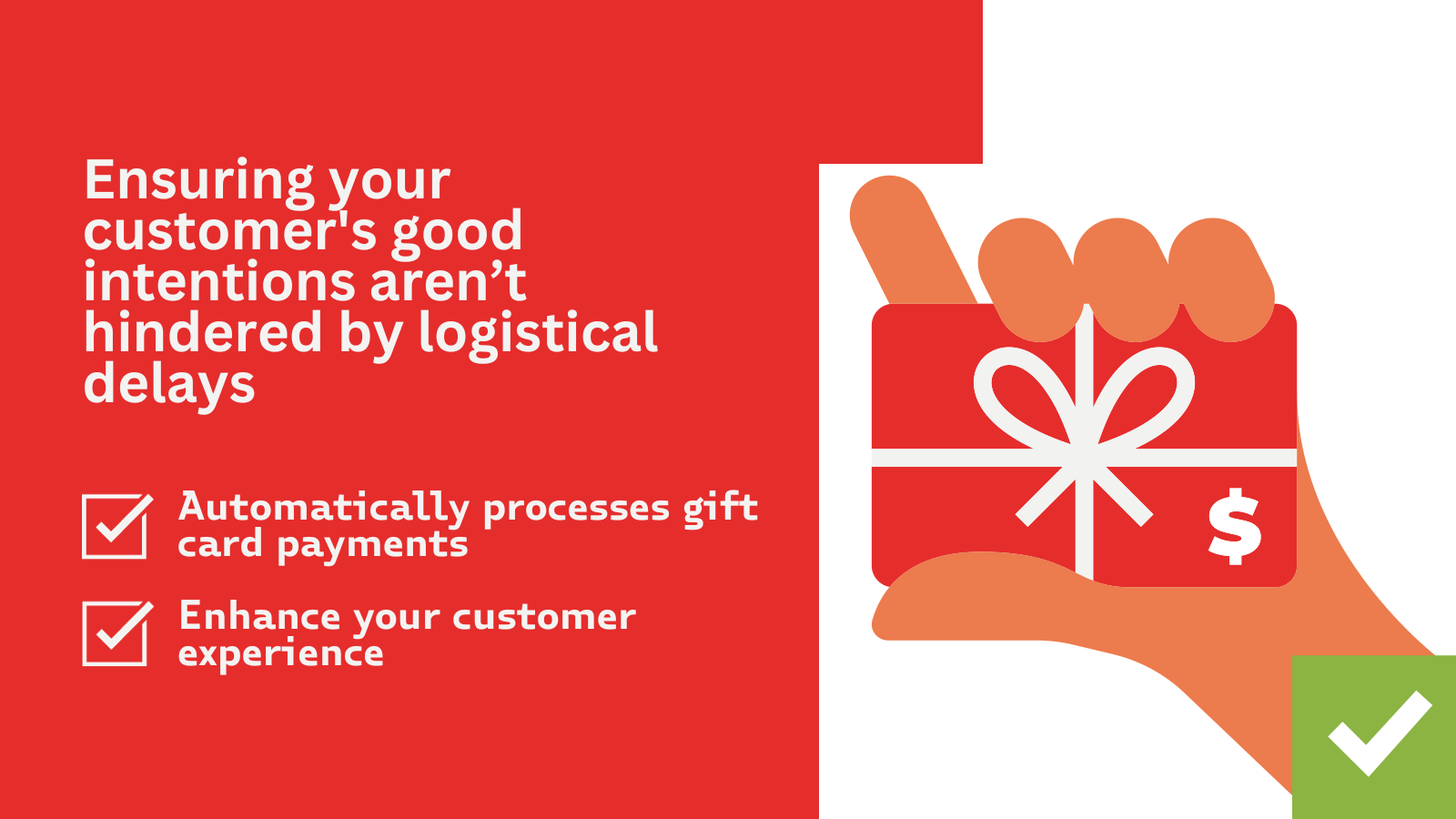
- Ensuring your customer's good intentions aren’t hindered by logistical delays.
- Automatically processes the gift card.
- Enhance your customer's experience.
#GiftCardFulfiller pricing
Free trial · From $5 / month. Prices in USD; check the App Store for the latest.
-
Basic
$5 / month
- Fulfil up to 250 gift card orders a month
Shopify stores using #GiftCardFulfiller
We haven't detected #GiftCardFulfiller on a live Shopify store yet. We recognise the apps that leave a trace in a store's code; some apps run only in the admin or the checkout.
Detect apps on any storeFAQ
#GiftCardFulfiller: FAQ
Say goodbye to disappointed customers unable to deliver their gifts on time.
No. Plans start at $5 a month, with a free trial.
We haven't detected #GiftCardFulfiller on a live Shopify store yet. Scan any store on ShopScan to see the apps it runs.
#GiftCardFulfiller is built by D.TAILS, based in Denmark, and launched in August 2021.
5.0 out of 5 from 3 reviews on the Shopify App Store.