


Speed up your store with our image optimizer
- Stores using it
- — Not detected yet
- Rating
- 2.8 / 5 9 reviews
- Price
- $2 / mo Free plan available
- Launched
- May 2020 France
Screenshots
About Fuzz ‑ Image Optimizer
Speed up your store with our image optimizer
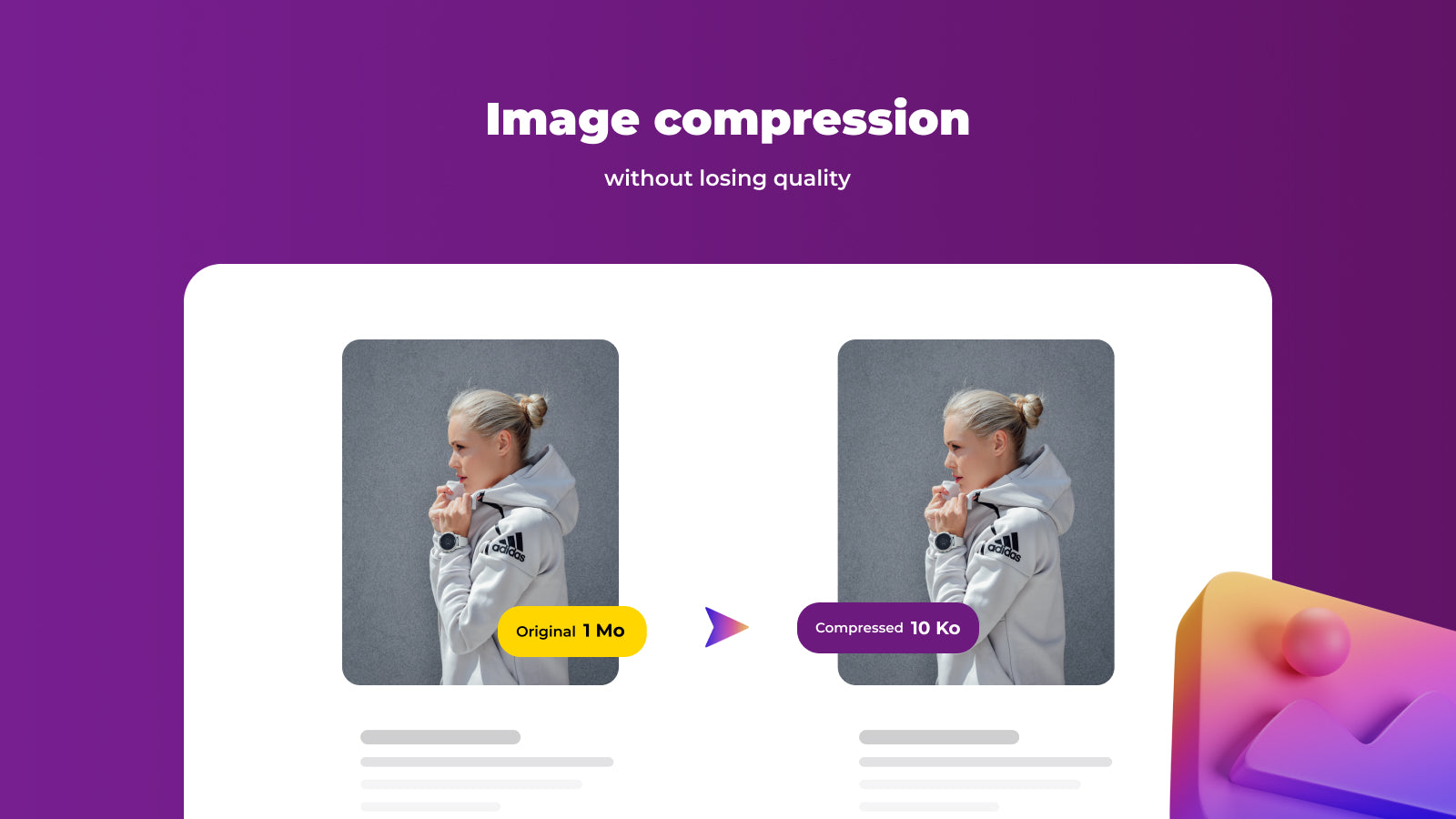
Optimize your customers' experience and boost the performance of your Shopify store with an image optimization app. By compressing your images, you guarantee faster loading times, smooth navigation, and a significant improvement in SEO, helping to maximize your online sales.
- Compression without loss of quality
- Bulk image compression
- Restore anytime
Features
- Image compression
- Image optimization
- Image resizing
- Speed analysis
- Speed optimization
Fuzz ‑ Image Optimizer pricing
Free plan available · From $2 / month. Prices in USD; check the App Store for the latest.
-
Free Plan
Free
- Compress images one by one
- 50 free images
-
Pro plan
$2 / month
- Compress images one by one
- Compress images in bulk
- No image limits
Shopify stores using Fuzz ‑ Image Optimizer
We haven't detected Fuzz ‑ Image Optimizer on a live Shopify store yet. We recognise the apps that leave a trace in a store's code; some apps run only in the admin or the checkout.
Detect apps on any storeFAQ
Fuzz ‑ Image Optimizer: FAQ
Speed up your store with our image optimizer
Fuzz ‑ Image Optimizer has a free plan; paid plans start at $2 a month.
We haven't detected Fuzz ‑ Image Optimizer on a live Shopify store yet. Scan any store on ShopScan to see the apps it runs.
Fuzz ‑ Image Optimizer is built by Fuznet, based in France, and launched in May 2020.
2.8 out of 5 from 9 reviews on the Shopify App Store.