

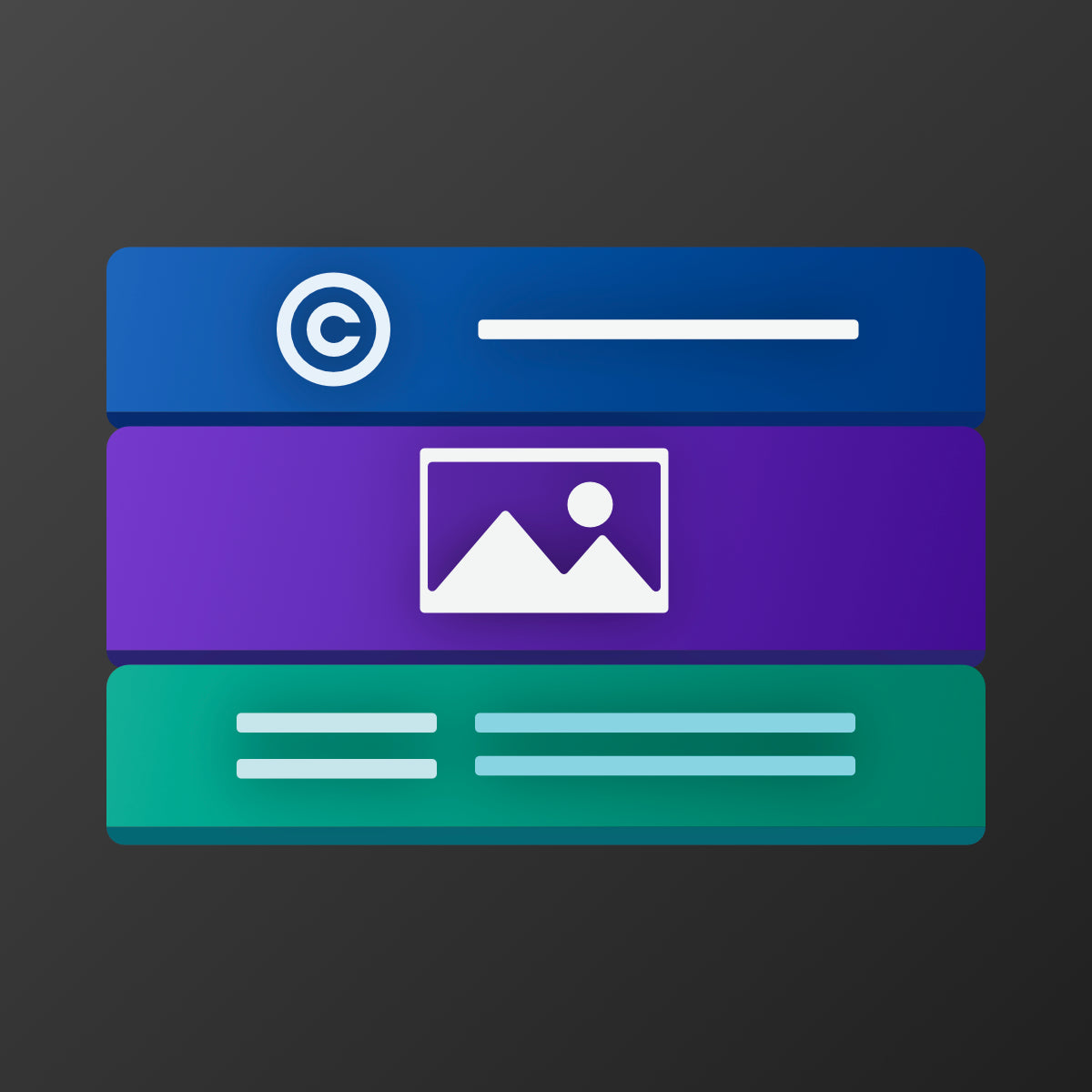
Easily customize your footer copyright, logo, and layout. No coding required for a professional look
- Stores using it
- — Not detected yet
- Rating
- —
- Price
- $2 / mo Free trial
- Launched
- January 2026 Poland
Screenshots


About Footer Lab Customizer
Easily customize your footer copyright, logo, and layout. No coding required for a professional look
Footer Lab gives you full control over your footer's branding. Replace standard copyright text with custom content and dynamic dates. Add your logo, manage policy links, and reorder elements to fit your design. The app features a 'Smart Layout' setting to fix alignment issues with payment icons by toggling between Full Width and Auto modes. Works seamlessly inside the Shopify Theme Editor.
- Auto-update copyright year and customize store branding text.
- Easily add a custom footer logo
- Arrange store policy links.
Footer Lab Customizer pricing
Free trial · From $2 / month. Prices in USD; check the App Store for the latest.
-
Footer Lab Plan
$2 / month
29 billed yearly
Shopify stores using Footer Lab Customizer
We haven't detected Footer Lab Customizer on a live Shopify store yet. We recognise the apps that leave a trace in a store's code; some apps run only in the admin or the checkout.
Detect apps on any storeFAQ
Footer Lab Customizer: FAQ
Easily customize your footer copyright, logo, and layout. No coding required for a professional look
No. Plans start at $2 a month, with a free trial.
We haven't detected Footer Lab Customizer on a live Shopify store yet. Scan any store on ShopScan to see the apps it runs.
Footer Lab Customizer is built by Bezpieczny Kierunek, based in Poland, and launched in January 2026.