


Demonstrate the answers to the most common questions on your website
- Stores using it
- — Not detected yet
- Rating
- 5.0 / 5 3 reviews
- Price
- $5 / mo Free trial
- Launched
- June 2018 Armenia
Screenshots
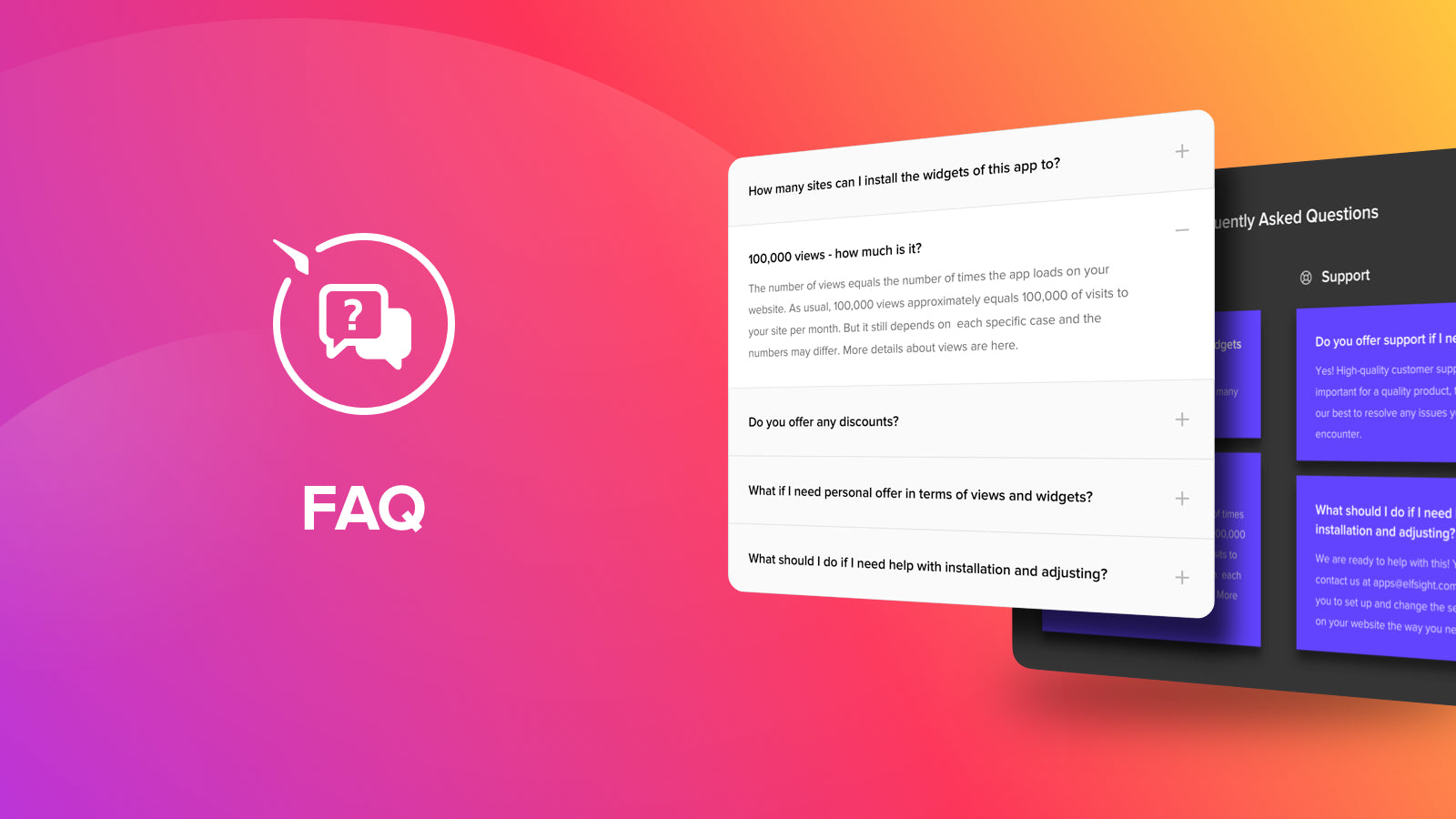
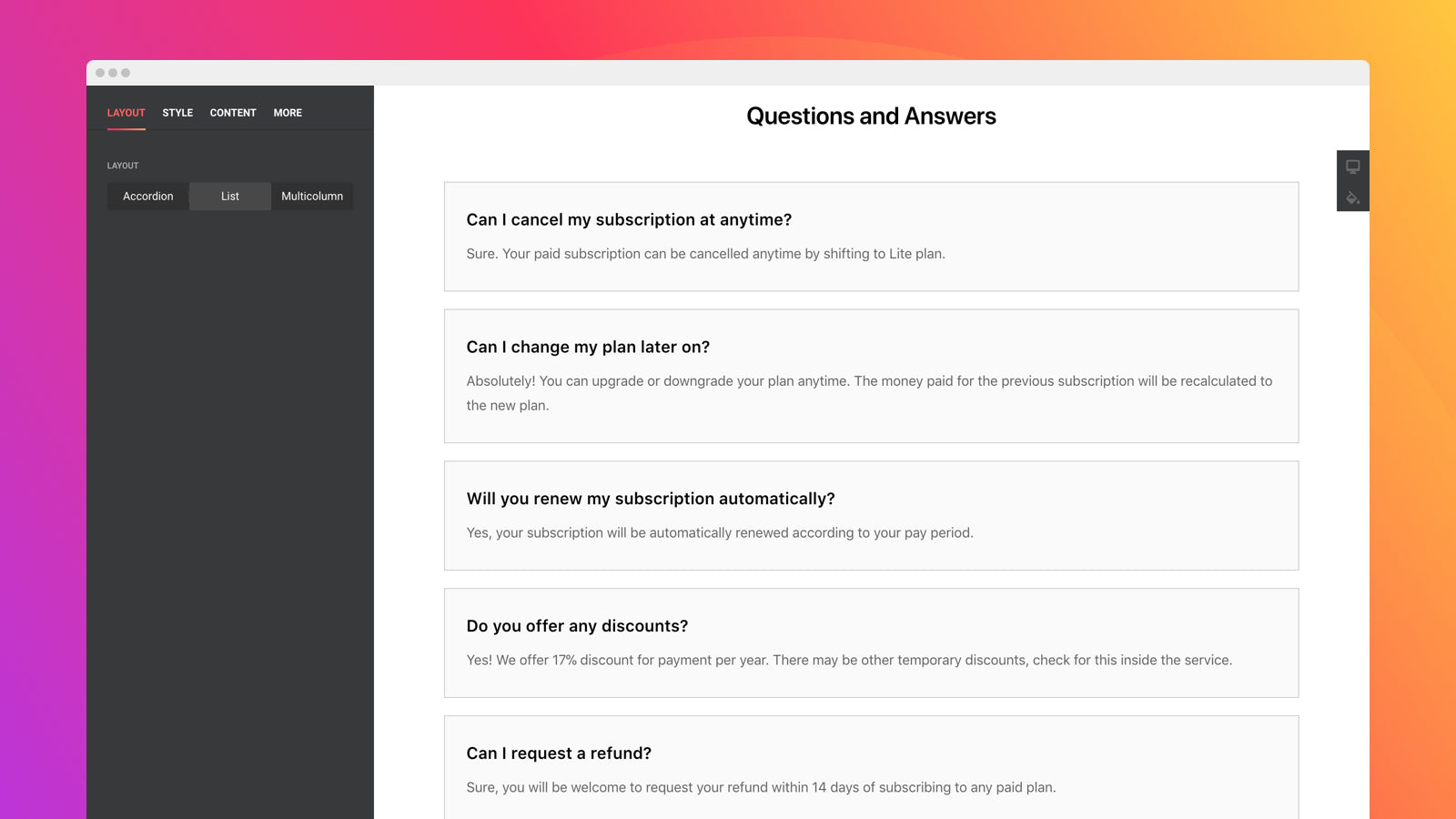
About Elfsight FAQ Page
Demonstrate the answers to the most common questions on your website
Using FAQ accordion Shopify you can easily boost your sales by anticipating clients’ questions and eliminating obstacles to purchase on your website. Be proactive and provide answers to the most frequent customer questions to prevent more inquiries to your Support Center.
- We put our best into Shopify FAQ app
- Well-structured FAQ Shopify app for easy-to-find answers
- Make it stylish and hit the color concept
Features
- SEO
Elfsight FAQ Page pricing
Free trial · From $5 / month. Prices in USD; check the App Store for the latest.
-
Unlimited
$5 / month
59 billed yearly (save 2%)
- Unlimited FAQs, Questions & Categories
- 3 Layouts: Accordion, List, Columns
- Search Field
- Customizable Design
- Mobile Ready
- No Coding
Shopify stores using Elfsight FAQ Page
We haven't detected Elfsight FAQ Page on a live Shopify store yet. We recognise the apps that leave a trace in a store's code; some apps run only in the admin or the checkout.
Detect apps on any storeFAQ
Elfsight FAQ Page: FAQ
Demonstrate the answers to the most common questions on your website
No. Plans start at $5 a month, with a free trial.
We haven't detected Elfsight FAQ Page on a live Shopify store yet. Scan any store on ShopScan to see the apps it runs.
Elfsight FAQ Page is built by Elfsight, based in Armenia, and launched in June 2018.
5.0 out of 5 from 3 reviews on the Shopify App Store.