


Now you can Plan, Organize & Manage the events on a single platform
- Stores using it
- — Not detected yet
- Rating
- 4.0 / 5 1 reviews
- Price
- Free
- Launched
- May 2023 India
Screenshots

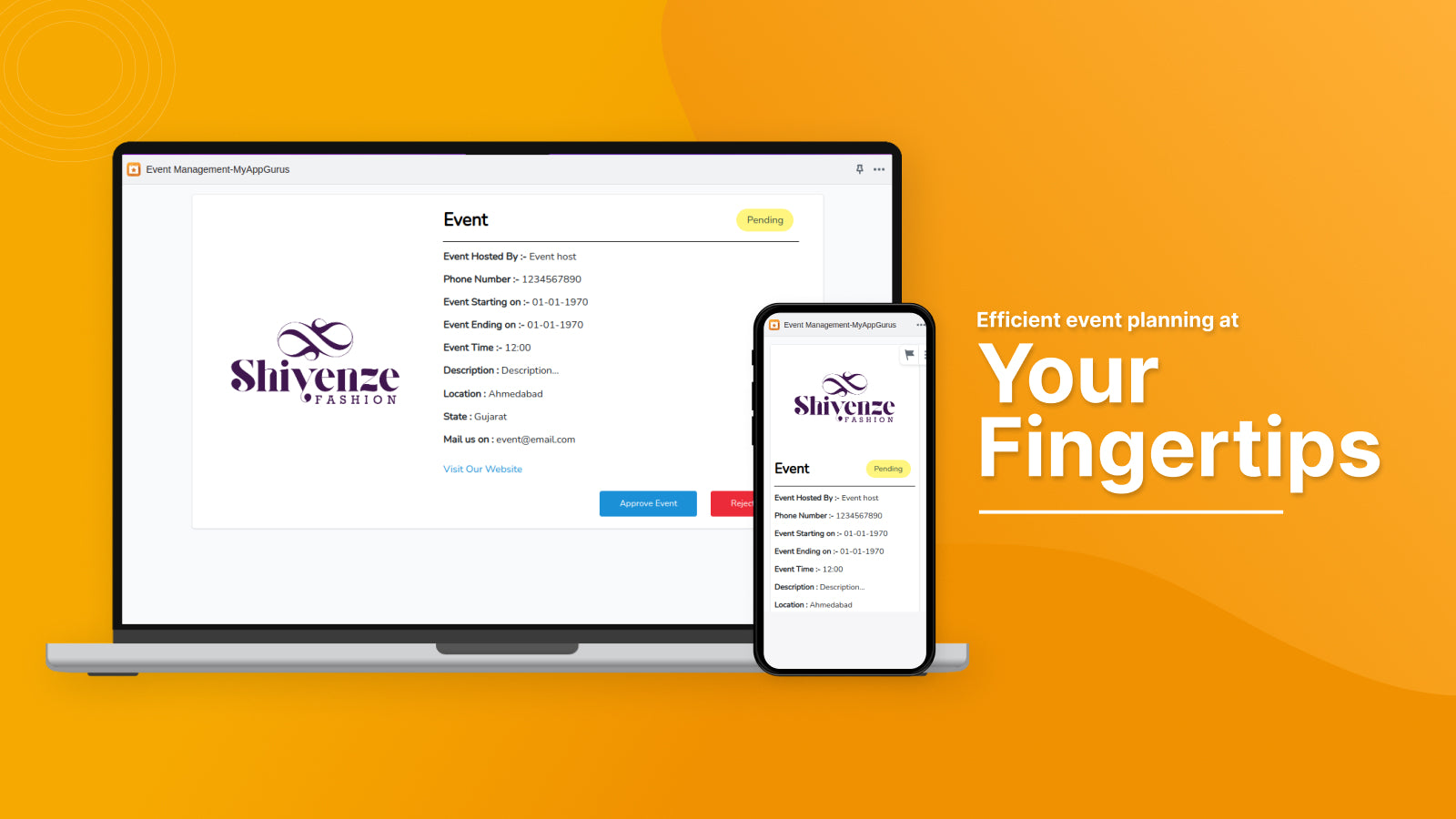
About Event Management‑MyAppGurus
Now you can Plan, Organize & Manage the events on a single platform
This is a user-friendly event management app for event organizers to handle their events through a single application. It has a comprehensive suite of tools for event planning and management. This will help the event organizers to save time, reduce costs, and create more successful events. Admins can easily track every event in their organization and manage them accordingly. This solution is dedicated to deliver hassle-free experience and run an event perfectly.
- Users can create, edit and manage all the event categories from the admin panel.
- Admin can create event tickets for events
- Capability to upload short videos for events.
- Admin/Users can enable or disable Google Maps for location and directions
- QR code implementation for events
Shopify stores using Event Management‑MyAppGurus
We haven't detected Event Management‑MyAppGurus on a live Shopify store yet. We recognise the apps that leave a trace in a store's code; some apps run only in the admin or the checkout.
Detect apps on any storeFAQ
Event Management‑MyAppGurus: FAQ
Now you can Plan, Organize & Manage the events on a single platform
Yes, Event Management‑MyAppGurus is free to use.
We haven't detected Event Management‑MyAppGurus on a live Shopify store yet. Scan any store on ShopScan to see the apps it runs.
Event Management‑MyAppGurus is built by MyAppGurus, based in India, and launched in May 2023.
4.0 out of 5 from 1 reviews on the Shopify App Store.