


Track browser errors and performance issues, and make your store flawless.
- Stores using it
- — Not detected yet
- Rating
- 4.0 / 5 1 reviews
- Price
- $49 / mo Free trial
- Launched
- September 2018 Norway
Screenshots
About Error Tracking with CatchJS
Track browser errors and performance issues, and make your store flawless.
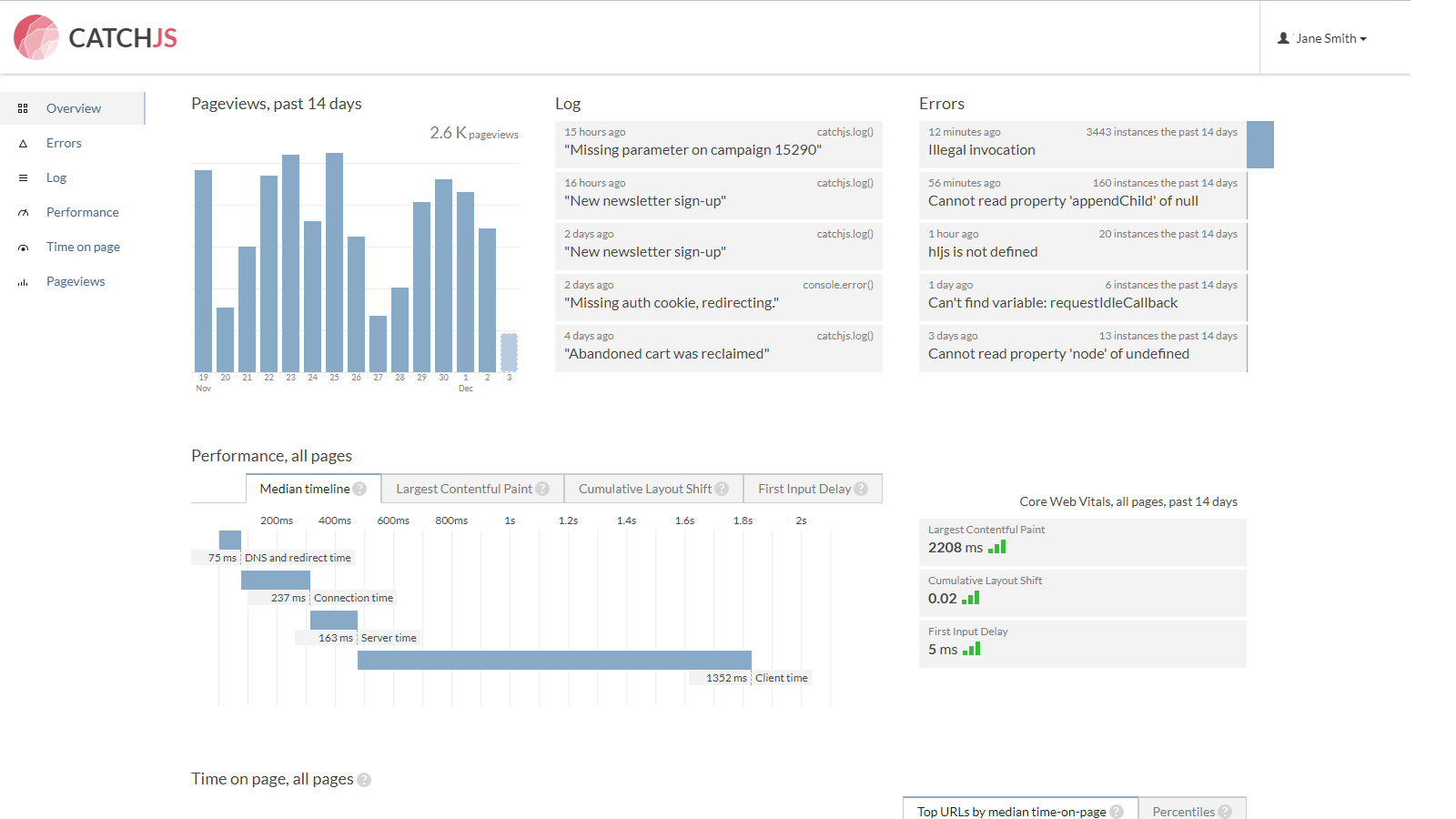
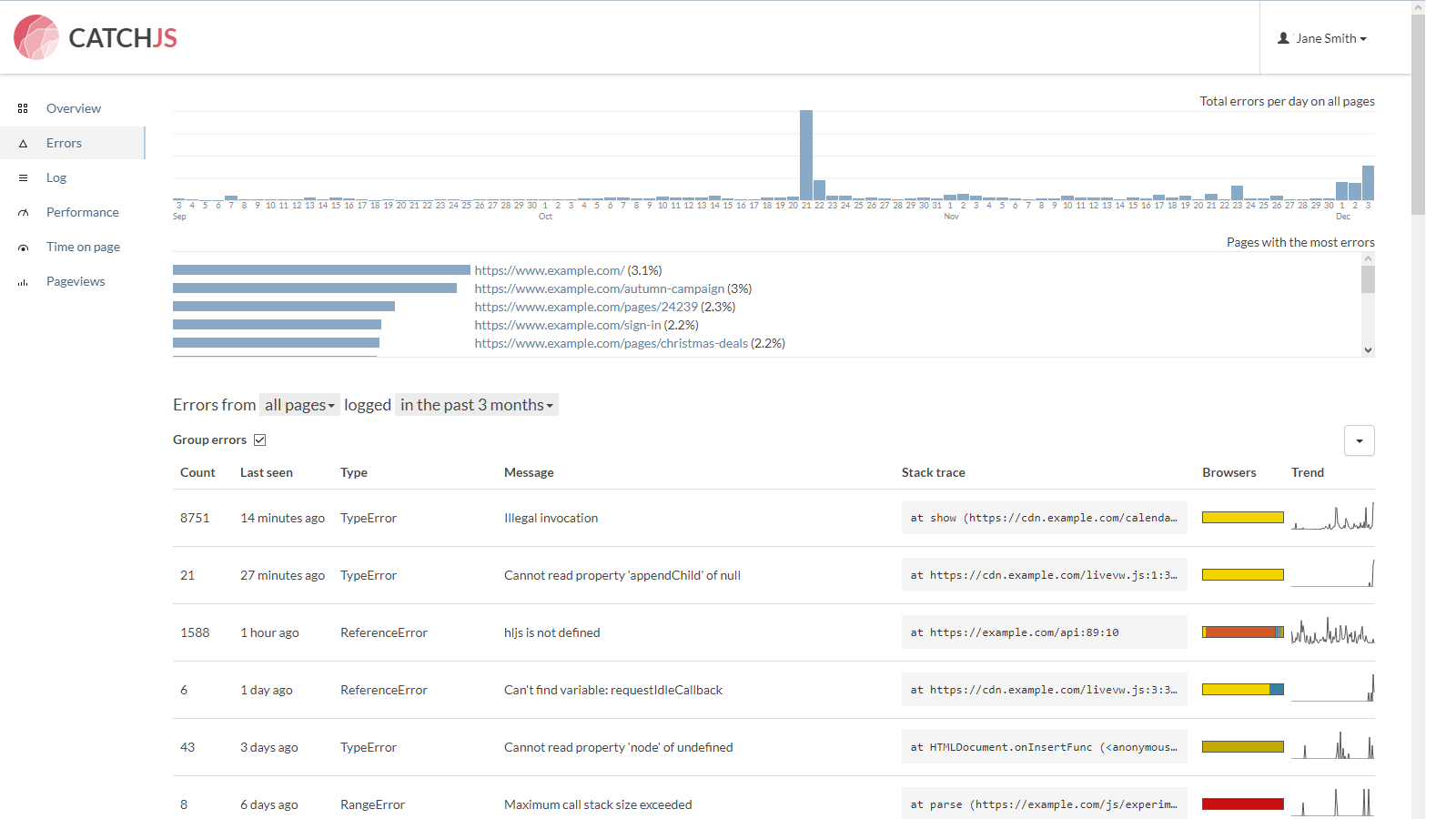
Avoid losing money due to broken code. Turn on error tracking for your store, and you'll be notified when something goes wrong. Use the included performance monitoring too see what pages are loading too slowly. A great store should be fast and functional. Give yourself the superpowers needed to make it happen.
- Track JavaScript errors in the browser. Be notified when something goes wrong.
- Monitor the real web performance experienced by your users.
- Privacy first. CatchJS tracks errors and performance, not your users.
Error Tracking with CatchJS pricing
Free trial · From $49 / month. Prices in USD; check the App Store for the latest.
-
Development
$49 / month
-
Production
$89 / month
-
Enterprise
$499 / month
Shopify stores using Error Tracking with CatchJS
We haven't detected Error Tracking with CatchJS on a live Shopify store yet. We recognise the apps that leave a trace in a store's code; some apps run only in the admin or the checkout.
Detect apps on any storeFAQ
Error Tracking with CatchJS: FAQ
Track browser errors and performance issues, and make your store flawless.
No. Plans start at $49 a month, with a free trial.
We haven't detected Error Tracking with CatchJS on a live Shopify store yet. Scan any store on ShopScan to see the apps it runs.
Error Tracking with CatchJS is built by CatchJS, based in Norway, and launched in September 2018.
4.0 out of 5 from 1 reviews on the Shopify App Store.