


Easy GST invoicing is now possible in a few clicks!
- Stores using it
- — Not detected yet
- Rating
- 1.4 / 5 2 reviews
- Price
- Free
- Launched
- December 2021 India
Screenshots
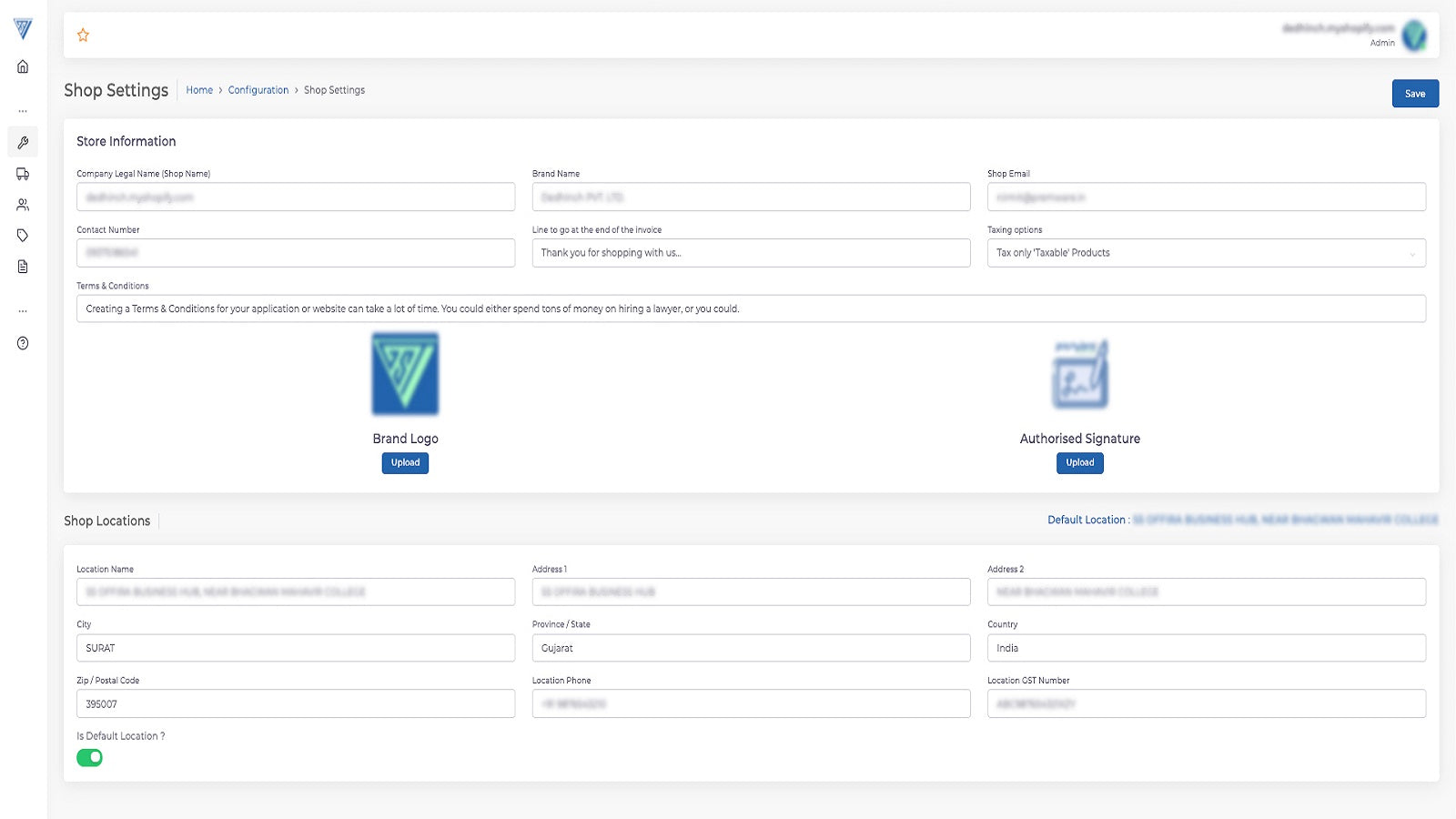
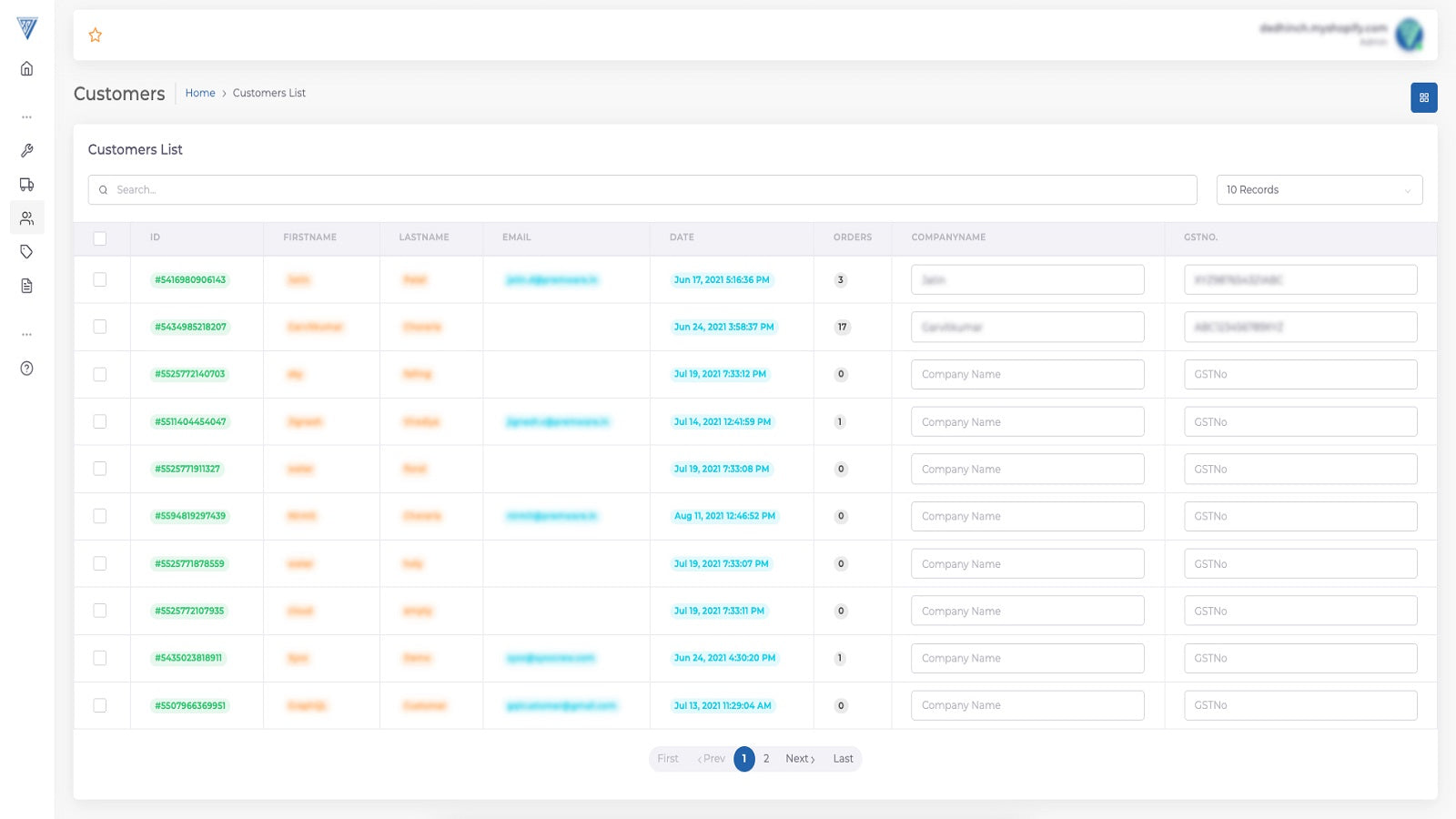
About Engees GST Invoices
Easy GST invoicing is now possible in a few clicks!
#Easy GST invoicing now a possibility! Generate GST invoices without importing your order data into third-party software with the GST app. hassle-free, reliable & efficient, this app helps in generating GST compliant invoices with ease without using third party software or importing data. #Benefits Minimum Human interference With in-built software, this app amplifies the Speed of your transactions and aids your business by following right GST compliance with minimum human interference.
- Easy Invoicing - Painless invoice issuing and book keeping
- Set Product-Wise HSN Code - For the same category products
- Set Your Own Branding on Invoice
Features
- Invoices
- Logos
- PDF generation
- Print and export
- Receipts
- Reports
- Tax calculation
Shopify stores using Engees GST Invoices
We haven't detected Engees GST Invoices on a live Shopify store yet. We recognise the apps that leave a trace in a store's code; some apps run only in the admin or the checkout.
Detect apps on any storeFAQ
Engees GST Invoices: FAQ
Easy GST invoicing is now possible in a few clicks!
Yes, Engees GST Invoices is free to use.
We haven't detected Engees GST Invoices on a live Shopify store yet. Scan any store on ShopScan to see the apps it runs.
Engees GST Invoices is built by ENGEES E-COMMERCE PRIVATE LIMITED, based in India, and launched in December 2021.
1.4 out of 5 from 2 reviews on the Shopify App Store.