


One platform for all your Marketing, Sales, and Support teams
- Stores using it
- — Not detected yet
- Rating
- 5.0 / 5 1 reviews
- Price
- Free plan Free plan available
- Launched
- September 2022 India
Screenshots
About EngageBay CRM
One platform for all your Marketing, Sales, and Support teams
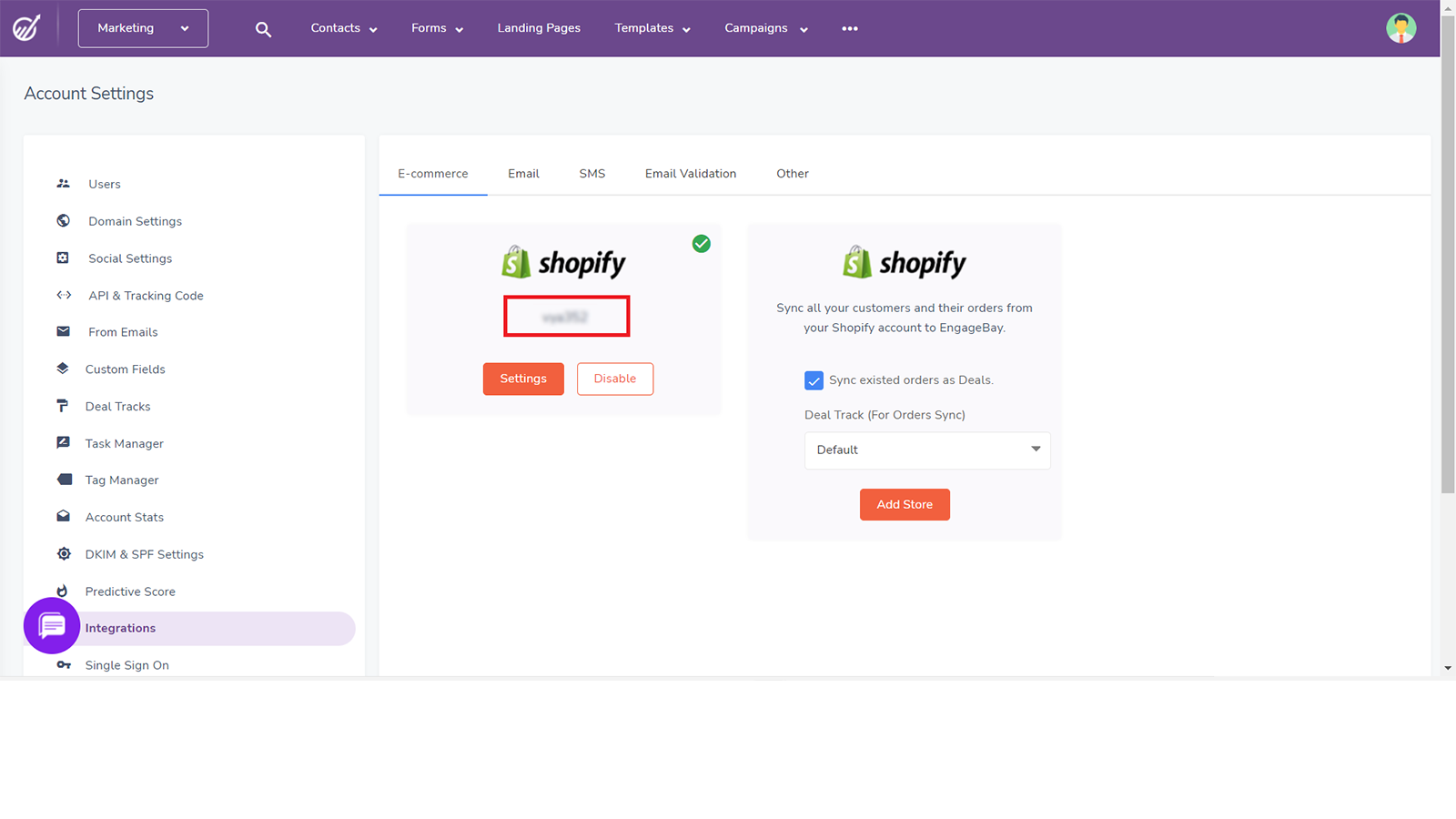
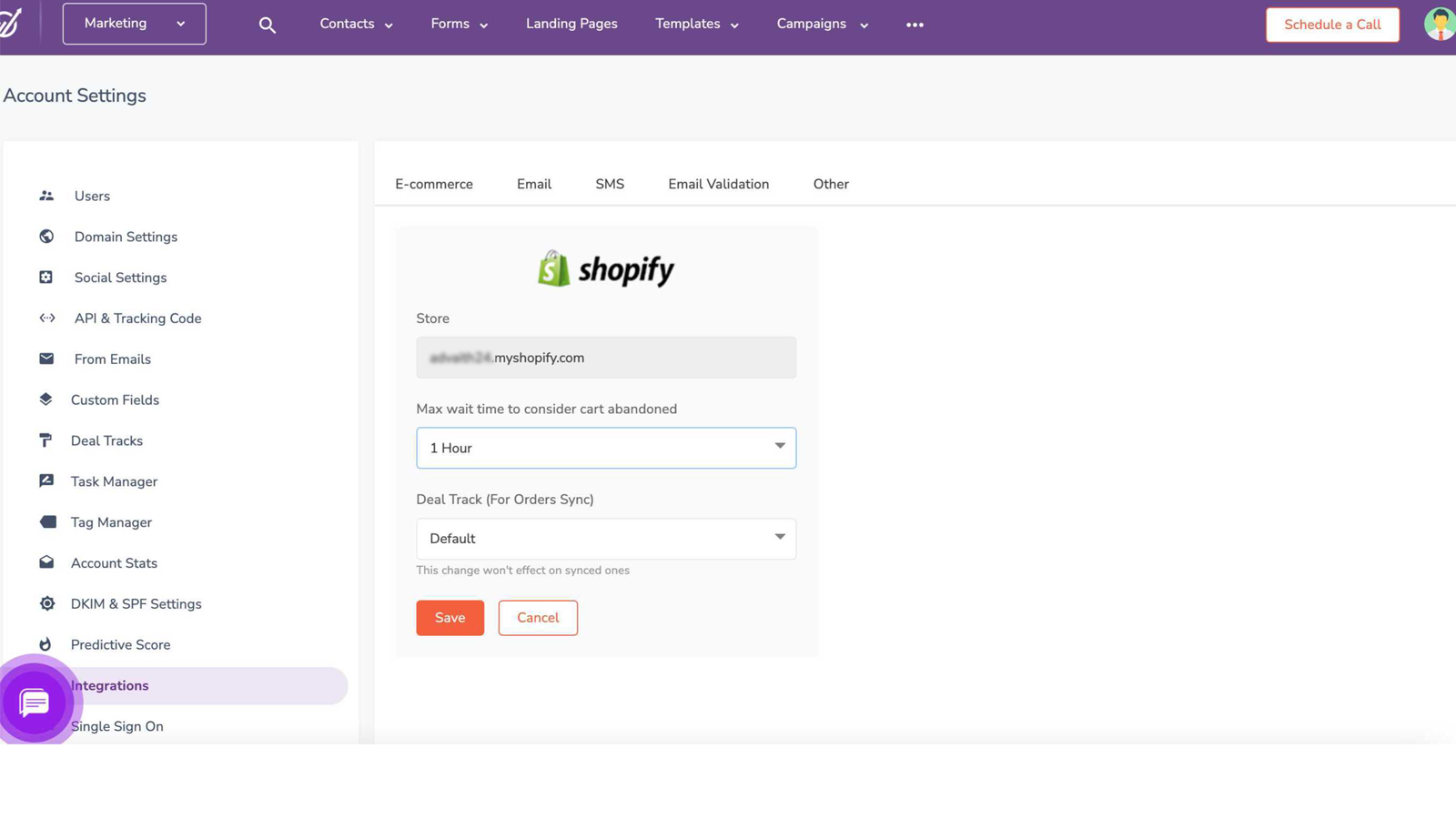
EngageBay seamlessly syncs orders and products from Shopify accounts, while supporting web tracking for user web history and events. Effortlessly sync contacts, orders, and draft orders through the integration. Moreover, you can engage customers with personalized communication via emails, SMS, and targeted calls. Nurture leads through personalized email sequences, drip campaigns, and behavior-based triggers. Maintain an active social media presence with scheduled posts.
- Marketing Automation: Streamline your follow-up process.
- Customer Relation: Effortlessly oversee and document all customer interactions.
- Customer Support: Elevate your customer support services with our service.
EngageBay CRM pricing
Free plan available. Prices in USD; check the App Store for the latest.
-
Free
Free
- Basic Monthly Subscription: $14.99
Shopify stores using EngageBay CRM
We haven't detected EngageBay CRM on a live Shopify store yet. We recognise the apps that leave a trace in a store's code; some apps run only in the admin or the checkout.
Detect apps on any storeFAQ
EngageBay CRM: FAQ
One platform for all your Marketing, Sales, and Support teams
EngageBay CRM has a free plan.
We haven't detected EngageBay CRM on a live Shopify store yet. Scan any store on ShopScan to see the apps it runs.
EngageBay CRM is built by EngageBay, based in India, and launched in September 2022.
5.0 out of 5 from 1 reviews on the Shopify App Store.