


Create all types of popups: banners, bars, notifications and more for any purpose
- Stores using it
- — Not detected yet
- Rating
- 3.0 / 5 1 reviews
- Price
- $5 / mo Free trial
- Launched
- December 2019 Armenia
Screenshots
About Popup Builder by Elfsight
Create all types of popups: banners, bars, notifications and more for any purpose
Pop Up app will help you to option to Boost the number of sales attracting attention to your special offers on the homepage. Help reluctant and leaving clients get what they want with welcome and exit popups and make the user experience better for more visitors.
- Shape any kind of popup
- Chose the aim of your popups and increase conversion level
- A wide range of design and style settings
Popup Builder by Elfsight pricing
Free trial · From $5 / month. Prices in USD; check the App Store for the latest.
-
Unlimited
$5 / month
59 billed yearly (save 2%)
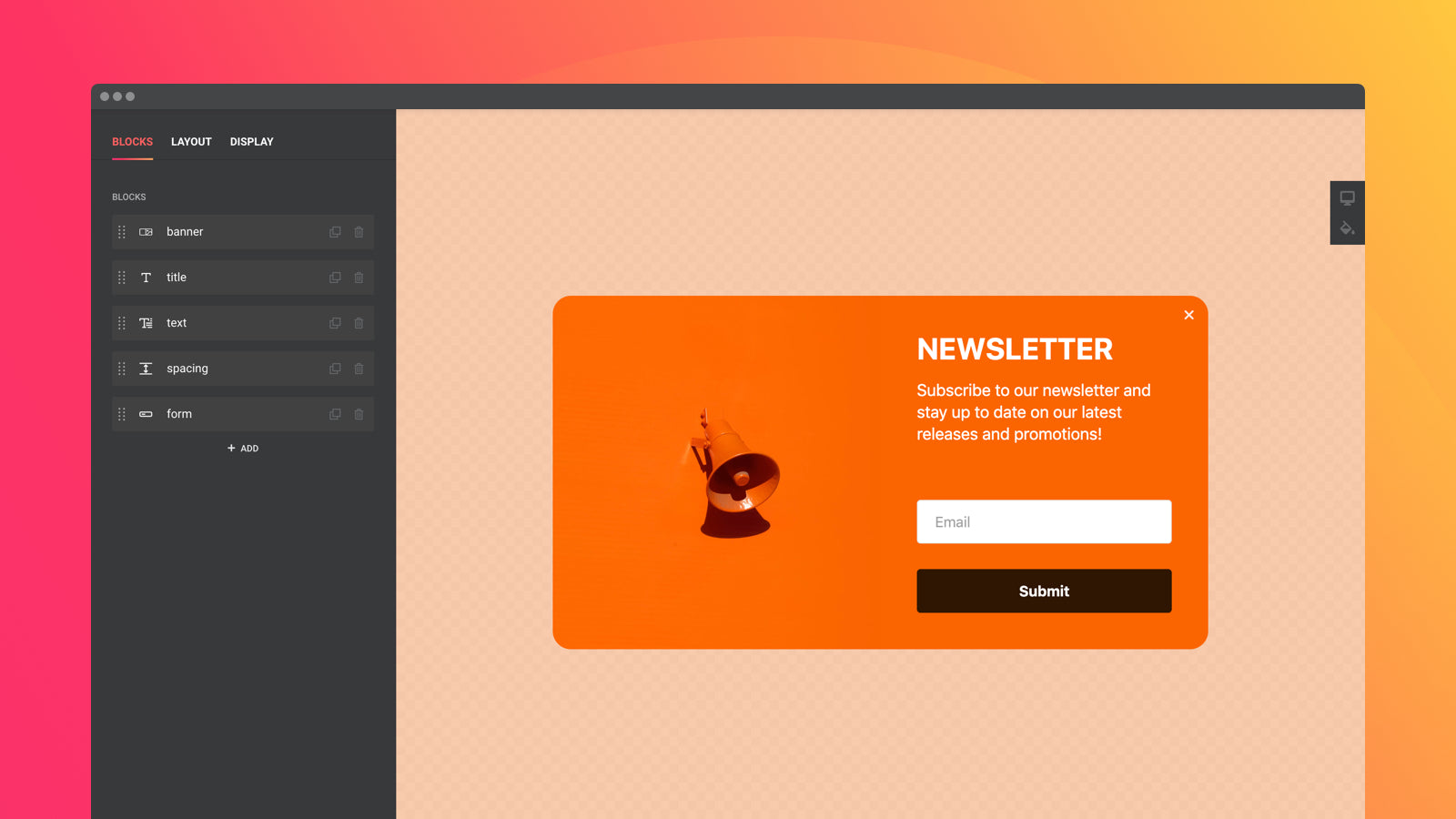
- Easy Building Without Coding
- 12 Customizable Elements
- 5 Popup Layouts
- Mobile Ready
- Display Rules (Triggers, Pages, Devices, Frequency)
Shopify stores using Popup Builder by Elfsight
We haven't detected Popup Builder by Elfsight on a live Shopify store yet. We recognise the apps that leave a trace in a store's code; some apps run only in the admin or the checkout.
Detect apps on any storeFAQ
Popup Builder by Elfsight: FAQ
Create all types of popups: banners, bars, notifications and more for any purpose
No. Plans start at $5 a month, with a free trial.
We haven't detected Popup Builder by Elfsight on a live Shopify store yet. Scan any store on ShopScan to see the apps it runs.
Popup Builder by Elfsight is built by Elfsight, based in Armenia, and launched in December 2019.
3.0 out of 5 from 1 reviews on the Shopify App Store.