

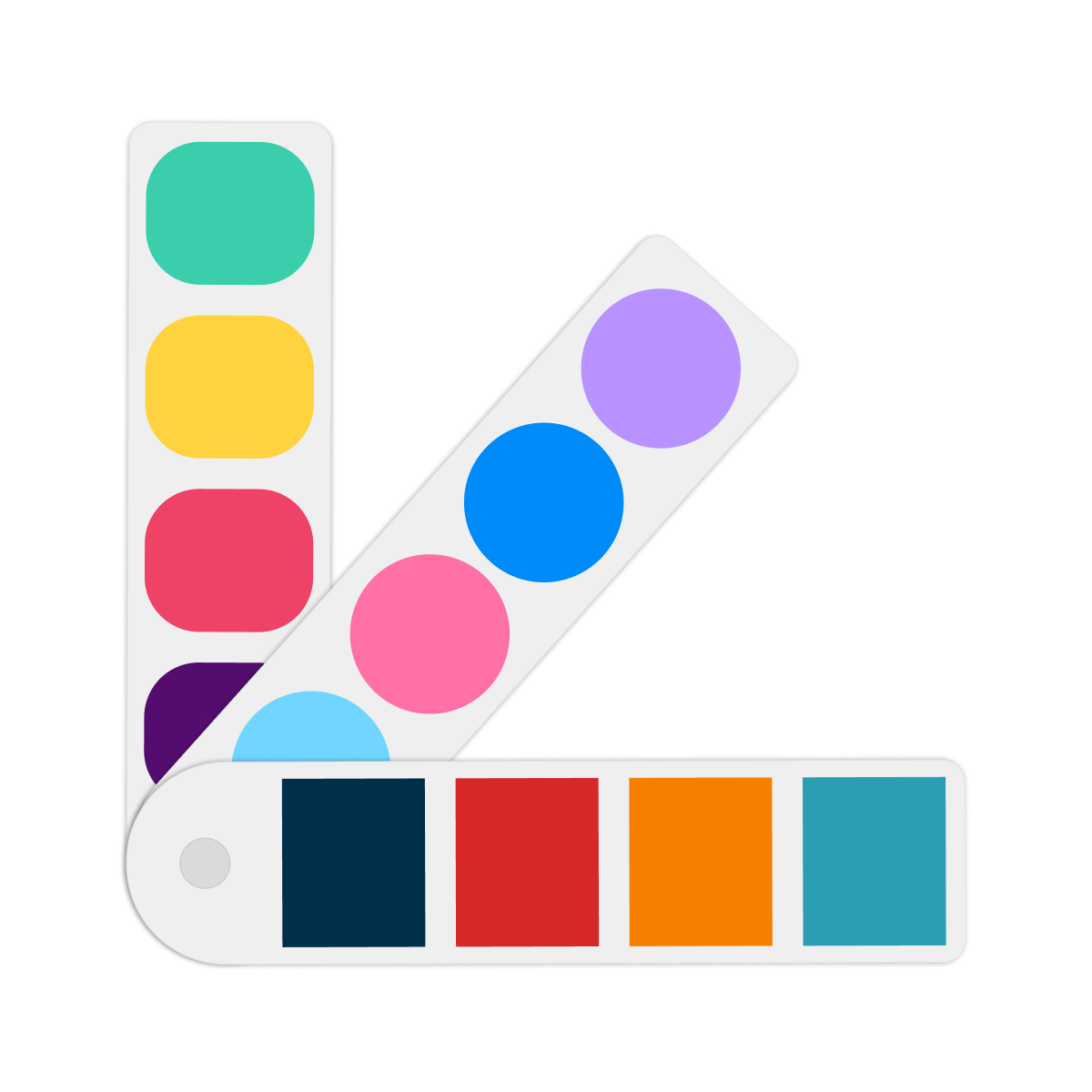
Group products as option & display options using multi-color swatches, images, drop-downs & more.
- Stores using it
- — Not detected yet
- Rating
- 5.0 / 5 25 reviews
- Price
- Free
- Launched
- May 2025 Nepal
Screenshots


About Eazy Swatches
Group products as option & display options using multi-color swatches, images, drop-downs & more.
Easily create stylish swatches with multiple templates and advanced customizations, such as hover animations, border styles, and out-of-stock designs. Create product groups for related products. Enable swatches globally for all products or individually per product for full control. Automatically fetch all options, colors, and option images from your store for faster setup - no manual work needed.
- 20+ templates to choose from; circular swatches, squared or pill-shaped, & more.
- Product groups to display related products as option, & multi-colored swatches.
- Fully customizable shape, size, colors, and layout with live preview.
- Supports new product model with 2000 variants.
- Multi-lingual support, 24/7 live customer support.
Shopify stores using Eazy Swatches
We haven't detected Eazy Swatches on a live Shopify store yet. We recognise the apps that leave a trace in a store's code; some apps run only in the admin or the checkout.
Detect apps on any storeFAQ
Eazy Swatches: FAQ
Group products as option & display options using multi-color swatches, images, drop-downs & more.
Yes, Eazy Swatches is free to use.
We haven't detected Eazy Swatches on a live Shopify store yet. Scan any store on ShopScan to see the apps it runs.
Eazy Swatches is built by Mandolly Tech, based in Nepal, and launched in May 2025.
5.0 out of 5 from 25 reviews on the Shopify App Store.