


Automate Stock Sync, Price Sync, Order Export, or Create Orders via FTP, Email, Links, URLs, & more!
- Stores using it
- — Not detected yet
- Rating
- 4.9 / 5 22 reviews
- Price
- $9 / mo Free plan available
- Launched
- May 2020 United States
Screenshots
About EasyCSV ‑ CSV & XLSX handling
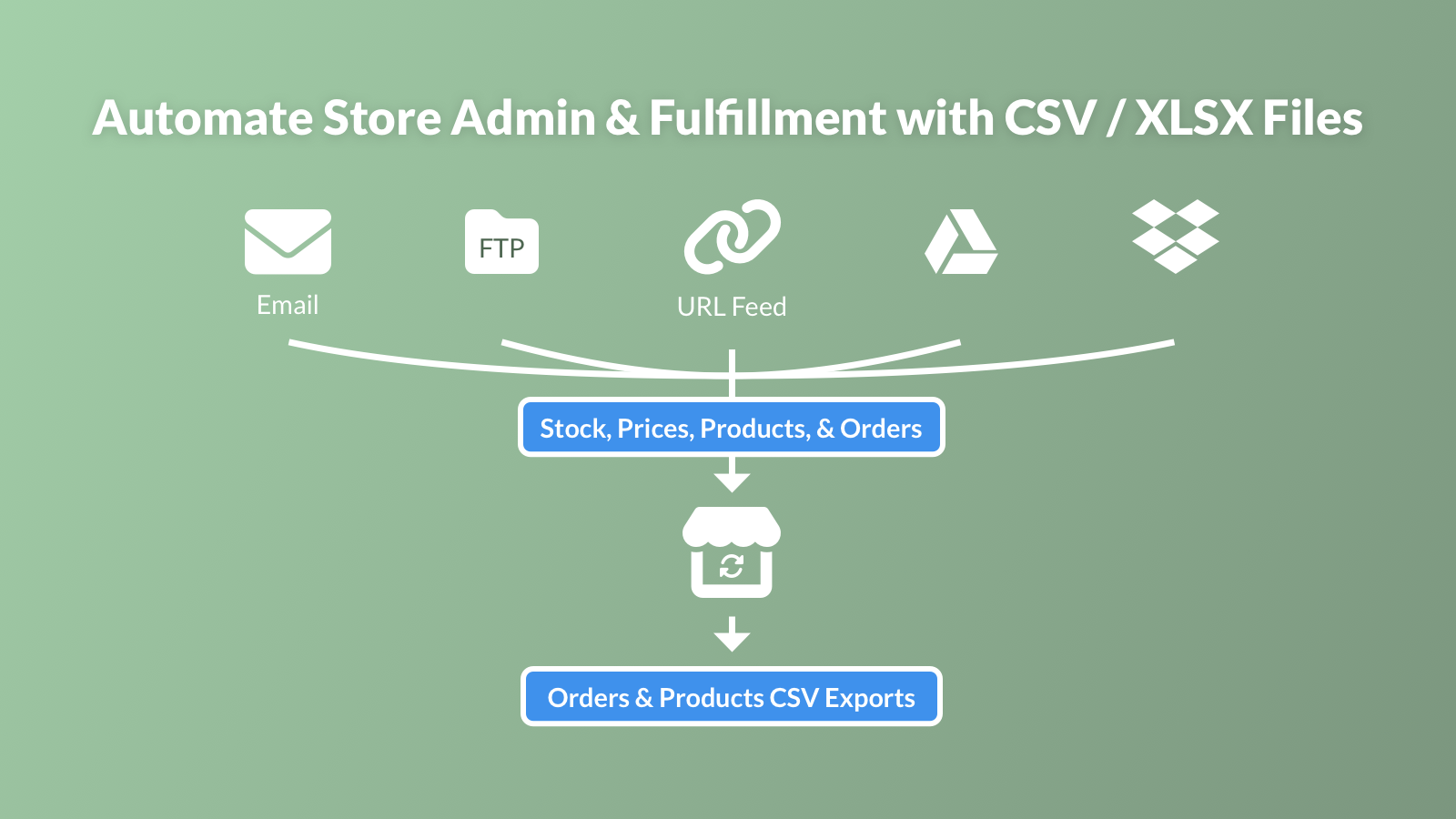
Automate Stock Sync, Price Sync, Order Export, or Create Orders via FTP, Email, Links, URLs, & more!
Do you receive Product info in spreadsheets from suppliers? Do you need to sync Inventory / Quantities from CSV or XLSX files? Do you need to update your Product Page based on CSV or XLSX files? Do you need to send a CSV or XLSX file every time an order is made to your vendor or supplier? Do you need to Create New Orders from a CSV or XLSX? B2B prices? Set it up in 2 minutes, and let the automation work so you can run your business. Automatically sync and send supplier or vendor files easily.
- Update Product SKUs / Barcodes (Compare at Price, Cost, Tags, & 10 more fields)
- Stock and Price Sync (from FTP, Email, Links, URLs, Google Sheets & more)
- Send CSV or XLSX files when Orders are made (Email, FTP/SFTP, and more sending)
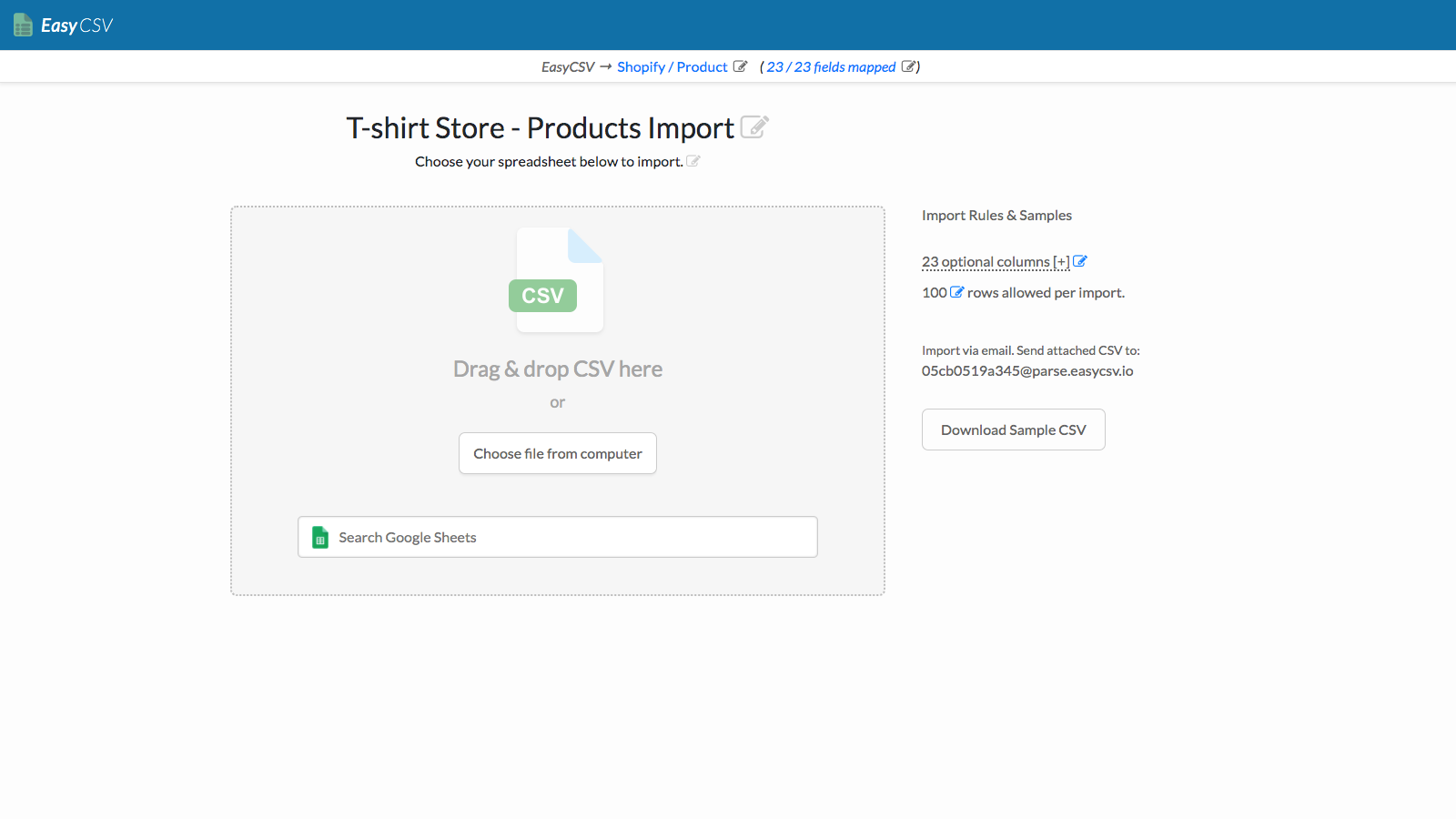
- Create Orders from another system (New Orders from FTP/SFTP, Email, B2B, & more)
- Bulk Import Order Tracking Numbers, Tags & Metafields from CSV & XLSX files
Features
- APIs
- Auto-sync data
- Automated alerts
- Automatic
- Barcodes
- Bulk
- Conditional logic
- Custom
- Custom notifications
- Custom triggers
- Custom workflows
- Data import and export
- Detailed logs
- Email alerts
- Error reports
- Historical reports
- Inventory levels
- Manual
- Multi-store
- Order fulfillment
- Order tags
- Order updates
- Orders
- Prices
- Product details
- Product tags
- Real-time
- Real-time status
- SKUs
- Sales thresholds
- Scheduled
- Scheduled tasks
- Stock replenishment
- Templates
- Time-based
- Variants
EasyCSV ‑ CSV & XLSX handling pricing
Free plan available · From $9 / month. Prices in USD; check the App Store for the latest.
-
Free Plan
Free
- 1 import or export flow
- 3 rows per import
- Upload CSV files
- Export Orders to CSV or XLSX
- Auto-import Email addresses for CSV/XLSX
-
Project Plan
$9 / month
- 1 import or export flow
- up to 5,000 rows per import
- Upload CSV files
- Export Orders to CSV or XLSX
- Auto-import Email addresses for CSV/XLSX
-
Business
$29 / month
- All features from lower plans
- 3 import or export flows
- up to 10,000 rows per import
- B2B/Wholesale Catalog Pricing Sync
- Import Orders from CSV or XLSX
-
Custom Plan
$39 / month
- Contact us for more custom pricing and feature options for more flows or if you need to support larger files
- All features from lower plans
- 4+ import or export flows
- 10,000+ rows per import
- Product & Variant Metafields Syncing
Shopify stores using EasyCSV ‑ CSV & XLSX handling
We haven't detected EasyCSV ‑ CSV & XLSX handling on a live Shopify store yet. We recognise the apps that leave a trace in a store's code; some apps run only in the admin or the checkout.
Detect apps on any storeFAQ
EasyCSV ‑ CSV & XLSX handling: FAQ
Automate Stock Sync, Price Sync, Order Export, or Create Orders via FTP, Email, Links, URLs, & more!
EasyCSV ‑ CSV & XLSX handling has a free plan; paid plans start at $9 a month.
We haven't detected EasyCSV ‑ CSV & XLSX handling on a live Shopify store yet. Scan any store on ShopScan to see the apps it runs.
EasyCSV ‑ CSV & XLSX handling is built by EasyCSV, based in United States, and launched in May 2020.
4.9 out of 5 from 22 reviews on the Shopify App Store.