


Import your Google Docs into store pages & blog posts in one click. For Bloggers & Content Creators.
- Stores using it
- — Not detected yet
- Rating
- 5.0 / 5 4 reviews
- Price
- Free
- Launched
- November 2023 Vietnam
Screenshots
About Docify ‑ Docs to Blog
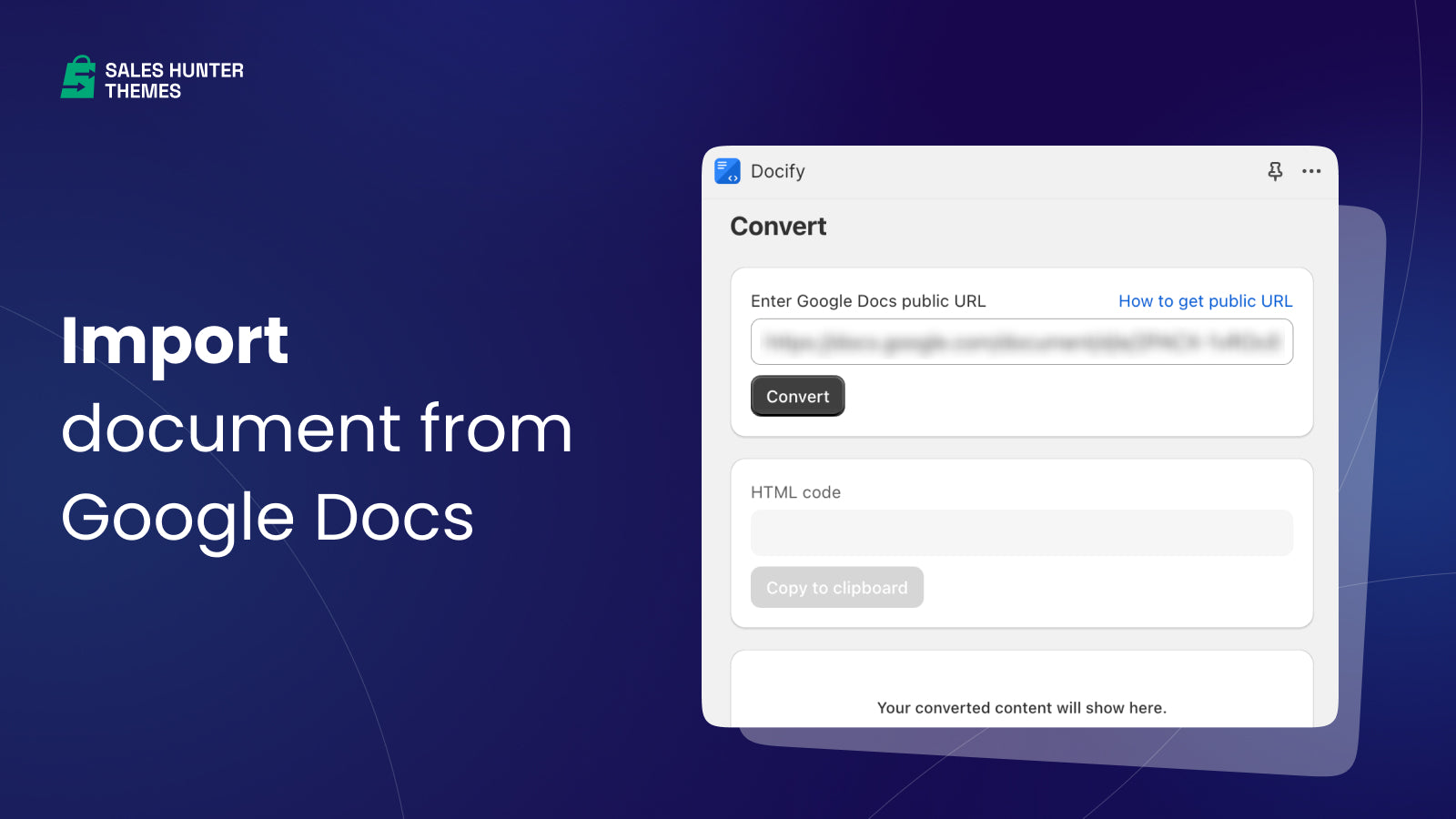
Import your Google Docs into store pages & blog posts in one click. For Bloggers & Content Creators.
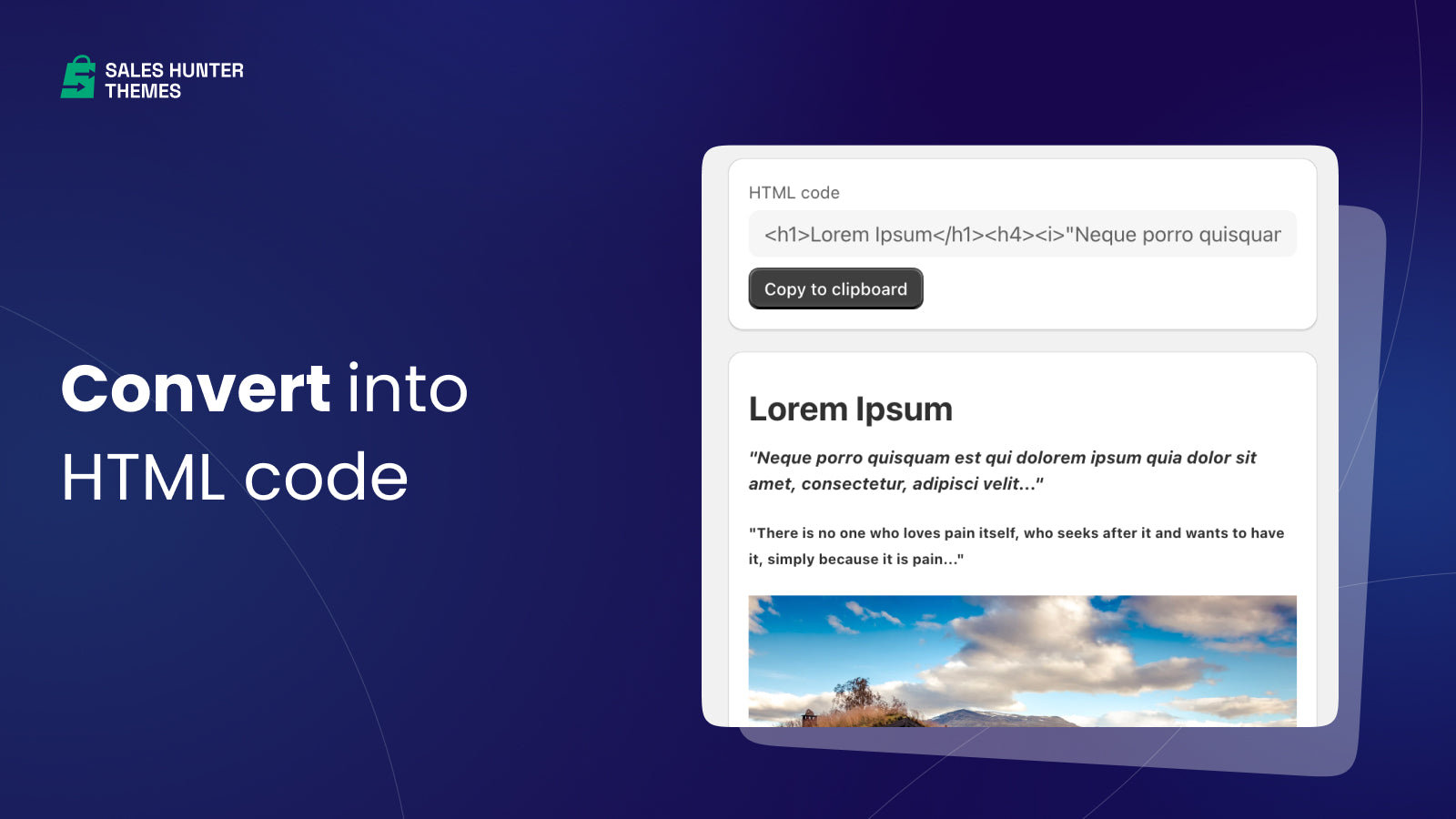
Effortlessly transform your Google Docs into precise HTML, preserving headings, fonts, images, and tables. Seamlessly import Google Docs templates into your pages and blog posts. Add blog posts to your Shopify store quickly. Compatible with all themes and page builder apps. Super easy to use and handy for Content Creators and Bloggers. Save your money on page builders and templates when it comes to create pro blog posts for your store.
- One-click content conversion from Google Docs to optimized light-weight HTML.
- Automatically transferring the images from Google Docs to Files.
- Effortless way to create pages and blog posts.
- Unlimited conversions.
Features
- Alt tags
- Images
- Import and export
Shopify stores using Docify ‑ Docs to Blog
We haven't detected Docify ‑ Docs to Blog on a live Shopify store yet. We recognise the apps that leave a trace in a store's code; some apps run only in the admin or the checkout.
Detect apps on any storeFAQ
Docify ‑ Docs to Blog: FAQ
Import your Google Docs into store pages & blog posts in one click. For Bloggers & Content Creators.
Yes, Docify ‑ Docs to Blog is free to use.
We haven't detected Docify ‑ Docs to Blog on a live Shopify store yet. Scan any store on ShopScan to see the apps it runs.
Docify ‑ Docs to Blog is built by SalesHunterThemes, based in Vietnam, and launched in November 2023.
5.0 out of 5 from 4 reviews on the Shopify App Store.