


Export unaltered data directly from Shopify’s database to comply with tax regulations.
- Stores using it
- — Not detected yet
- Rating
- 1.4 / 5 7 reviews
- Price
- Free
- Launched
- February 2021 Canada
Screenshots
About Data Exporter ‑ Tax Compliance
Export unaltered data directly from Shopify’s database to comply with tax regulations.
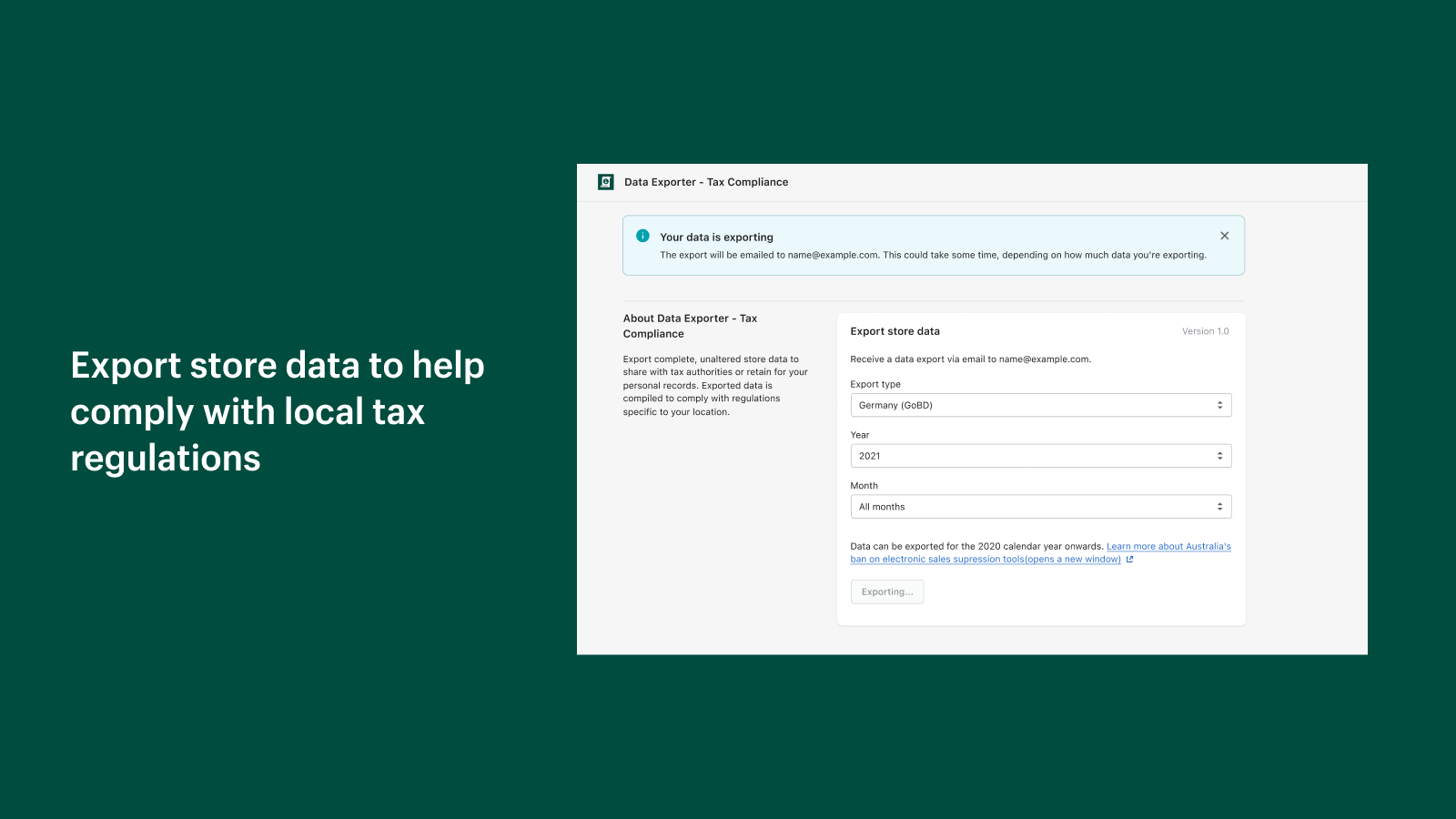
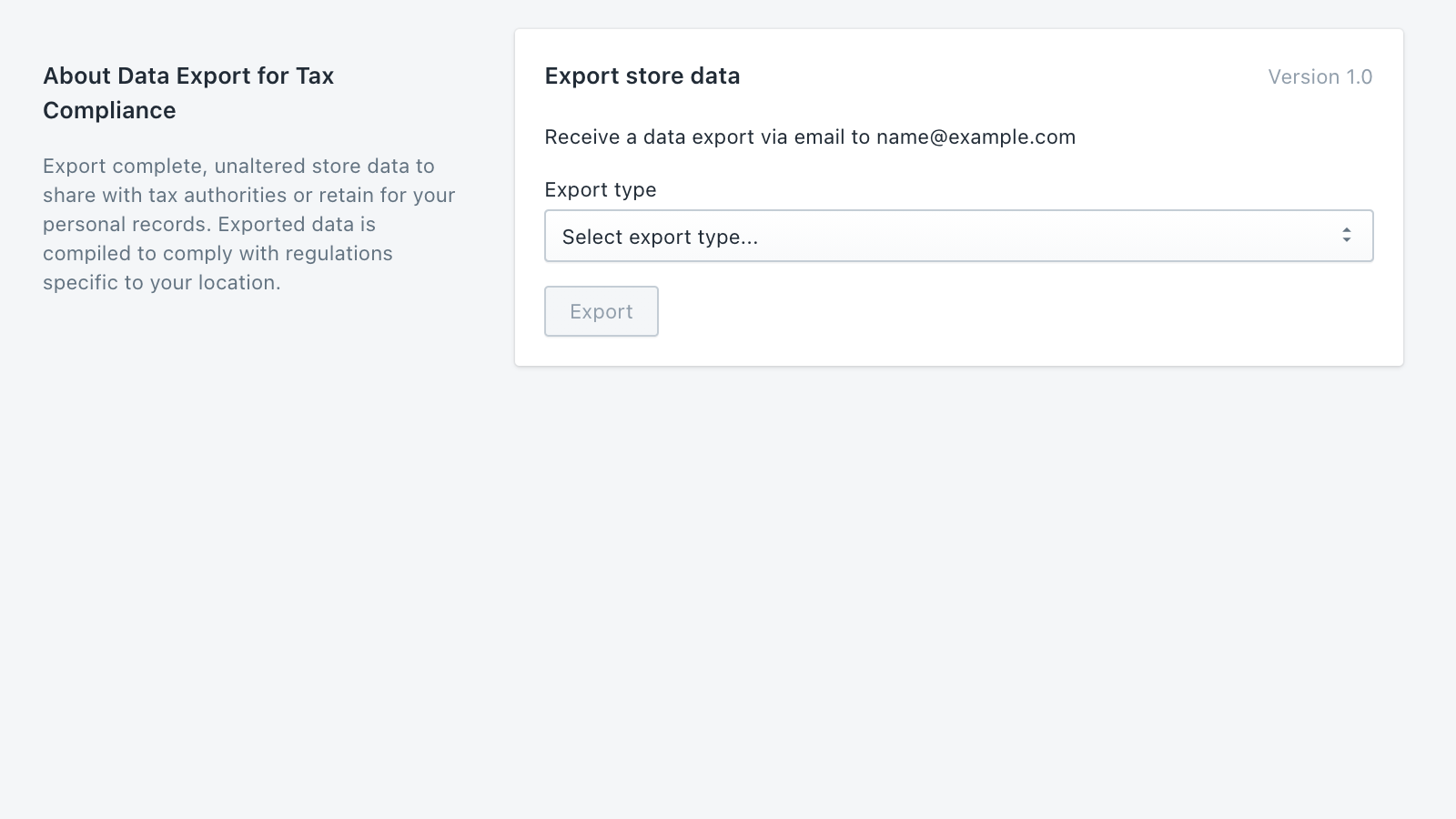
Businesses with tax obligations in certain countries are legally required to provide transaction records to prevent potential tax evasion. With the Data Exporter - Tax Compliance app, you can export complete, unaltered Shopify store data to share with tax authorities—or retain for your personal records. Exported data is compiled to comply with regulations specific to your location. Compatible for the following countries: Australia, France (Article 88), Germany (GoBD)
- Export store data for specific calendar years.
- Receive a CSV file sent to your email address for easy access and sharing.
- Includes all transactions made through the Shopify Point of Sale app.
Features
- Data export
Shopify stores using Data Exporter ‑ Tax Compliance
We haven't detected Data Exporter ‑ Tax Compliance on a live Shopify store yet. We recognise the apps that leave a trace in a store's code; some apps run only in the admin or the checkout.
Detect apps on any storeFAQ
Data Exporter ‑ Tax Compliance: FAQ
Export unaltered data directly from Shopify’s database to comply with tax regulations.
Yes, Data Exporter ‑ Tax Compliance is free to use.
We haven't detected Data Exporter ‑ Tax Compliance on a live Shopify store yet. Scan any store on ShopScan to see the apps it runs.
Data Exporter ‑ Tax Compliance is built by Shopify, based in Canada, and launched in February 2021.
1.4 out of 5 from 7 reviews on the Shopify App Store.