


Collect automatically reviews on Google, Facebook, Yelp and ward off the negative reviews.
- Stores using it
- — Not detected yet
- Rating
- 4.0 / 5 29 reviews
- Price
- Free
- Launched
- September 2022 Hungary
Screenshots
About Trustindex ‑ Google Reviews
Collect automatically reviews on Google, Facebook, Yelp and ward off the negative reviews.
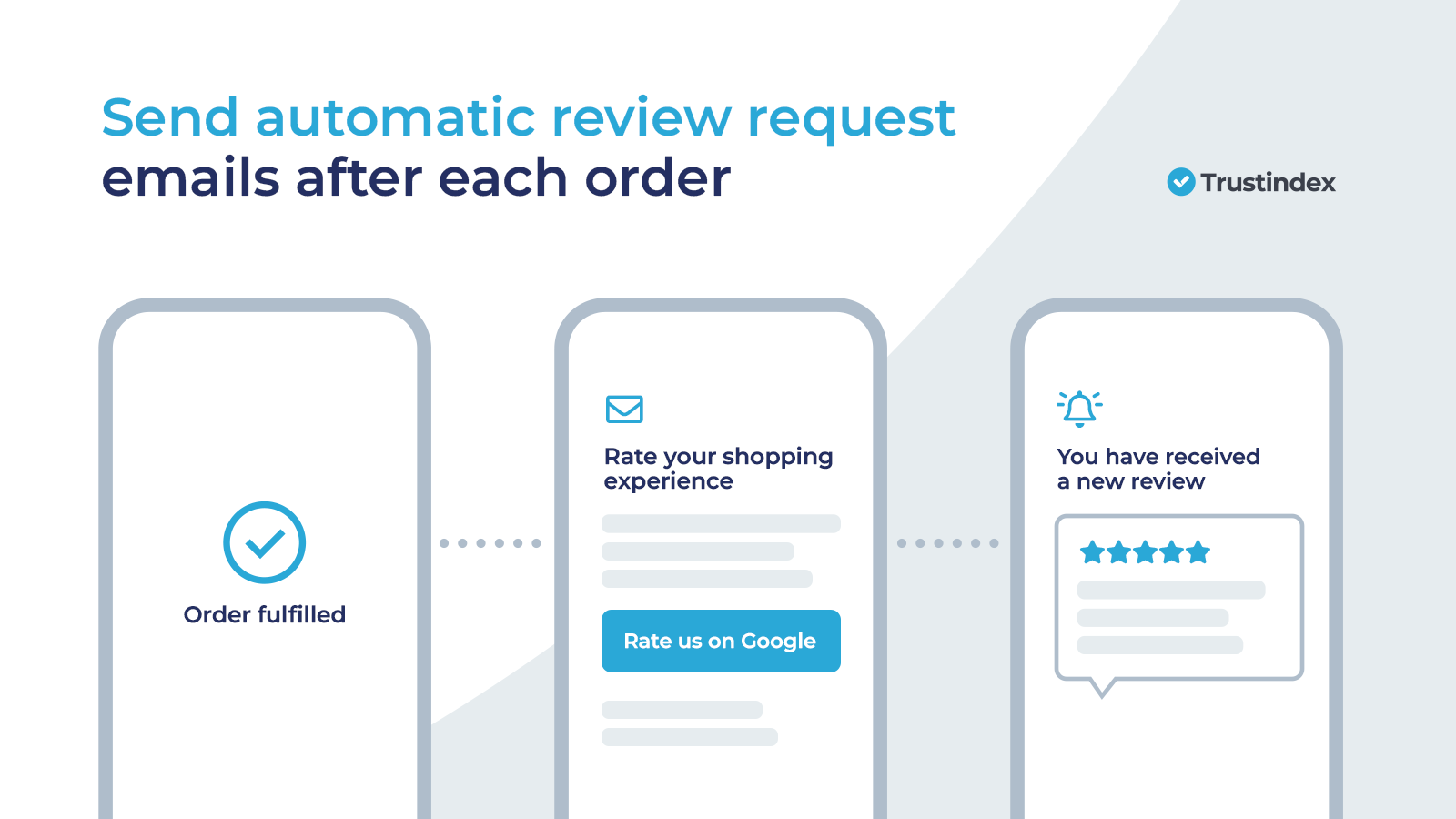
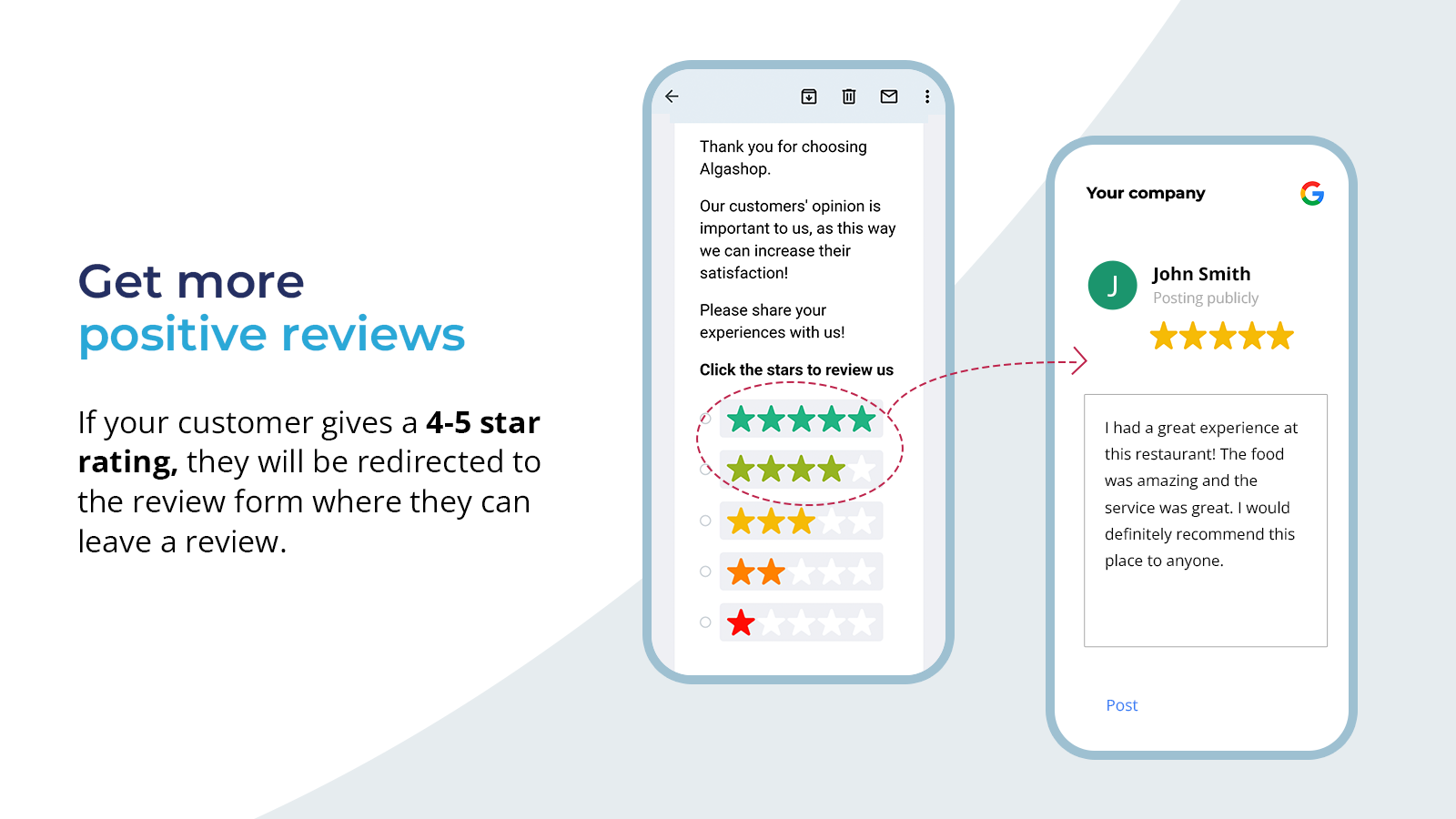
COLLECT CUSTOMER REVIEWS AUTOMATICALLY In our automated invitation system, emails are fully customizable and can be scheduled to send once the orders are completed. From now on, collecting customer reviews for your business will be a breeze. Ward off negative reviews with our intelligent invitation system! Get 100+ customer reviews fast and easily, build customer trust, improve your SEO and boost your sales.
- Collect reviews automatically on 100+ review platforms (Google, Facebook, etc)
- Send unlimited review invitations. Email templates are fully customizable.
- Ward off negative reviews with our intelligent invitation system.
Features
- Email Requests
Shopify stores using Trustindex ‑ Google Reviews
We haven't detected Trustindex ‑ Google Reviews on a live Shopify store yet. We recognise the apps that leave a trace in a store's code; some apps run only in the admin or the checkout.
Detect apps on any storeFAQ
Trustindex ‑ Google Reviews: FAQ
Collect automatically reviews on Google, Facebook, Yelp and ward off the negative reviews.
Yes, Trustindex ‑ Google Reviews is free to use.
We haven't detected Trustindex ‑ Google Reviews on a live Shopify store yet. Scan any store on ShopScan to see the apps it runs.
Trustindex ‑ Google Reviews is built by Trustindex, based in Hungary, and launched in September 2022.
4.0 out of 5 from 29 reviews on the Shopify App Store.