


Automatically detects the country of your customers and shows the prices in their local currency.
- Stores using it
- — Not detected yet
- Rating
- 4.0 / 5 4 reviews
- Price
- $3 / mo Free trial
- Launched
- March 2016 India
Screenshots

About Currency Robo
Automatically detects the country of your customers and shows the prices in their local currency.
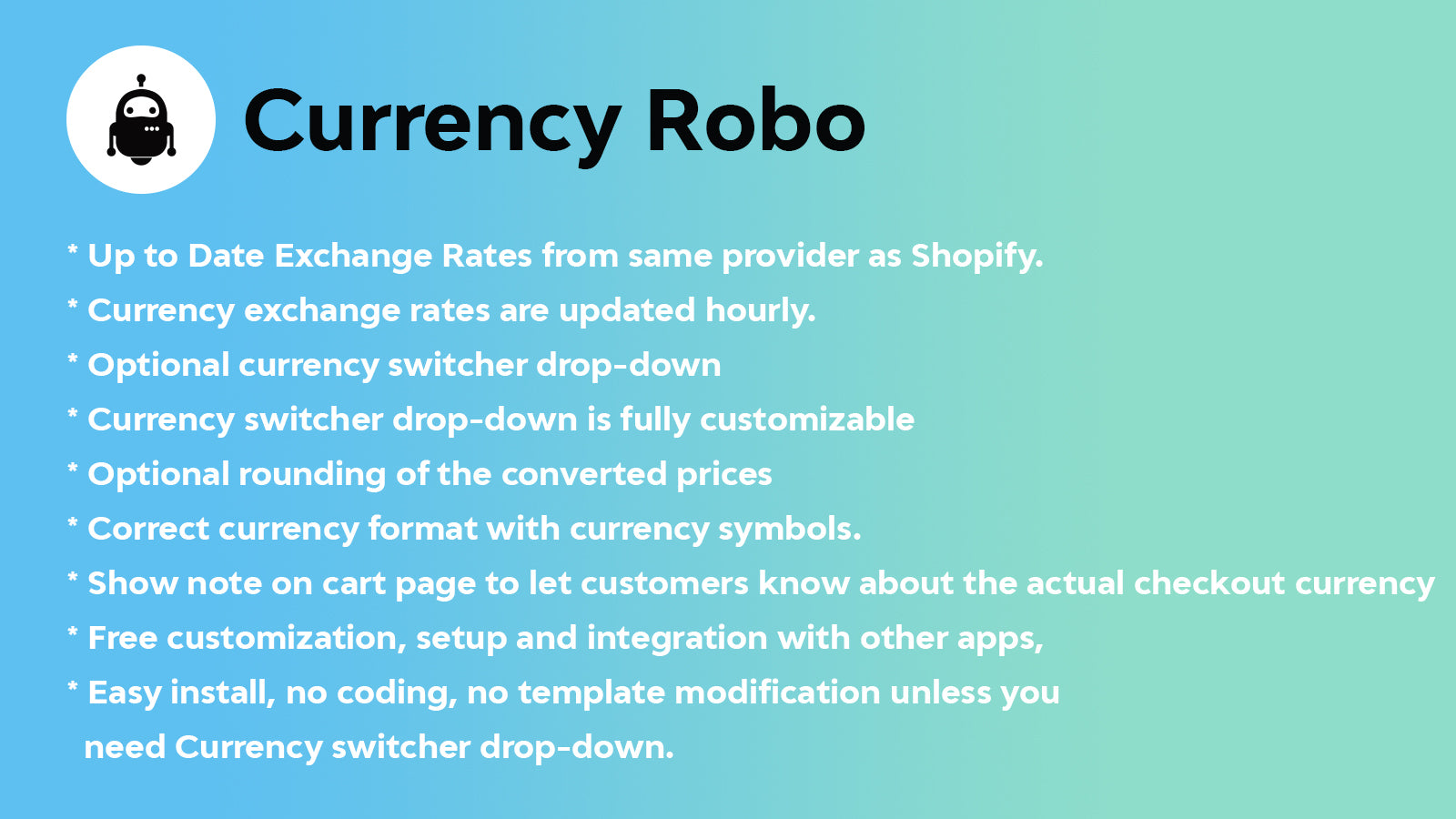
# Currency Robo automatically detects the country of your customers and shows the prices in their local currency. # Features: * Automatically detect customer's location then auto switch to the currency of your customer. * Up to Date Exchange Rates from same provider as Shopify. * Currency exchange rates are updated hourly. * Optional currency switcher drop-down * Currency switcher drop-down is fully customizable * Optional rounding of the converted prices * Correct currency format with currency
- Automatically detect customer's location then auto switch to the currency of yo
- Currency exchange rates are updated hourly.
- Optional currency switcher drop-down
Currency Robo pricing
Free trial · From $3 / month. Prices in USD; check the App Store for the latest.
-
One Plan
$3 / month
Shopify stores using Currency Robo
We haven't detected Currency Robo on a live Shopify store yet. We recognise the apps that leave a trace in a store's code; some apps run only in the admin or the checkout.
Detect apps on any storeFAQ
Currency Robo: FAQ
Automatically detects the country of your customers and shows the prices in their local currency.
No. Plans start at $3 a month, with a free trial.
We haven't detected Currency Robo on a live Shopify store yet. Scan any store on ShopScan to see the apps it runs.
Currency Robo is built by Mascot Software Technologies Pvt. Ltd, based in India, and launched in March 2016.
4.0 out of 5 from 4 reviews on the Shopify App Store.