


Reach more potential customers with Crowdin's localization software. Use app to translate your store
- Stores using it
- — Not detected yet
- Rating
- 1.0 / 5 1 reviews
- Price
- Free
- Launched
- November 2021 Estonia
Screenshots

About Crowdin
Reach more potential customers with Crowdin's localization software. Use app to translate your store
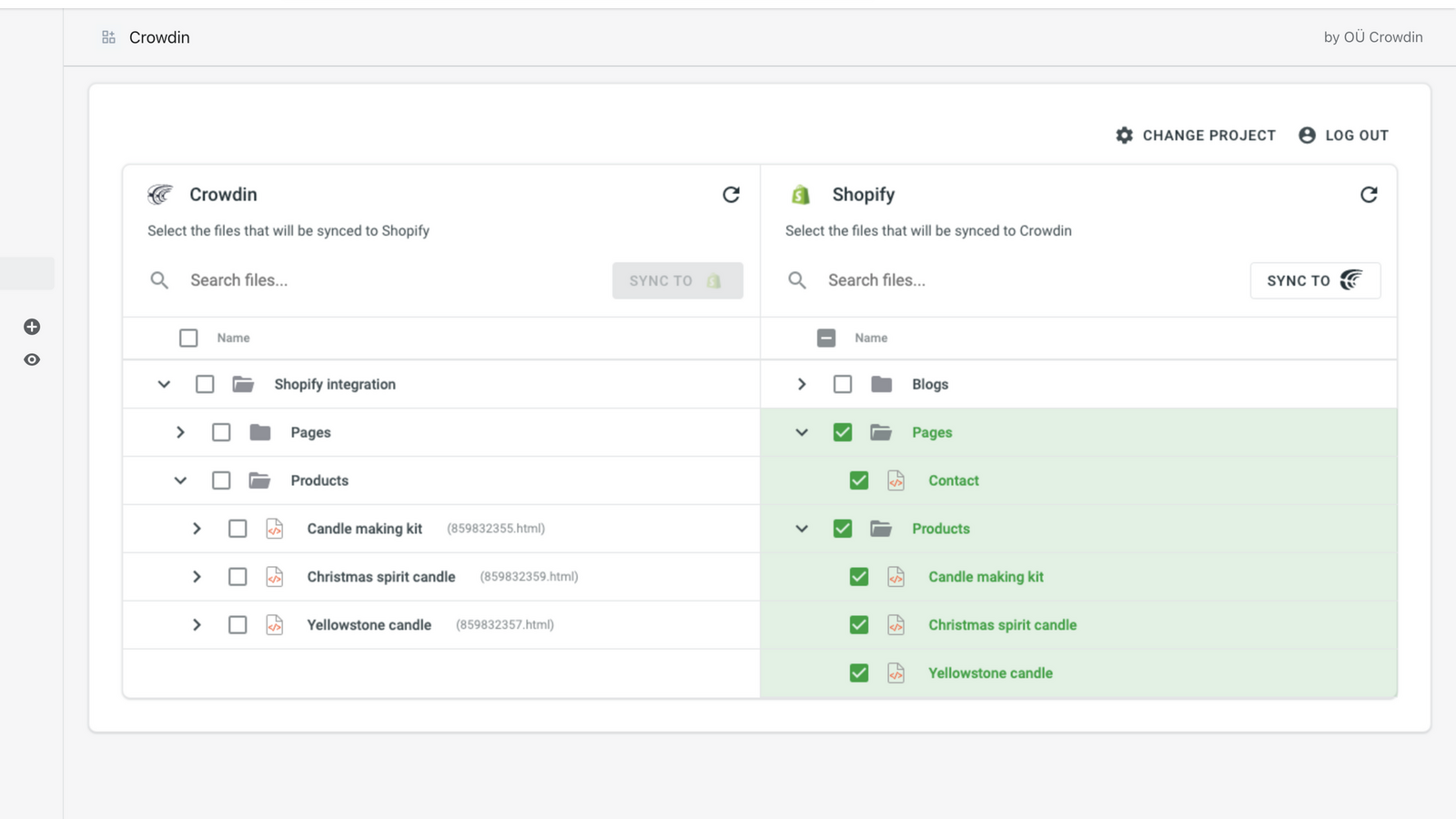
No need to upload translated files manually to Shopify. Automate updates of source content and translations to save your time with Crowdin. Send content in your primary language to your localization project in Crowdin right from Shopify in a click. Download completed translations without leaving your Shopify store right from the Crowdin app. Synced translations become instantly available for the published languages in your store.
- Ensure translation quality with QA checks
- Add a glossary to ensure that terms are translated correctly
- Translate into any language, dialect, or even custom languages
- Support for RTL languages
- 24/7 customer support
Features
- Auto-sync translations
- Bulk translation
- Glossary management
- Language switcher
- Machine translation
- Manual translation
- Professional translation
- SEO translation
Shopify stores using Crowdin
We haven't detected Crowdin on a live Shopify store yet. We recognise the apps that leave a trace in a store's code; some apps run only in the admin or the checkout.
Detect apps on any storeFAQ
Crowdin: FAQ
Reach more potential customers with Crowdin's localization software. Use app to translate your store
Yes, Crowdin is free to use.
We haven't detected Crowdin on a live Shopify store yet. Scan any store on ShopScan to see the apps it runs.
Crowdin is built by OÜ Crowdin, based in Estonia, and launched in November 2021.
1.0 out of 5 from 1 reviews on the Shopify App Store.