


Inline your Critical CSS to eliminate render-blocking resources. This will speed up your store.
- Stores using it
- — Not detected yet
- Rating
- 3.7 / 5 8 reviews
- Price
- $10 / mo Lowest paid plan
- Launched
- March 2021 United States
Screenshots

About Inline ‑ Critical CSS
Inline your Critical CSS to eliminate render-blocking resources. This will speed up your store.
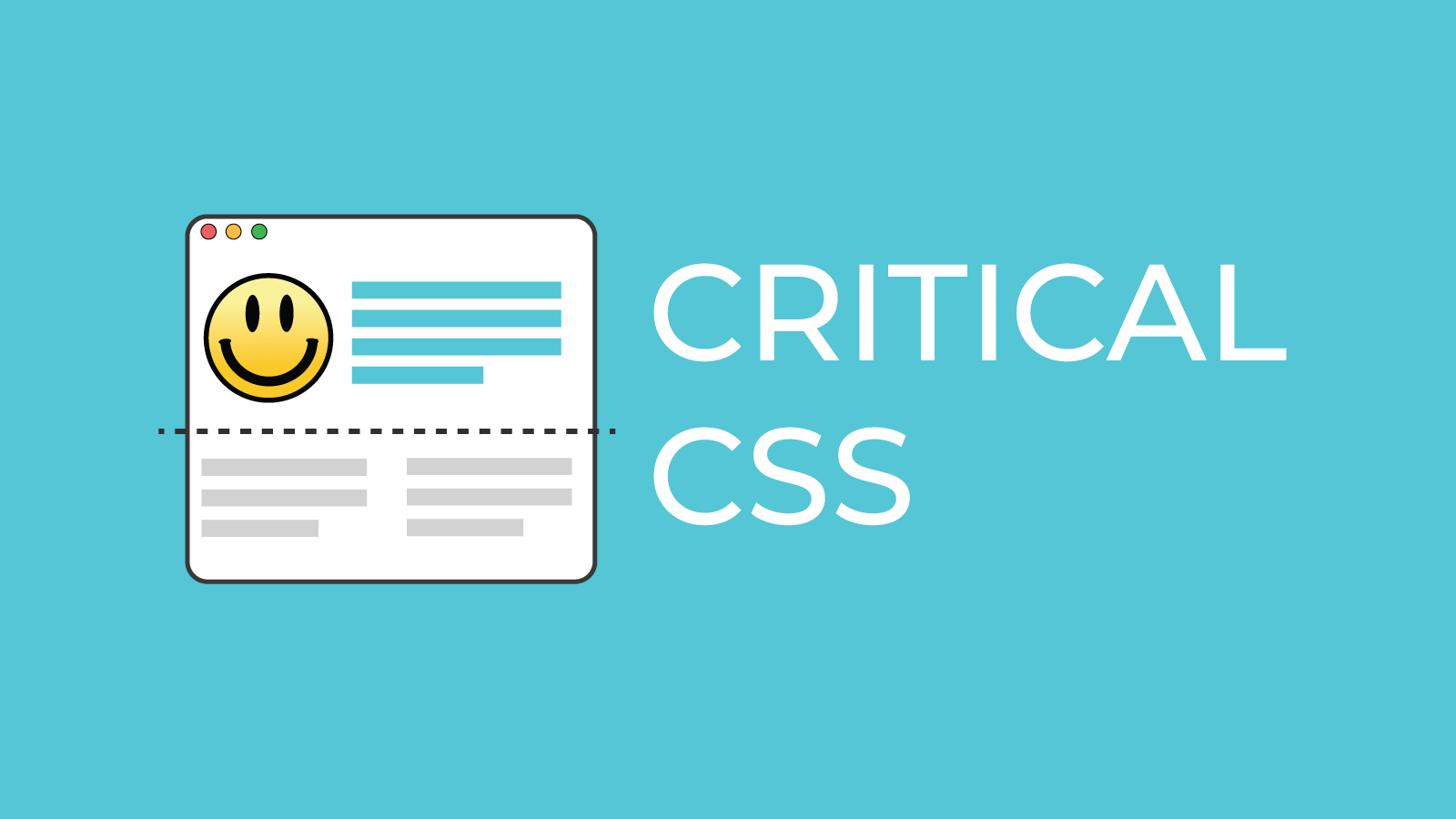
With Critical CSS, the visitor gets the base styling as quickly as possible; because it’s right there in a element in the document’s , there’s: no extra request to the server for the stylesheet & no waiting for the requested styles to load in and render. The below-the-fold, or non-critical, styling is then loaded in the background to avoid render-blocking.
- Your website will load faster, especially for first time users.
- A faster load time will increase your conversation rate.
- Rank higher in Google with a faster loading site.
Features
- Analytics
- Content optimization
- Speed analysis
- Testing
Inline ‑ Critical CSS pricing
From $10 / month. Prices in USD; check the App Store for the latest.
-
One-time charge
$10
Shopify stores using Inline ‑ Critical CSS
We haven't detected Inline ‑ Critical CSS on a live Shopify store yet. We recognise the apps that leave a trace in a store's code; some apps run only in the admin or the checkout.
Detect apps on any storeFAQ
Inline ‑ Critical CSS: FAQ
Inline your Critical CSS to eliminate render-blocking resources. This will speed up your store.
No. Plans start at $10 a month.
We haven't detected Inline ‑ Critical CSS on a live Shopify store yet. Scan any store on ShopScan to see the apps it runs.
Inline ‑ Critical CSS is built by Speed Boostr, based in United States, and launched in March 2021.
3.7 out of 5 from 8 reviews on the Shopify App Store.