


Connect your data with Sheets and Get GPT-like answers.
- Stores using it
- — Not detected yet
- Rating
- —
- Price
- Free plan Free plan available
- Launched
- April 2022 United States
Screenshots
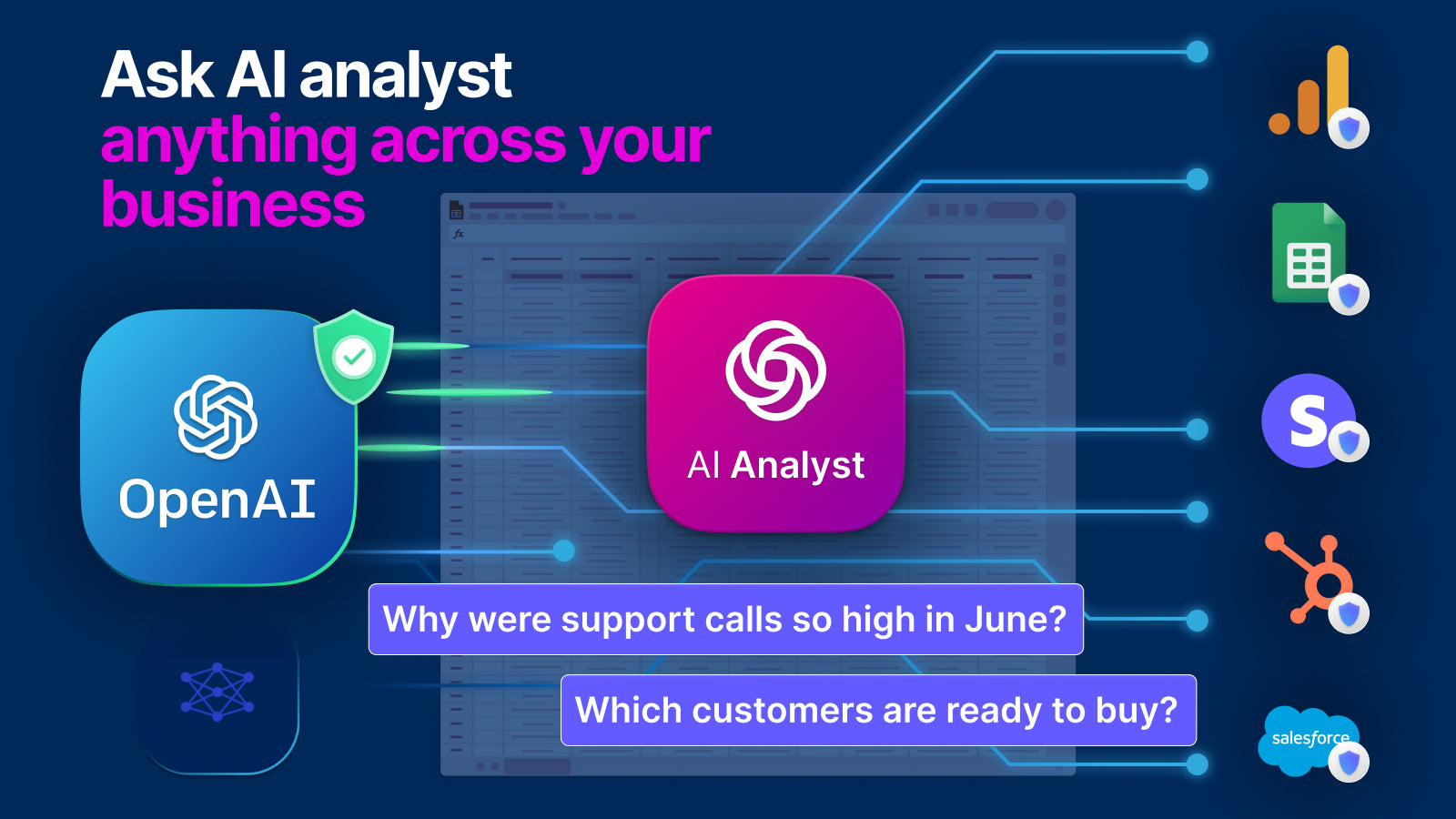
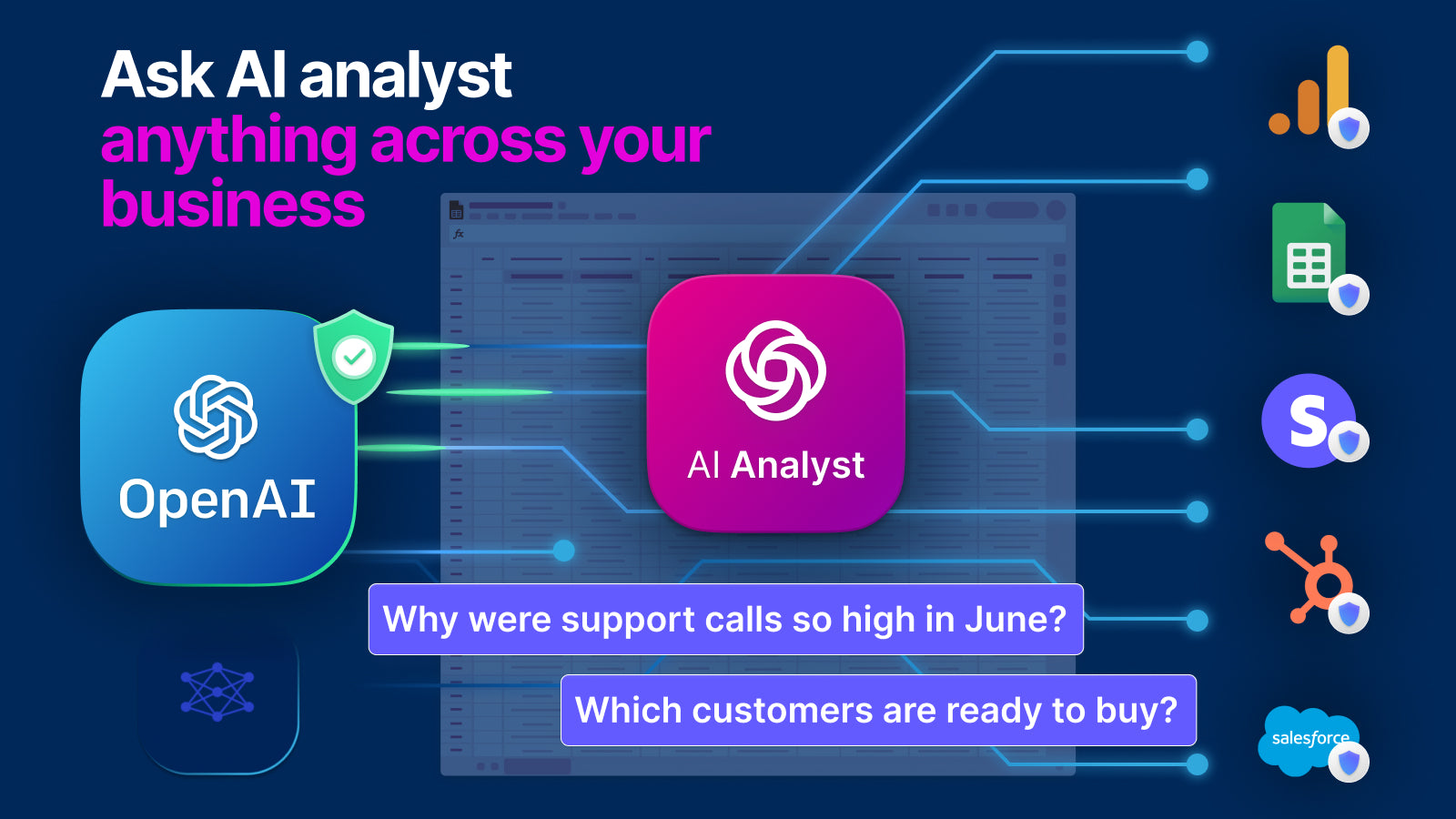
About Conduit ‑ AI Analyst
Connect your data with Sheets and Get GPT-like answers.
AI analyst brings together SaaS data such as in Shopify, Square and Facebook Ads, into a single dashboard, all with point and click. Business owners can then ask questions like “what’s my most profitable product category” or “which ad campaigns should I turn off.” Export data from applications such as Shopify, Klaviyo , Gorgias, Square or Hubspot into Google Sheets and data warehouses in a few clicks.
- 1-Click Connections. Pull your data into AI and Google Sheets.
- Combine Shopify and Facebook ad data. Or deal, timesheets, and invoice data.
- Ask questions like “what’s my most profitable product category”
- Alerting. Trigger Slack & email notifications to your team on any changes.
- Pre-Built Dashboards. Effortlessly monitor and and analyze your data.
Conduit ‑ AI Analyst pricing
Free plan available. Prices in USD; check the App Store for the latest.
-
Free
Free
- $25 per connection, starting from 2 connections
Shopify stores using Conduit ‑ AI Analyst
We haven't detected Conduit ‑ AI Analyst on a live Shopify store yet. We recognise the apps that leave a trace in a store's code; some apps run only in the admin or the checkout.
Detect apps on any storeFAQ
Conduit ‑ AI Analyst: FAQ
Connect your data with Sheets and Get GPT-like answers.
Conduit ‑ AI Analyst has a free plan.
We haven't detected Conduit ‑ AI Analyst on a live Shopify store yet. Scan any store on ShopScan to see the apps it runs.
Conduit ‑ AI Analyst is built by Conduit.app, based in United States, and launched in April 2022.