

CodeUp is an efficient app that allows users to add custom CSS and JavaScript code to their websites
- Stores using it
- — Not detected yet
- Rating
- 4.6 / 5 6 reviews
- Price
- Free
- Launched
- September 2022 Bangladesh
Screenshots

About CodeUp ‑ Add Custom Code
CodeUp is an efficient app that allows users to add custom CSS and JavaScript code to their websites
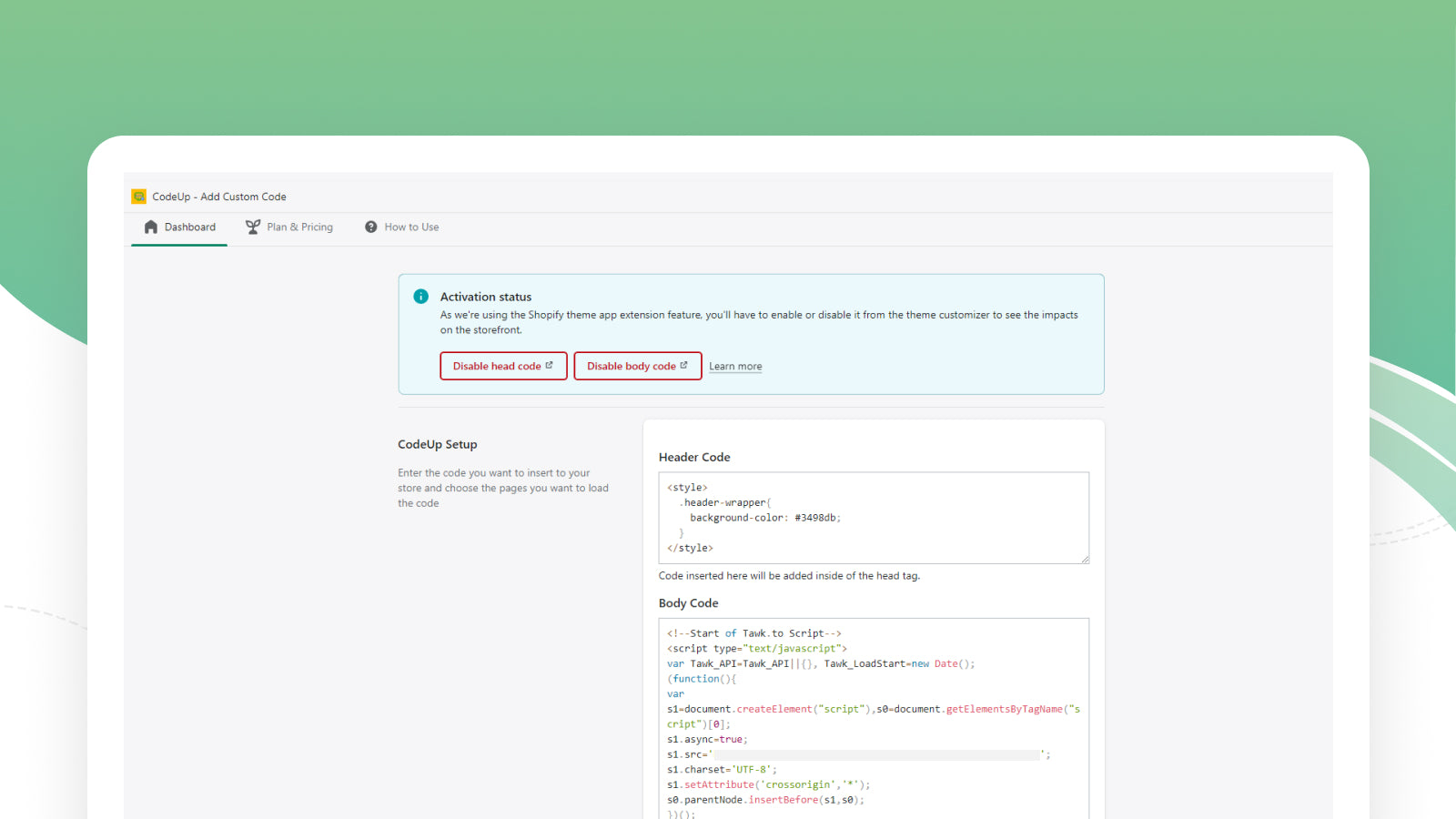
With CodeUp, you can add codes from Google Site Verification, Facebook Domain Verification, Google Analytics, Facebook Pixel, 3rd party script, live chat script, as well as custom CSS to the head or body of your site. This app is easy to use and makes it simple to add the code you need to make your website look great and run smoothly.
- Simple Code Customization
- Load Code Pagewise
- Easy to Use
CodeUp ‑ Add Custom Code pricing
Free. Prices in USD; check the App Store for the latest.
-
Free Plan
Free
- Insert JS/CSS in Head
- Insert JS/CSS in Body
- Load CSS/JS Based on Page Type
Shopify stores using CodeUp ‑ Add Custom Code
We haven't detected CodeUp ‑ Add Custom Code on a live Shopify store yet. We recognise the apps that leave a trace in a store's code; some apps run only in the admin or the checkout.
Detect apps on any storeFAQ
CodeUp ‑ Add Custom Code: FAQ
CodeUp is an efficient app that allows users to add custom CSS and JavaScript code to their websites
Yes, CodeUp ‑ Add Custom Code is free to use.
We haven't detected CodeUp ‑ Add Custom Code on a live Shopify store yet. Scan any store on ShopScan to see the apps it runs.
CodeUp ‑ Add Custom Code is built by GroPulse, based in Bangladesh, and launched in September 2022.
4.6 out of 5 from 6 reviews on the Shopify App Store.