


Make time management easy for your team with a clocking-in tool designed for POS.
- Stores using it
- — Not detected yet
- Rating
- 1.1 / 5 9 reviews
- Price
- $29 / mo Free trial
- Launched
- September 2018 United States
Screenshots
About ClockedIn
Make time management easy for your team with a clocking-in tool designed for POS.
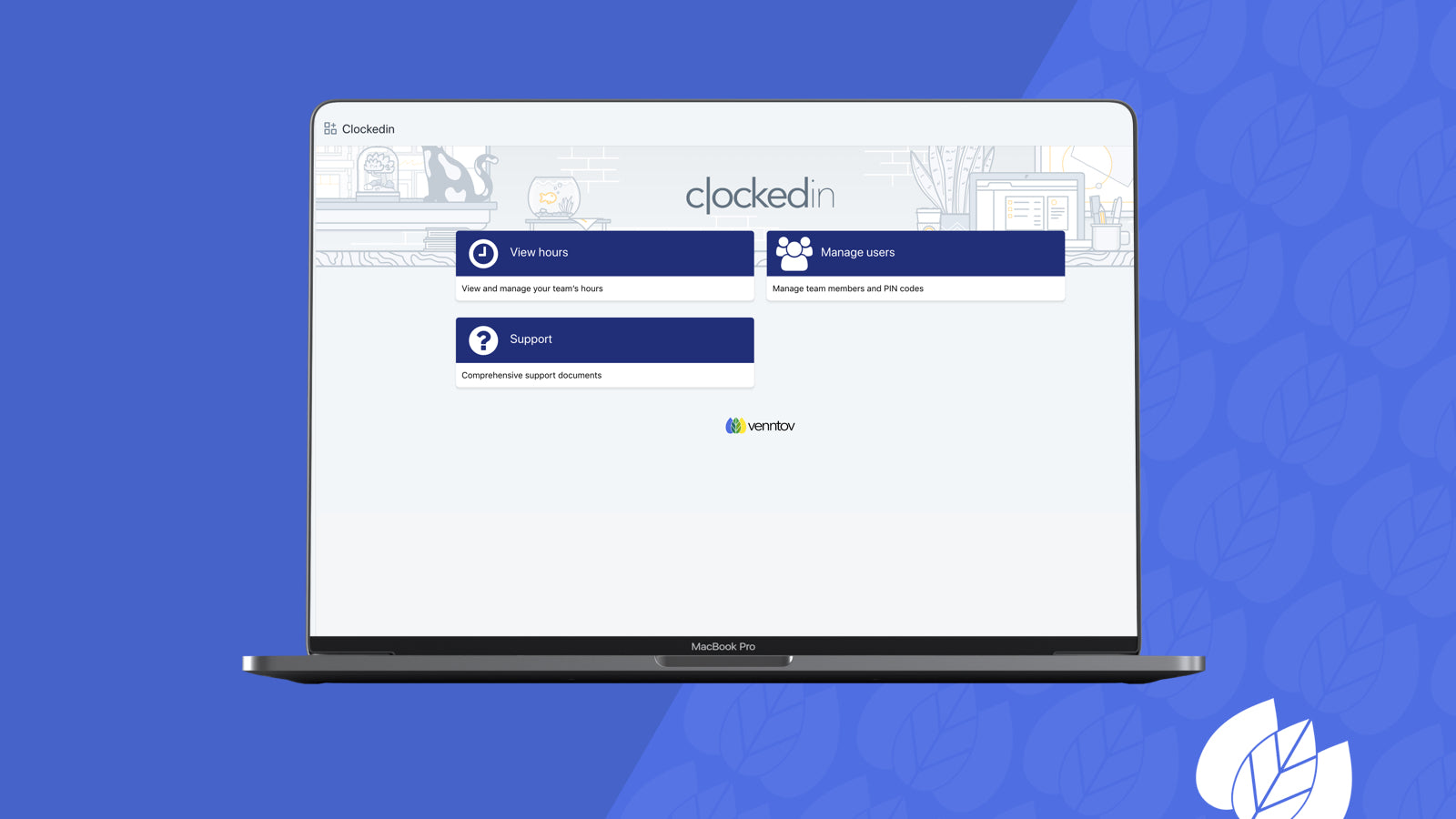
Do you ever struggle with managing your team member’s hours worked? Are you still tracking time using a spreadsheet? Simplify your day to day operations with this easy to use time clock tool. From your team member's side- they see a "punch card" where they can punch in and out of their shifts. There is also an administrative option from this front-end facing interface. Plus, both your team members and admins can see who is actively clocked in.
- Existing Clockedin users can be migrated into Shopify POS users
- Bulk user creation via CSV file upload - allowing for Clockedin only user
- Add and remove team members, give them PIN codes, and manage their access levels
- Admin can adjust time when appropriate
ClockedIn pricing
Free trial · From $29 / month. Prices in USD; check the App Store for the latest.
-
Essential
$29 / month
Shopify stores using ClockedIn
We haven't detected ClockedIn on a live Shopify store yet. We recognise the apps that leave a trace in a store's code; some apps run only in the admin or the checkout.
Detect apps on any storeFAQ
ClockedIn: FAQ
Make time management easy for your team with a clocking-in tool designed for POS.
No. Plans start at $29 a month, with a free trial.
We haven't detected ClockedIn on a live Shopify store yet. Scan any store on ShopScan to see the apps it runs.
ClockedIn is built by venntov, based in United States, and launched in September 2018.
1.1 out of 5 from 9 reviews on the Shopify App Store.