


Let customers edit address, cancel orders, or reorder directly from Thank You & Order Status pages.
- Stores using it
- — Not detected yet
- Rating
- —
- Price
- $3 / mo Free trial
- Launched
- November 2025 India
Screenshots
About ClickFlow ‑ Order Editable
Let customers edit address, cancel orders, or reorder directly from Thank You & Order Status pages.
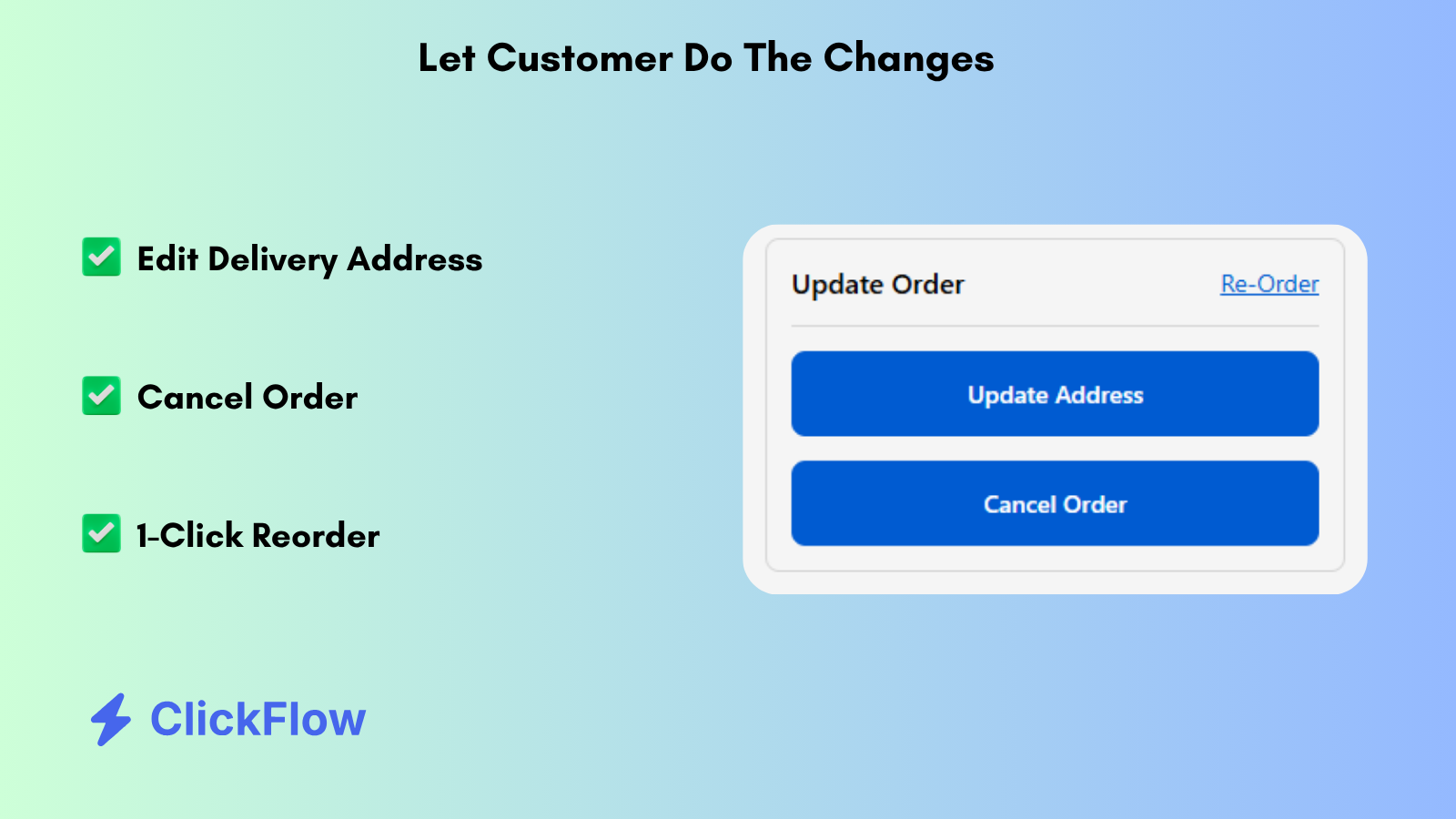
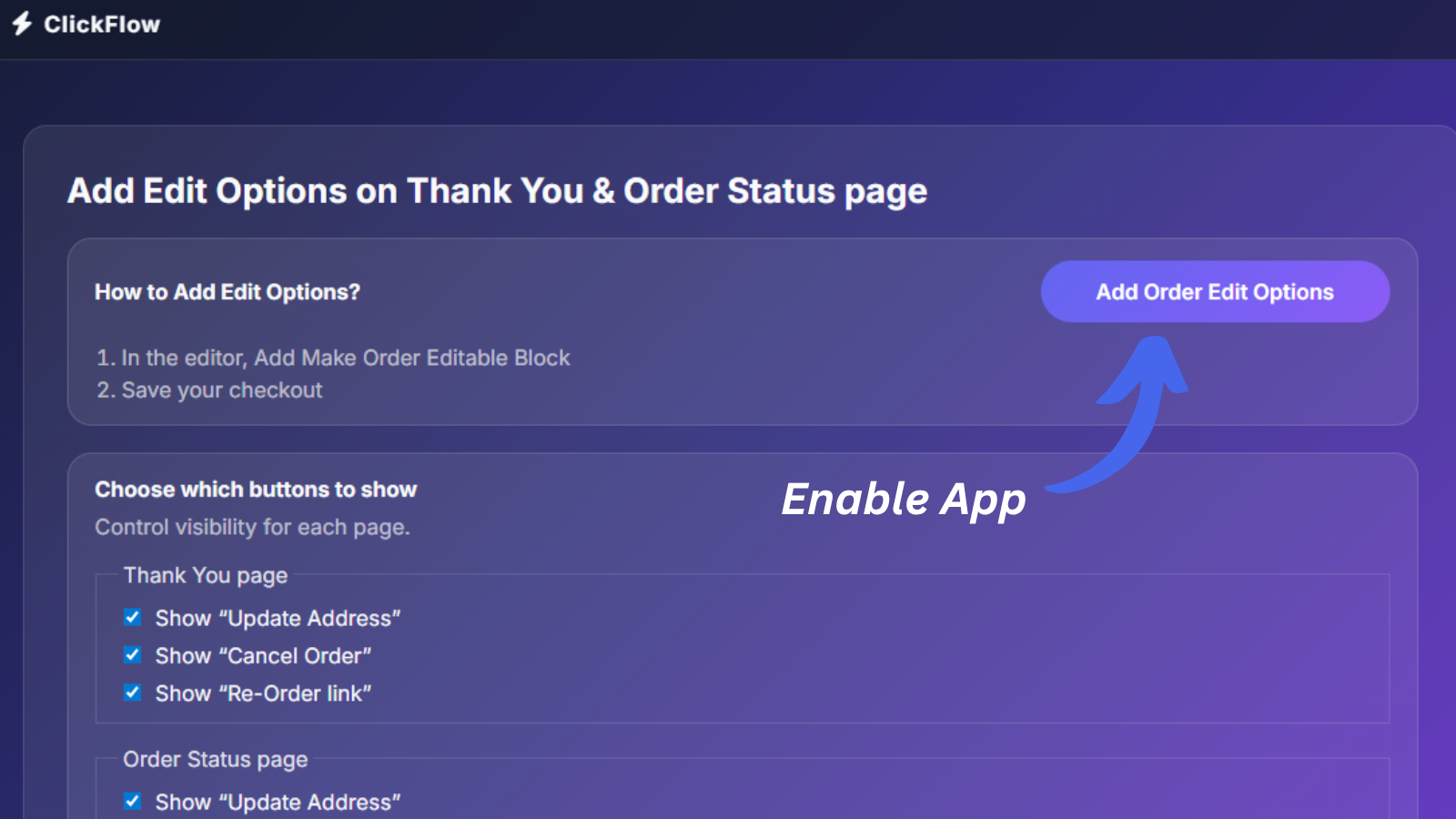
Give customers control after checkout with simple action buttons on the Thank You and Order Status pages. Let customers edit delivery address, cancel unfulfilled orders, or reorder previous purchases in one click. Reduce support requests, prevent RTO losses, and get repeat sales. Merchants can choose which buttons to show. No coding or theme changes required — works instantly with all Shopify stores and themes.
- Add Edit Delivery Address Button
- Add Cancel Order Button
- Add 1-Click Reorder Button
ClickFlow ‑ Order Editable pricing
Free trial · From $3 / month. Prices in USD; check the App Store for the latest.
-
Monthly Plan
$3 / month
- Address Update
- Order Cancel
- Re-Order
Shopify stores using ClickFlow ‑ Order Editable
We haven't detected ClickFlow ‑ Order Editable on a live Shopify store yet. We recognise the apps that leave a trace in a store's code; some apps run only in the admin or the checkout.
Detect apps on any storeFAQ
ClickFlow ‑ Order Editable: FAQ
Let customers edit address, cancel orders, or reorder directly from Thank You & Order Status pages.
No. Plans start at $3 a month, with a free trial.
We haven't detected ClickFlow ‑ Order Editable on a live Shopify store yet. Scan any store on ShopScan to see the apps it runs.
ClickFlow ‑ Order Editable is built by ClickFlow, based in India, and launched in November 2025.