


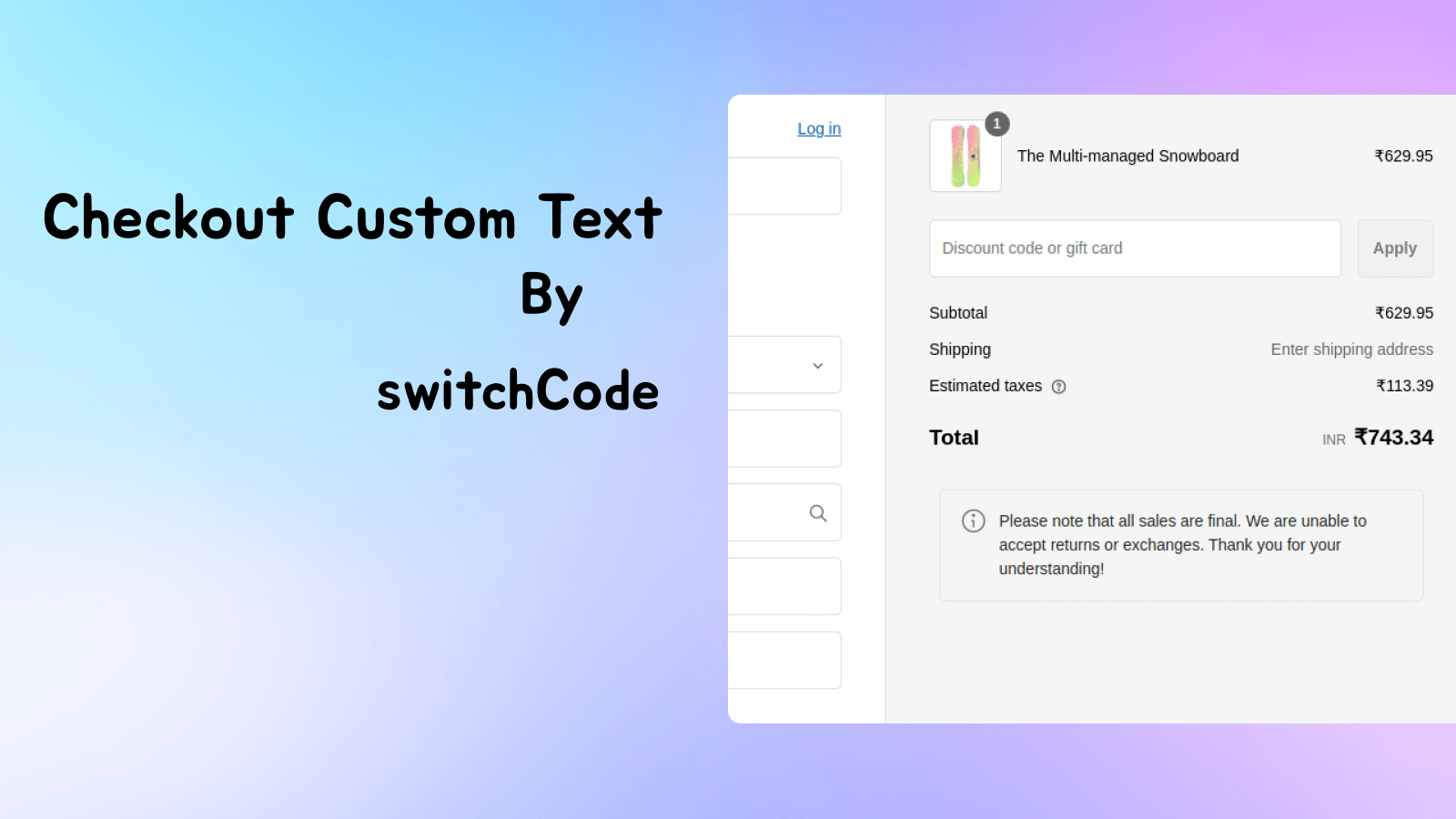
Display custom text/Image at checkout to build trust. Foster a more reliable shopping experience.
- Stores using it
- — Not detected yet
- Rating
- 1.0 / 5 1 reviews
- Price
- $5 / mo Free trial
- Launched
- February 2025 India
Screenshots
About switchCode: Checkout Text
Display custom text/Image at checkout to build trust. Foster a more reliable shopping experience.
Helps merchants create a trustworthy and seamless checkout experience by displaying custom text, fostering transparency and building customer confidence. This reduces cart abandonment and increases conversion rates.
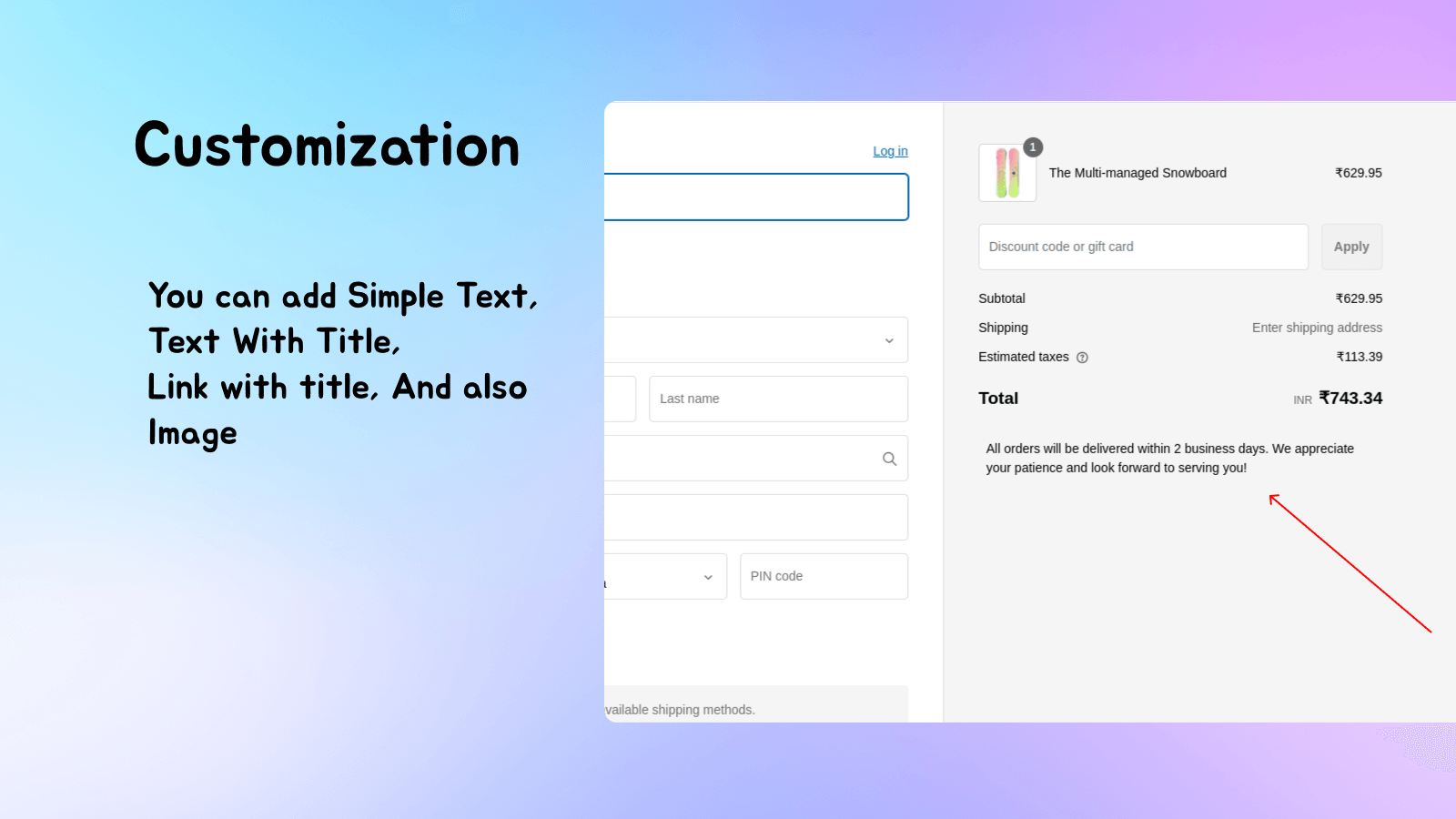
- Custom Text at checkout
- Custom Link in checkout
- Custom Image/Banner at checkout
switchCode: Checkout Text pricing
Free trial · From $5 / month. Prices in USD; check the App Store for the latest.
-
Basic
$5 / month
55 billed yearly (save 8%)
- Custom Text with design options
- Custom Links
- Custom Image and banner
- Exclusive for Shopify Plus
Shopify stores using switchCode: Checkout Text
We haven't detected switchCode: Checkout Text on a live Shopify store yet. We recognise the apps that leave a trace in a store's code; some apps run only in the admin or the checkout.
Detect apps on any storeFAQ
switchCode: Checkout Text: FAQ
Display custom text/Image at checkout to build trust. Foster a more reliable shopping experience.
No. Plans start at $5 a month, with a free trial.
We haven't detected switchCode: Checkout Text on a live Shopify store yet. Scan any store on ShopScan to see the apps it runs.
switchCode: Checkout Text is built by switchCode, based in India, and launched in February 2025.
1.0 out of 5 from 1 reviews on the Shopify App Store.