

Boost sales & support with an AI chatbot that helps customers track orders, shop, and get answers.
- Stores using it
- — Not detected yet
- Rating
- —
- Price
- Free
- Launched
- October 2025 Pakistan
Screenshots
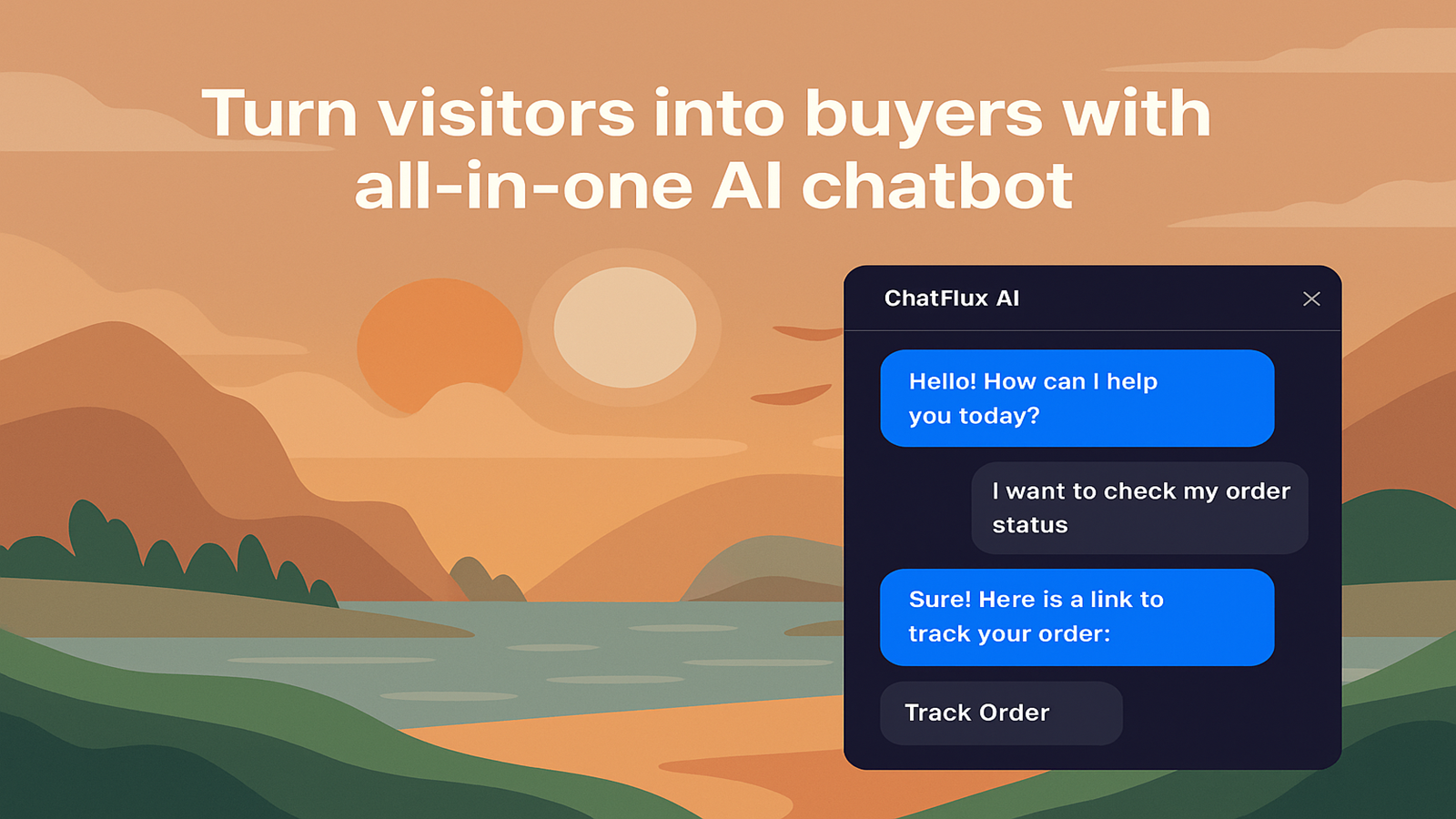
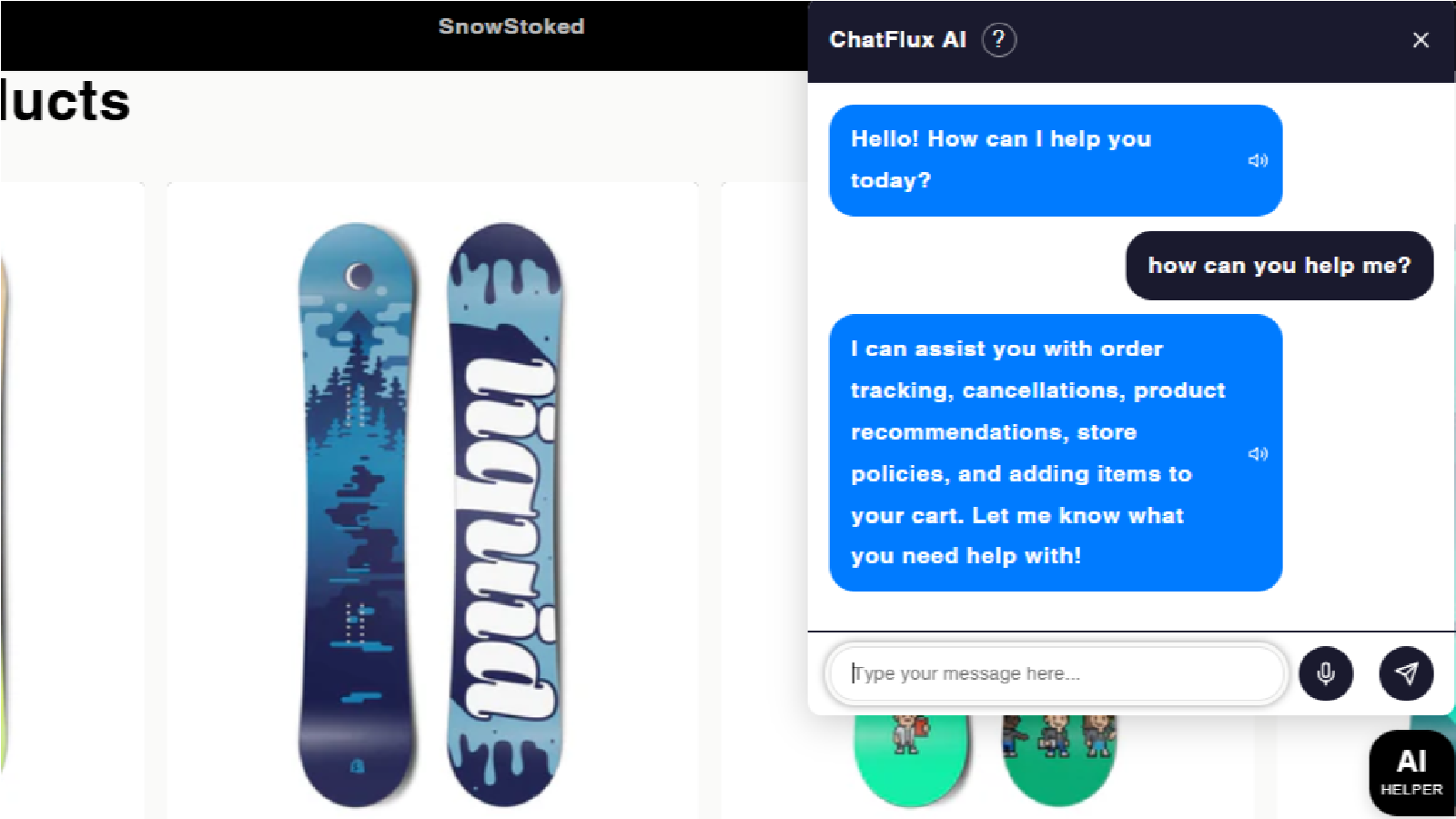
About ChatFlux AI: All‑in‑1 Chat Bot
Boost sales & support with an AI chatbot that helps customers track orders, shop, and get answers.
ChatFlux AI helps Shopify merchants automate customer interactions with a real-time AI chatbot. It improves customer experience by instantly answering questions, recommending products, and assisting with orders. The chatbot supports multiple languages, explains store policies, and handles FAQs to reduce support workload. With built-in upselling and discount handling, ChatFlux AI helps convert visitors into buyers and boosts sales effortlessly.
- AI-powered product recommendations using your live Shopify catalog.
- Multilingual chatbot support to engage customers in their preferred language.
- Instant order tracking and status updates for customer queries.
- Shares available discounts, sales, and promo codes to boost conversions.
Shopify stores using ChatFlux AI: All‑in‑1 Chat Bot
We haven't detected ChatFlux AI: All‑in‑1 Chat Bot on a live Shopify store yet. We recognise the apps that leave a trace in a store's code; some apps run only in the admin or the checkout.
Detect apps on any storeFAQ
ChatFlux AI: All‑in‑1 Chat Bot: FAQ
Boost sales & support with an AI chatbot that helps customers track orders, shop, and get answers.
Yes, ChatFlux AI: All‑in‑1 Chat Bot is free to use.
We haven't detected ChatFlux AI: All‑in‑1 Chat Bot on a live Shopify store yet. Scan any store on ShopScan to see the apps it runs.
ChatFlux AI: All‑in‑1 Chat Bot is built by ChatFlux AI, based in Pakistan, and launched in October 2025.