


It enables personalized single-click notifications, order tracking, and WhatsApp commerce.
- Stores using it
- — Not detected yet
- Rating
- 4.1 / 5 3 reviews
- Price
- Free
- Launched
- February 2023 India
Screenshots
About Chat360 WhatsApp Commerce
It enables personalized single-click notifications, order tracking, and WhatsApp commerce.
With Chat360 WhatsApp Commerce Shopify-WhatsApp Integration, you get instant access to your customer data and all the automation available on WhatsApp. Share automated welcome greetings, run discount campaigns, give offers to your repetitive customers and eventually see your revenue increase. You can also improve your customer retention rates and boost your sales.
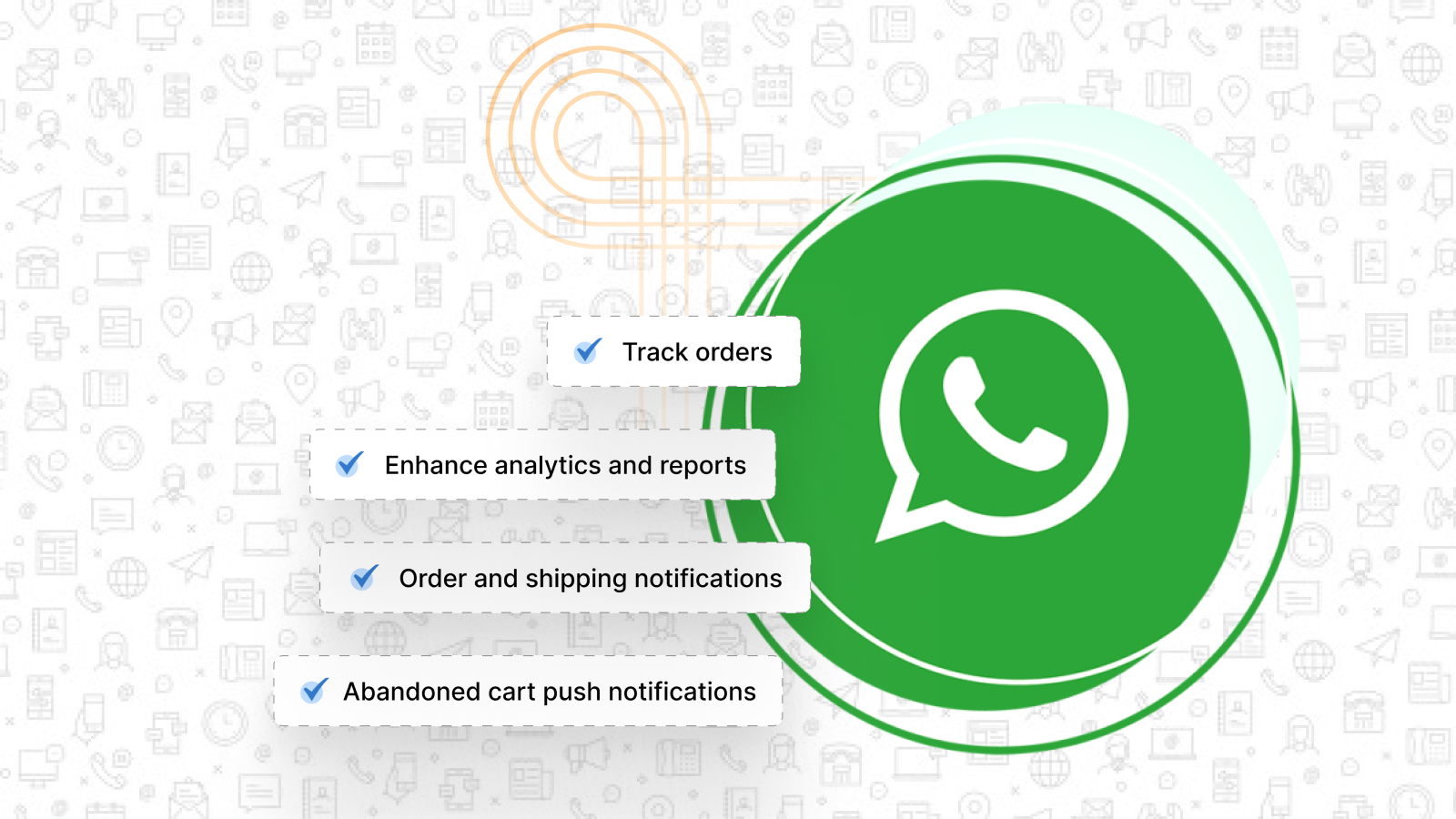
- Sell: Take orders/track orders.
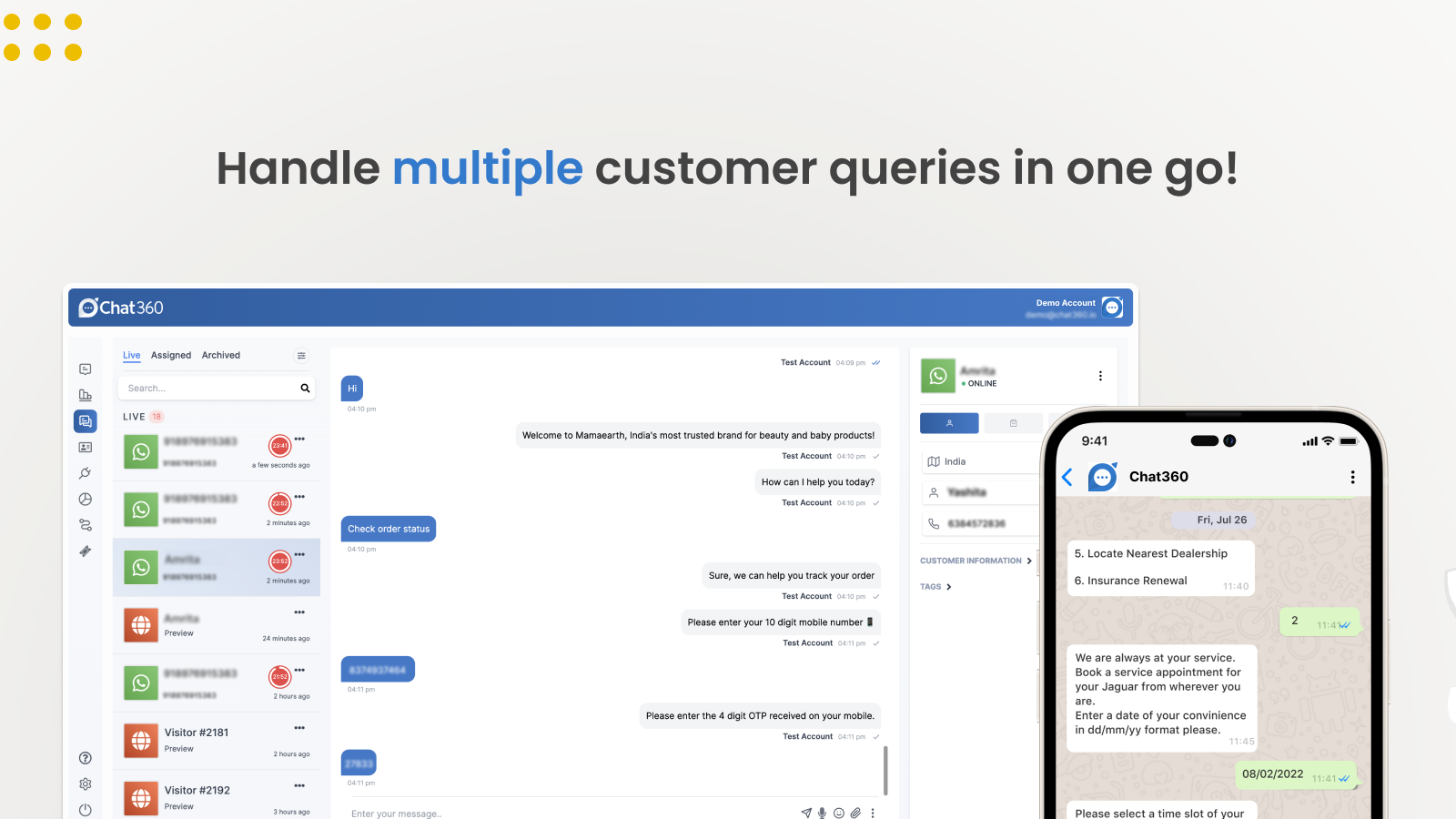
- Support: 24 X 7 customer service.
- Marketing: Send WhatsApp broadcast messages.
- Notifications: Send order and shipping notifications on WhatsApp.
- WhatsApp Commerce: Enable sales on WhatsApp live chat.
Shopify stores using Chat360 WhatsApp Commerce
We haven't detected Chat360 WhatsApp Commerce on a live Shopify store yet. We recognise the apps that leave a trace in a store's code; some apps run only in the admin or the checkout.
Detect apps on any storeFAQ
Chat360 WhatsApp Commerce: FAQ
It enables personalized single-click notifications, order tracking, and WhatsApp commerce.
Yes, Chat360 WhatsApp Commerce is free to use.
We haven't detected Chat360 WhatsApp Commerce on a live Shopify store yet. Scan any store on ShopScan to see the apps it runs.
Chat360 WhatsApp Commerce is built by Sumanel Technology Ventures Pvt Ltd, based in India, and launched in February 2023.
4.1 out of 5 from 3 reviews on the Shopify App Store.