


Improve shopping experience by letting users send “Buy for Me” requests to others in a few steps.
- Stores using it
- — Not detected yet
- Rating
- —
- Price
- Free
- Launched
- December 2024 United Arab Emirates
Screenshots
About Addify ‑ Buy for Me
Improve shopping experience by letting users send “Buy for Me” requests to others in a few steps.
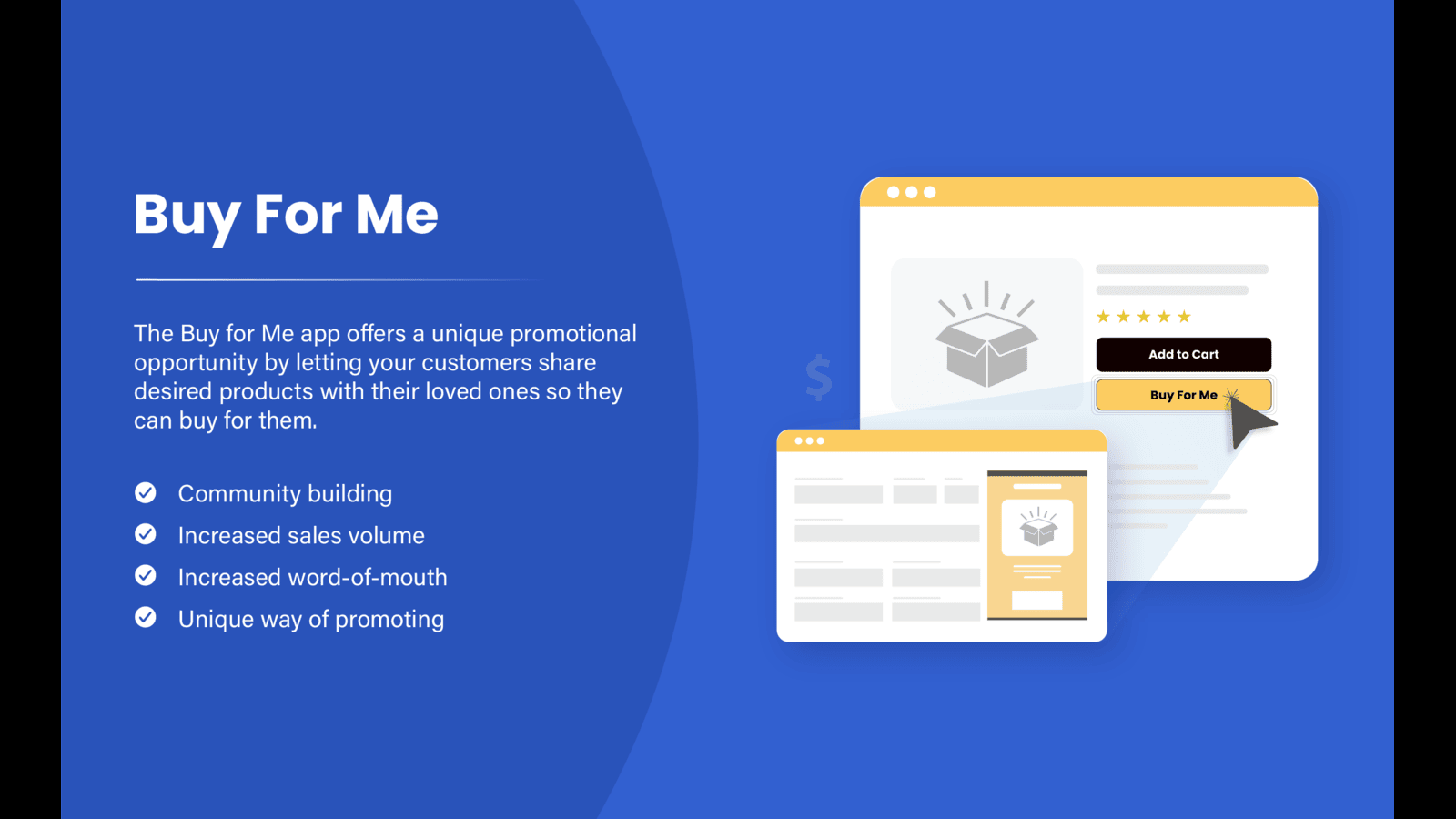
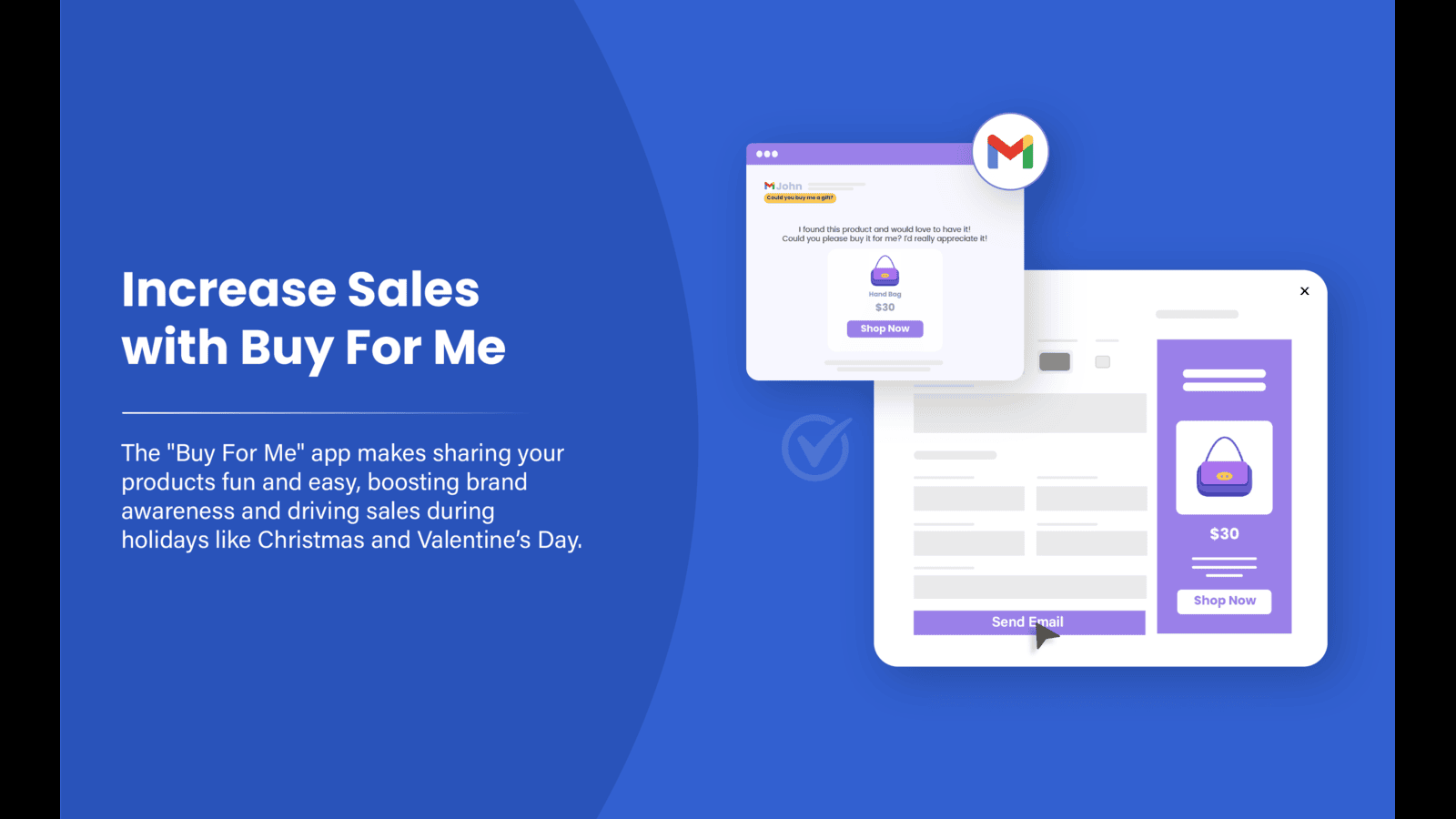
The Shopify Buy For Me app lets customers share "Buy for Me" requests with their loved ones, enabling them to purchase items on their behalf. This feature can enhance the shopping experience and increase product visibility. You can allow customers to add a personalized message, specify an email recipient, and even choose to hide product prices. To make the feature stand out on the product pages, you can customize the button, text, font, and color schemes as you like.
- Allow customers to ask their friends & family to buy items on their behalf
- Show a custom Buy For Me button on the product pages and choose the text & color
- Let customers send emails with a custom message
- Add custom labels for the email preview, options & settings, and email section
- Allow users to hide price & customize button text & color while sending requests
Shopify stores using Addify ‑ Buy for Me
We haven't detected Addify ‑ Buy for Me on a live Shopify store yet. We recognise the apps that leave a trace in a store's code; some apps run only in the admin or the checkout.
Detect apps on any storeFAQ
Addify ‑ Buy for Me: FAQ
Improve shopping experience by letting users send “Buy for Me” requests to others in a few steps.
Yes, Addify ‑ Buy for Me is free to use.
We haven't detected Addify ‑ Buy for Me on a live Shopify store yet. Scan any store on ShopScan to see the apps it runs.
Addify ‑ Buy for Me is built by Addify, based in United Arab Emirates, and launched in December 2024.