


Fight fraud with Bureau Fraud Prevention app. Reduce fraud losses and focus on growth.
- Stores using it
- — Not detected yet
- Rating
- —
- Price
- Free plan Free plan available
- Launched
- October 2022 India
Screenshots
About Bureau Fraud Prevention
Fight fraud with Bureau Fraud Prevention app. Reduce fraud losses and focus on growth.
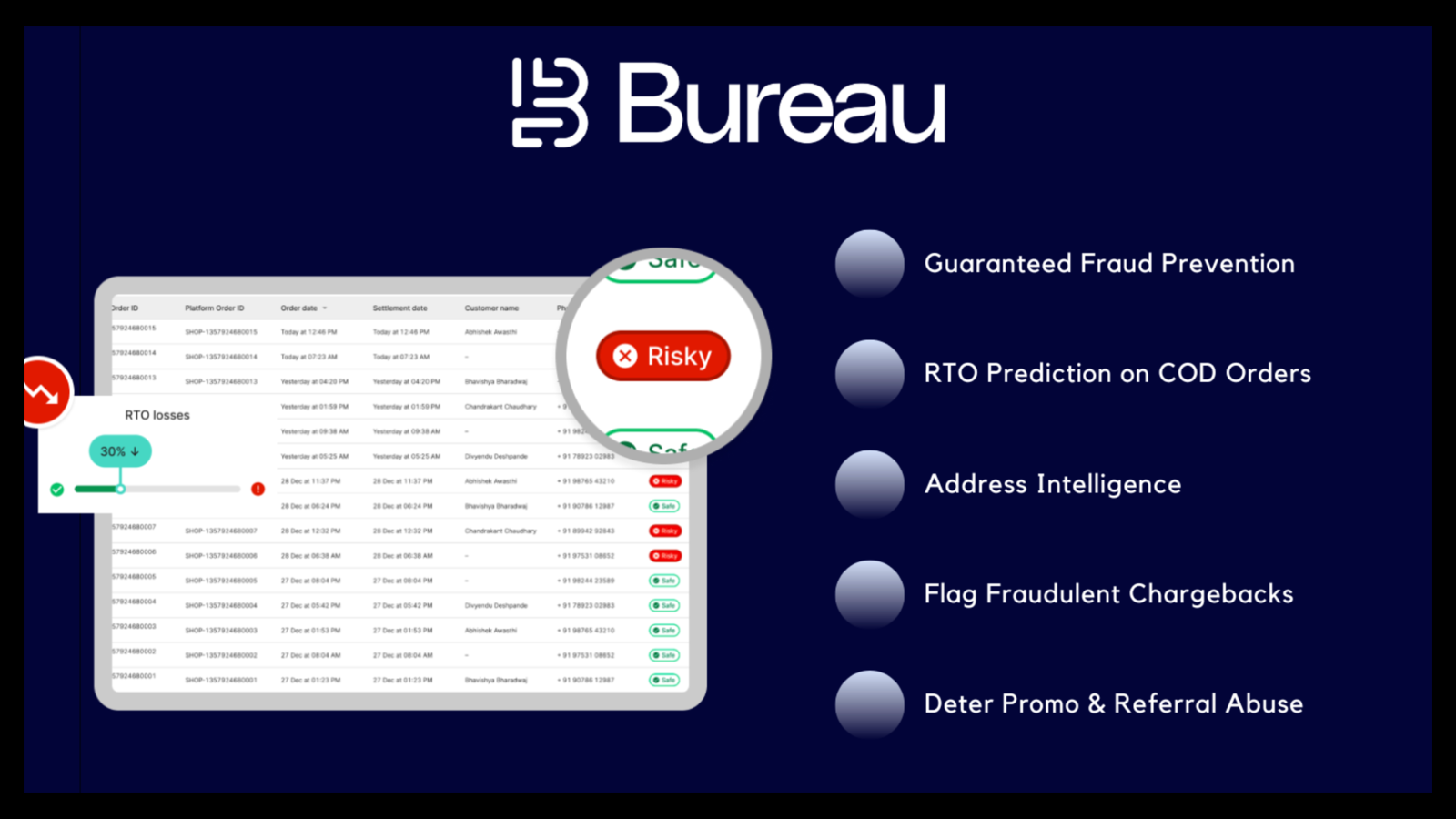
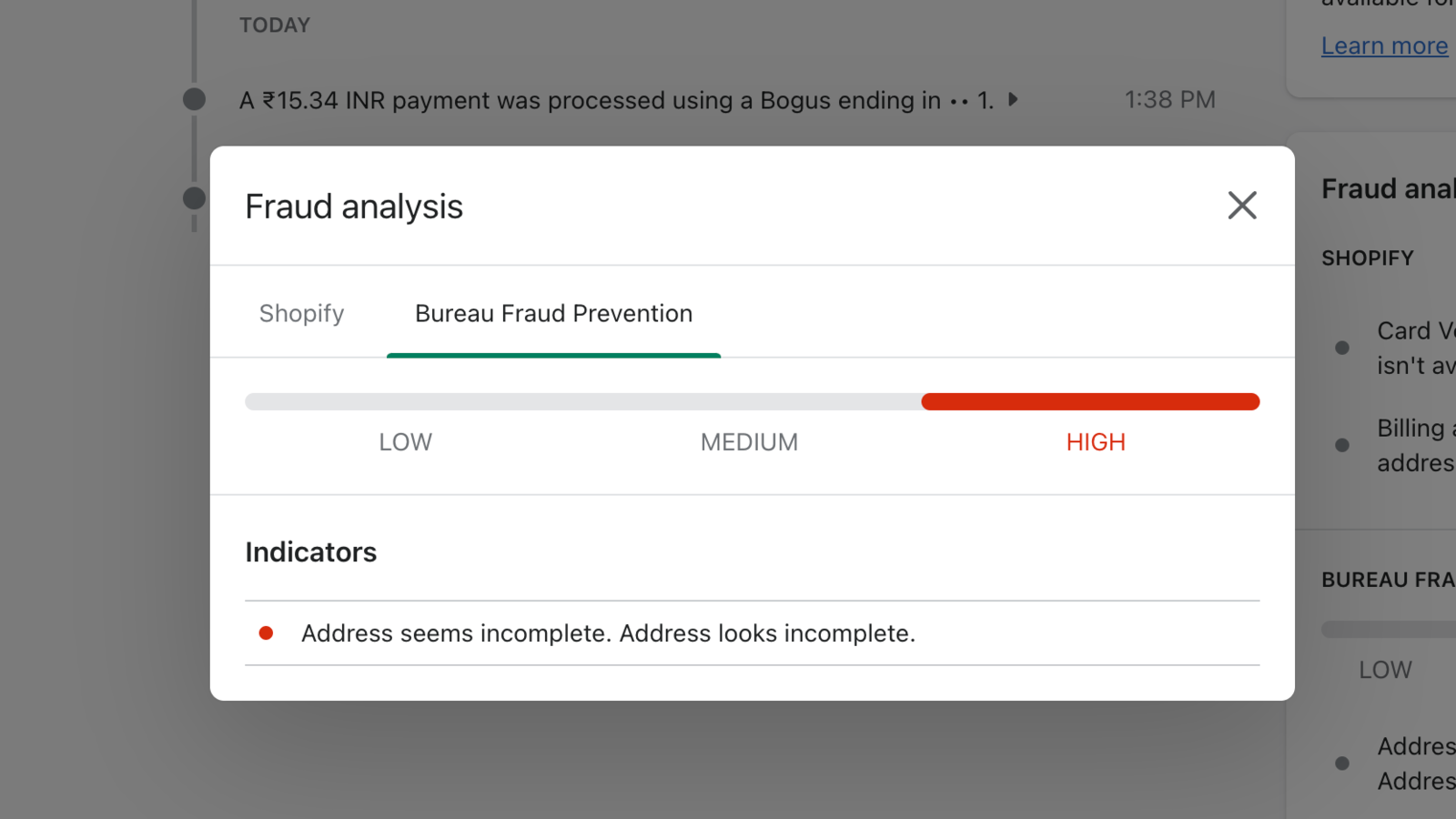
Bureau Fraud Prevention app helps you fight fraud on your online store by analysing each order on the basis of the following parameters - customer reachability, address completeness and customer past behaviour. Each order is analysed on the basis of several parameters and Bureau's anti-fraud network, generating detailed and actionable insights for your business. This helps you focus on growth and not worry about bad actors harming your business.
- Fraud insights at an order level as per past customer behaviour
- Address completeness score for each order
- Smooth onboarding flow to get you started on your fraud prevention journey
Bureau Fraud Prevention pricing
Free plan available. Prices in USD; check the App Store for the latest.
-
Free
Free
- $0.12 per order
Shopify stores using Bureau Fraud Prevention
We haven't detected Bureau Fraud Prevention on a live Shopify store yet. We recognise the apps that leave a trace in a store's code; some apps run only in the admin or the checkout.
Detect apps on any storeFAQ
Bureau Fraud Prevention: FAQ
Fight fraud with Bureau Fraud Prevention app. Reduce fraud losses and focus on growth.
Bureau Fraud Prevention has a free plan.
We haven't detected Bureau Fraud Prevention on a live Shopify store yet. Scan any store on ShopScan to see the apps it runs.
Bureau Fraud Prevention is built by BureauID, based in India, and launched in October 2022.