


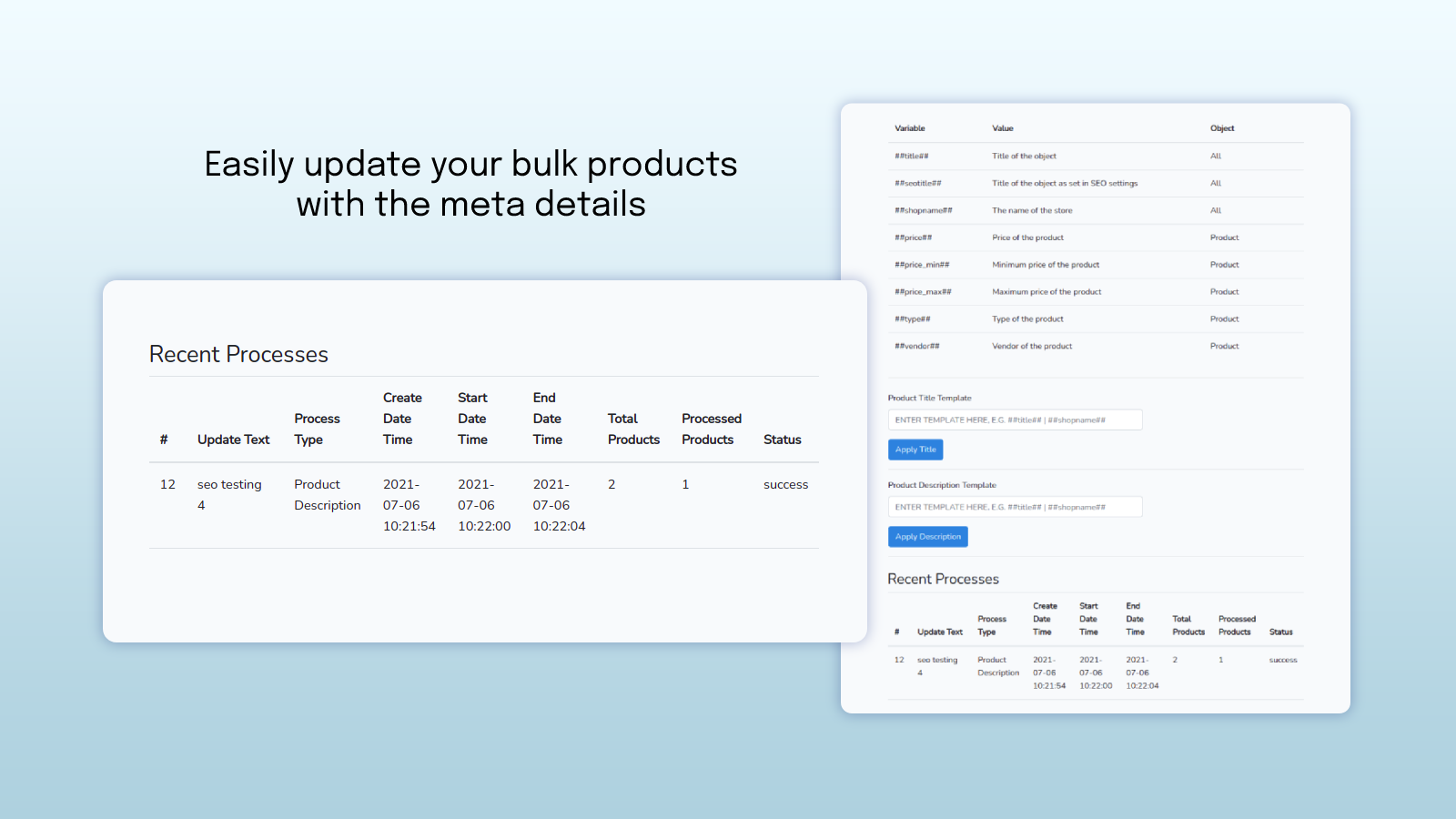
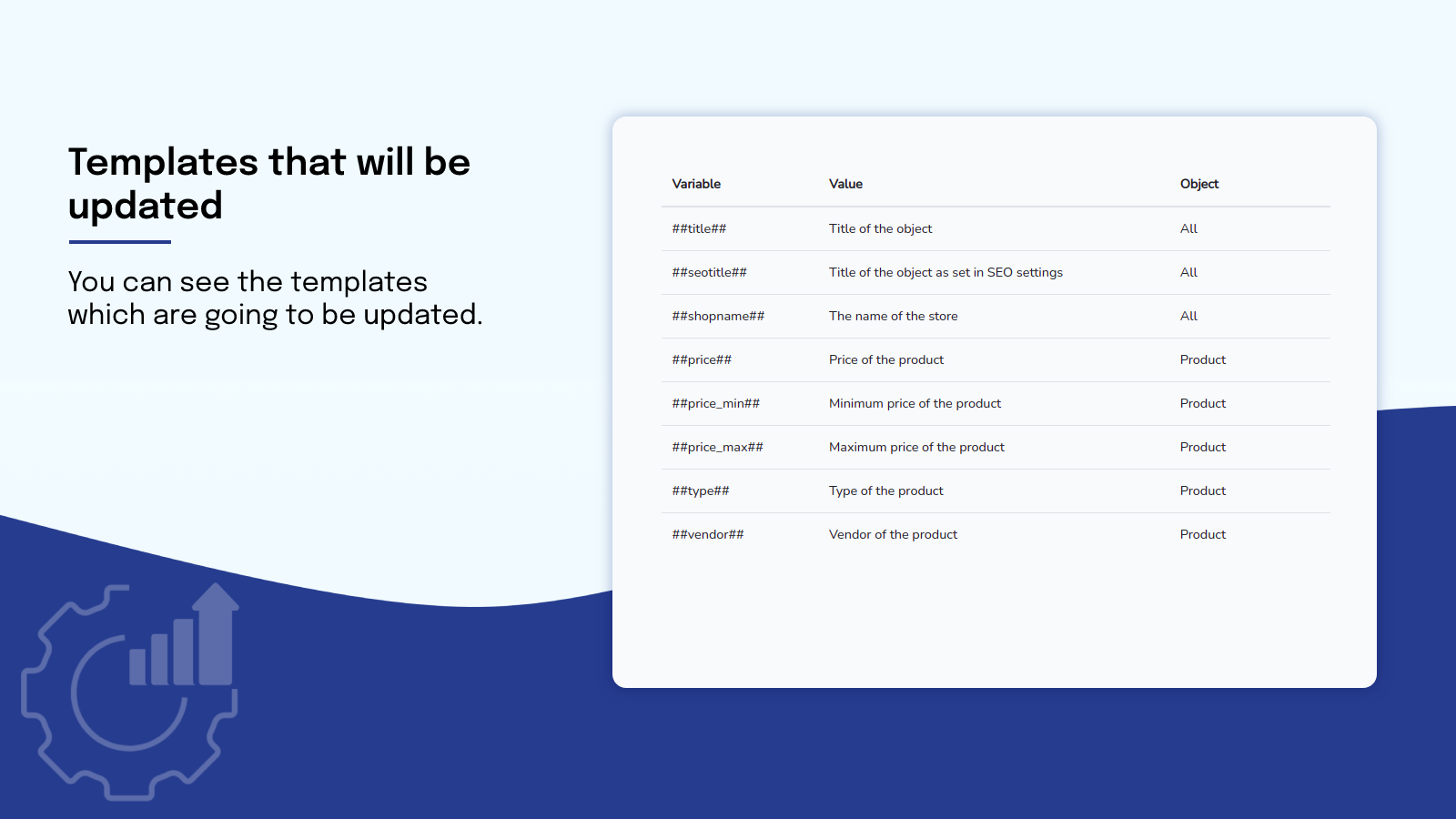
We modify each product's title and description in a short period.
- Stores using it
- — Not detected yet
- Rating
- 4.0 / 5 3 reviews
- Price
- $1 / mo Free plan available
- Launched
- July 2021 United States
Screenshots
About Meta Master
We modify each product's title and description in a short period.
We understand that maintaining an eCommerce store takes a lot of effort and is time-consuming. With our bulk editor app, you can update the meta details easily for all products. Using our app, you can save time and focus on the other aspects of your online store.
- Easy to update each product's title and description.
- One-click easily install and experience it without any configurations.
- The updated plan offers the Custom Collection option.
Meta Master pricing
Free plan available · From $1 / month. Prices in USD; check the App Store for the latest.
-
Basic
Free
- 1. It offers an update for 50 products.
-
Gold
$1 / month
- 1. Ability to update collection-wise product.
- 2. Unlimited product update.
Shopify stores using Meta Master
We haven't detected Meta Master on a live Shopify store yet. We recognise the apps that leave a trace in a store's code; some apps run only in the admin or the checkout.
Detect apps on any storeFAQ
Meta Master: FAQ
We modify each product's title and description in a short period.
Meta Master has a free plan; paid plans start at $1 a month.
We haven't detected Meta Master on a live Shopify store yet. Scan any store on ShopScan to see the apps it runs.
Meta Master is built by eCommerce Custom Apps, based in United States, and launched in July 2021.
4.0 out of 5 from 3 reviews on the Shopify App Store.