


Bread Pay offers an easy and convenient way to buy the things you want now and pay over time
- Stores using it
- — Not detected yet
- Rating
- 4.3 / 5 3 reviews
- Price
- Free
- Launched
- June 2022 United States
Screenshots

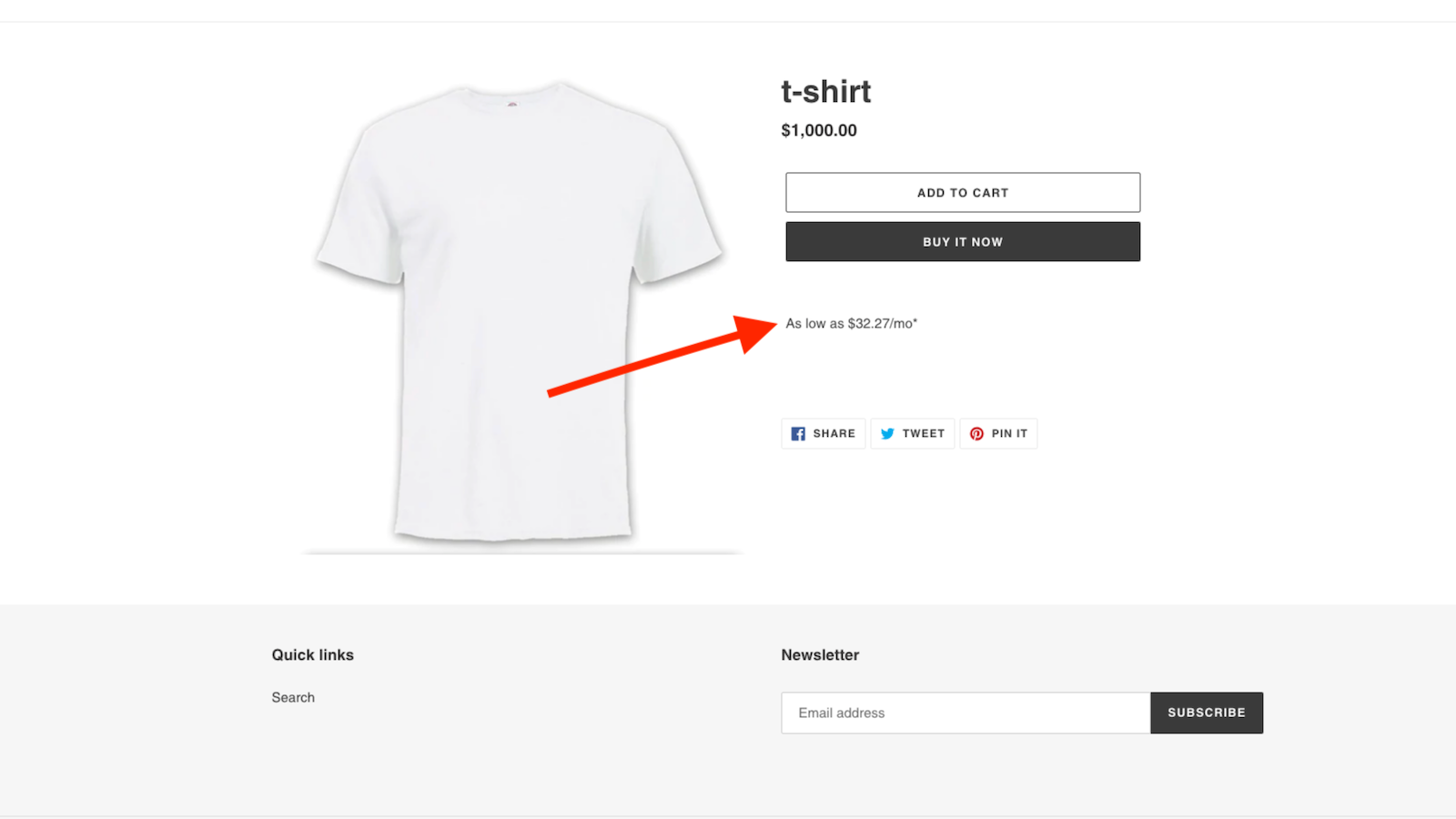
About Bread Pay Messaging
Bread Pay offers an easy and convenient way to buy the things you want now and pay over time
With the Bread Pay Messaging app customers can apply and pre-qualify for financing earlier in the shopping journey, empowering them with transparent financing options that increase their purchasing power and drive more sales. The entire process to prequalify and checkout takes less than 60 seconds. Once a customer checks out with Bread Pay, their order information is transferred to the retailer's server.
- Allow customers to pre-qualify for financing and checkout anywhere on your site.
- Get paid upfront in full. Your shoppers pay us over time, so we assume the risk.
- Offer transparent terms with no prepayment penalties or deferred interest.
- Create custom plans with loan products that meets your customers’ needs.
- Re-engage abandoned shoppers by gaining actionable insights on customers.
Shopify stores using Bread Pay Messaging
We haven't detected Bread Pay Messaging on a live Shopify store yet. We recognise the apps that leave a trace in a store's code; some apps run only in the admin or the checkout.
Detect apps on any storeFAQ
Bread Pay Messaging: FAQ
Bread Pay offers an easy and convenient way to buy the things you want now and pay over time
Yes, Bread Pay Messaging is free to use.
We haven't detected Bread Pay Messaging on a live Shopify store yet. Scan any store on ShopScan to see the apps it runs.
Bread Pay Messaging is built by Bread Finance, based in United States, and launched in June 2022.
4.3 out of 5 from 3 reviews on the Shopify App Store.