


Shop by Brand, Easy add section block to any page or product.
- Stores using it
- — Not detected yet
- Rating
- —
- Price
- $4 / mo Free trial
- Launched
- July 2022 Australia
Screenshots
About Brands Directory Section 2.0
Shop by Brand, Easy add section block to any page or product.
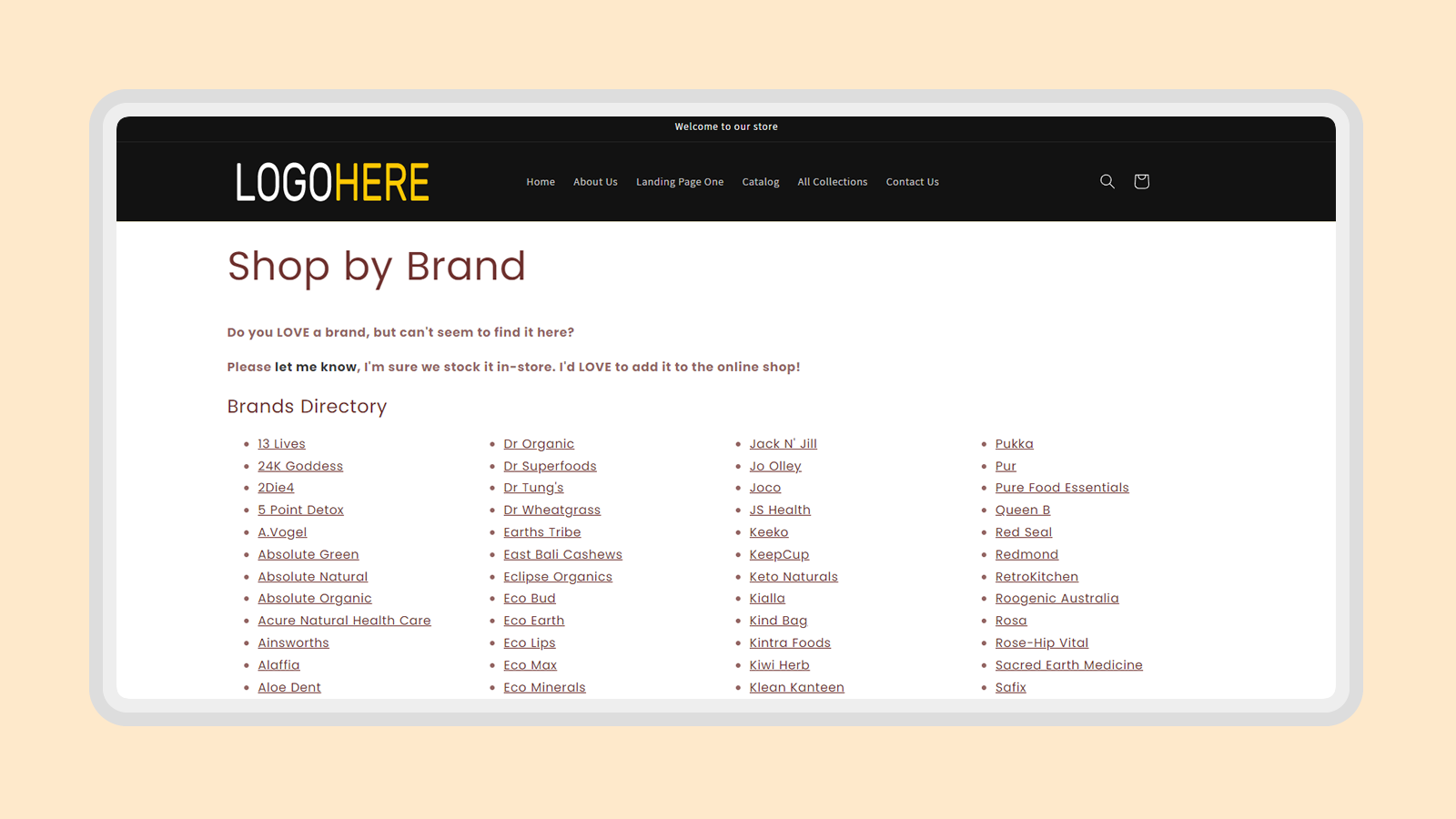
Shop by Brand, Easy add section block to any page or product.Just add a section to any page or product to show. Colors and column size it customizable. Also includes a section to write an intro.
- No coding required. App installs a section in your Shopify 2.0 template.
- Customers will be able to see store brands in a directory listed alphabetically.
- Brands in your store will be automatically listed with a link to vendor page.
Brands Directory Section 2.0 pricing
Free trial · From $4 / month. Prices in USD; check the App Store for the latest.
-
Monthly
$4 / month
45 billed yearly (save 6%)
- Shop by Brand
- No coding required
- Workd on any page or product
- Colors customizable
- Automatically adds brands from vendors
Shopify stores using Brands Directory Section 2.0
We haven't detected Brands Directory Section 2.0 on a live Shopify store yet. We recognise the apps that leave a trace in a store's code; some apps run only in the admin or the checkout.
Detect apps on any storeFAQ
Brands Directory Section 2.0: FAQ
Shop by Brand, Easy add section block to any page or product.
No. Plans start at $4 a month, with a free trial.
We haven't detected Brands Directory Section 2.0 on a live Shopify store yet. Scan any store on ShopScan to see the apps it runs.
Brands Directory Section 2.0 is built by Reason8 Pty Ltd, based in Australia, and launched in July 2022.