


Boothy provides a branded booth to showcase your products and engage your customers at any time.
- Stores using it
- — Not detected yet
- Rating
- 1.0 / 5 1 reviews
- Price
- Free
- Launched
- December 2022 United States
Screenshots
About Boothy
Boothy provides a branded booth to showcase your products and engage your customers at any time.
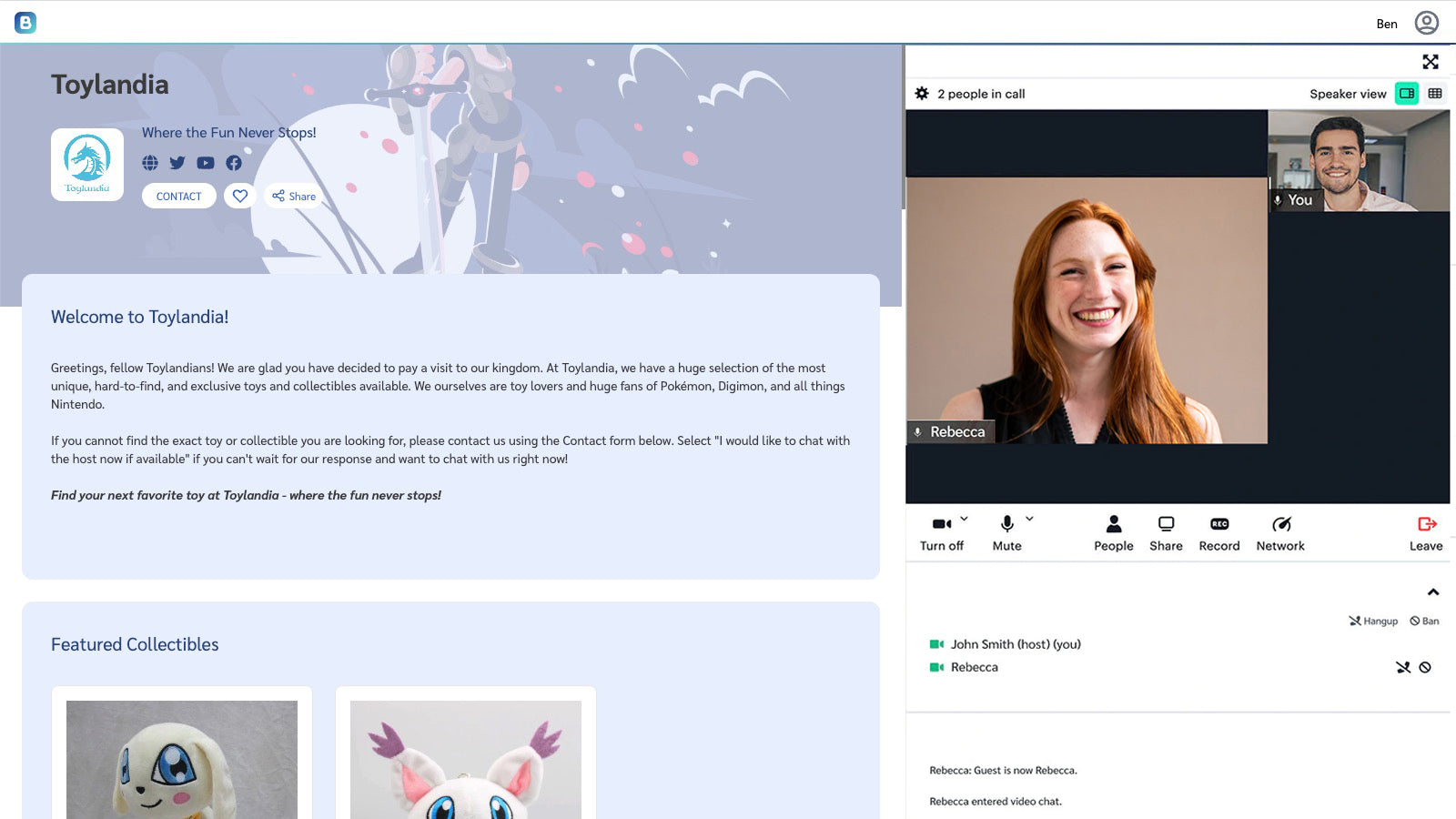
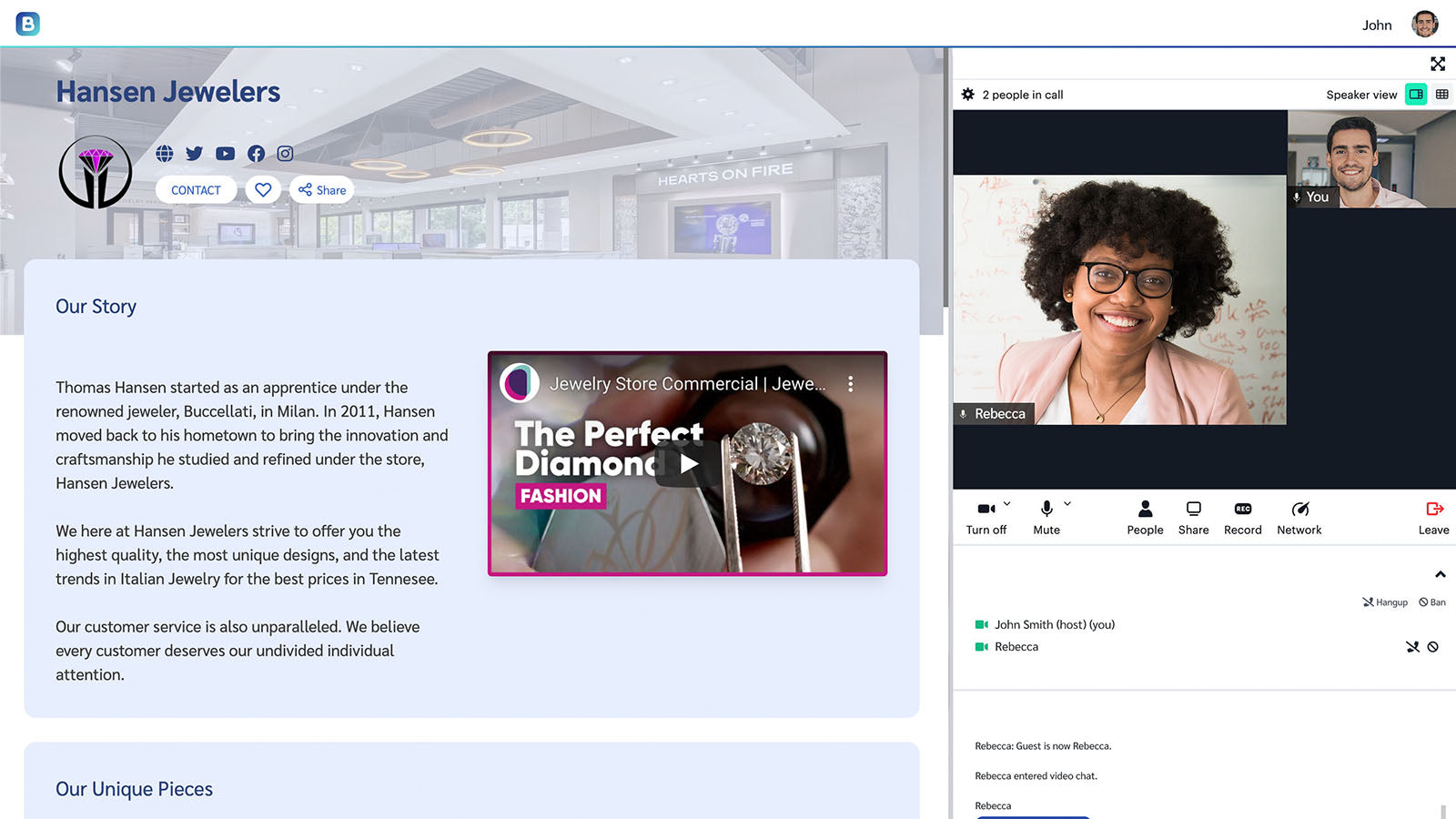
Boothy’s next-generation engagement platform maximizes your virtual first impression with customers. It gives you a branded and customizable virtual booth where you can engage and meet with them at any time via video or text chat. When you add your Shopify store, you can showcase and sell products directly in the booth. Additionally, you can create virtual events and "go live" to educate and engage your buyers about your products and offerings, and participate in other events hosted by others.
- Easily create a 24x7 branded booth with built-in video and text chat
- Personalize the booth with your logo, branding, messaging, and Shopify products
- Promote and market your booth with a single unique URL
- Create and host virtual events directly from your booth or participate in others
- Analytics, recordings, integrate with Eventbrite and Zapier, and so much more
Shopify stores using Boothy
We haven't detected Boothy on a live Shopify store yet. We recognise the apps that leave a trace in a store's code; some apps run only in the admin or the checkout.
Detect apps on any storeFAQ
Boothy: FAQ
Boothy provides a branded booth to showcase your products and engage your customers at any time.
Yes, Boothy is free to use.
We haven't detected Boothy on a live Shopify store yet. Scan any store on ShopScan to see the apps it runs.
Boothy is built by Boothy, based in United States, and launched in December 2022.
1.0 out of 5 from 1 reviews on the Shopify App Store.