


Bluecore is a retail shopper identification and customer movement technology that generates revenue.
- Stores using it
- — Not detected yet
- Rating
- —
- Price
- Free plan Free plan available
- Launched
- November 2020 United States
Screenshots
About Bluecore
Bluecore is a retail shopper identification and customer movement technology that generates revenue.
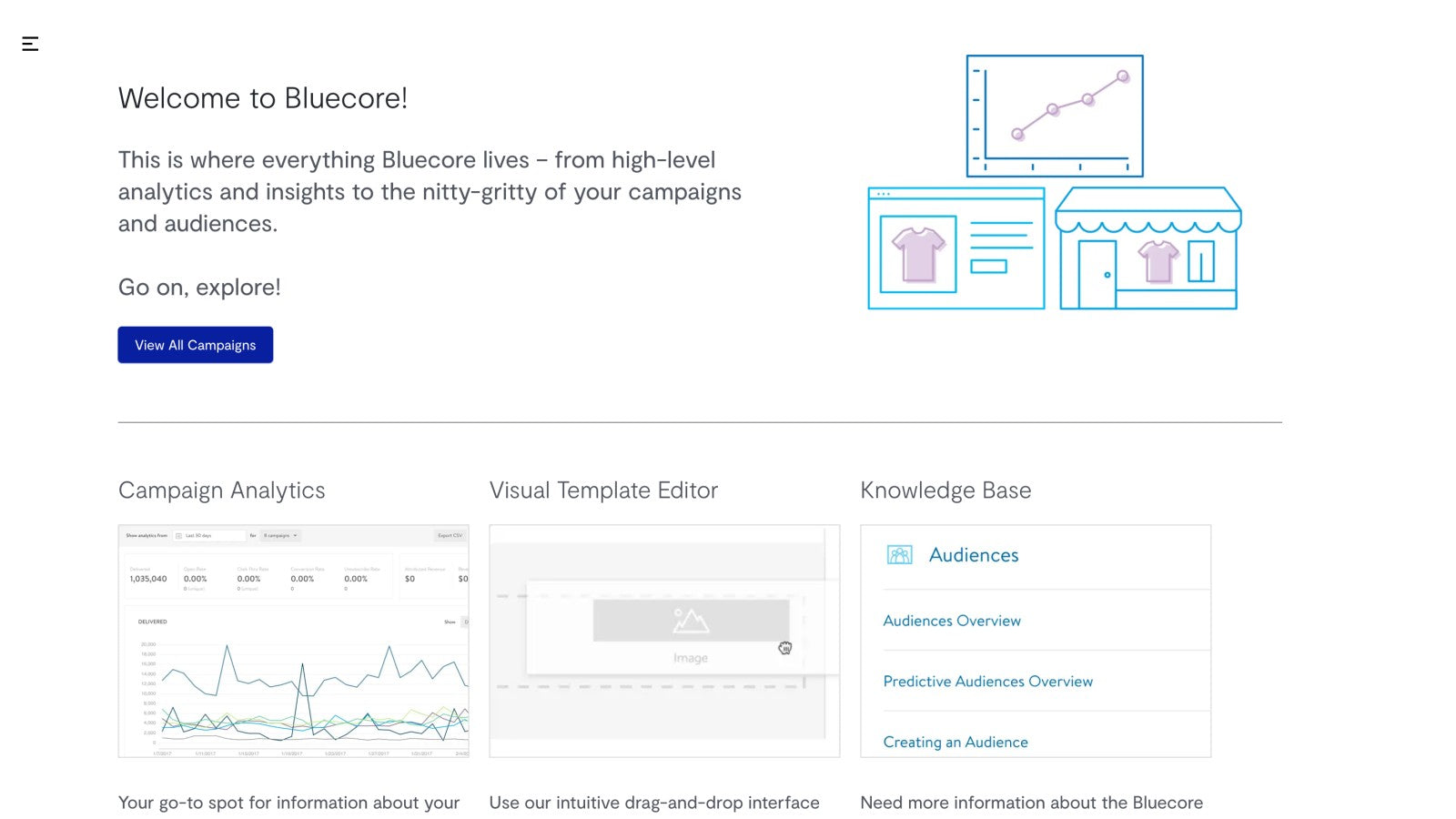
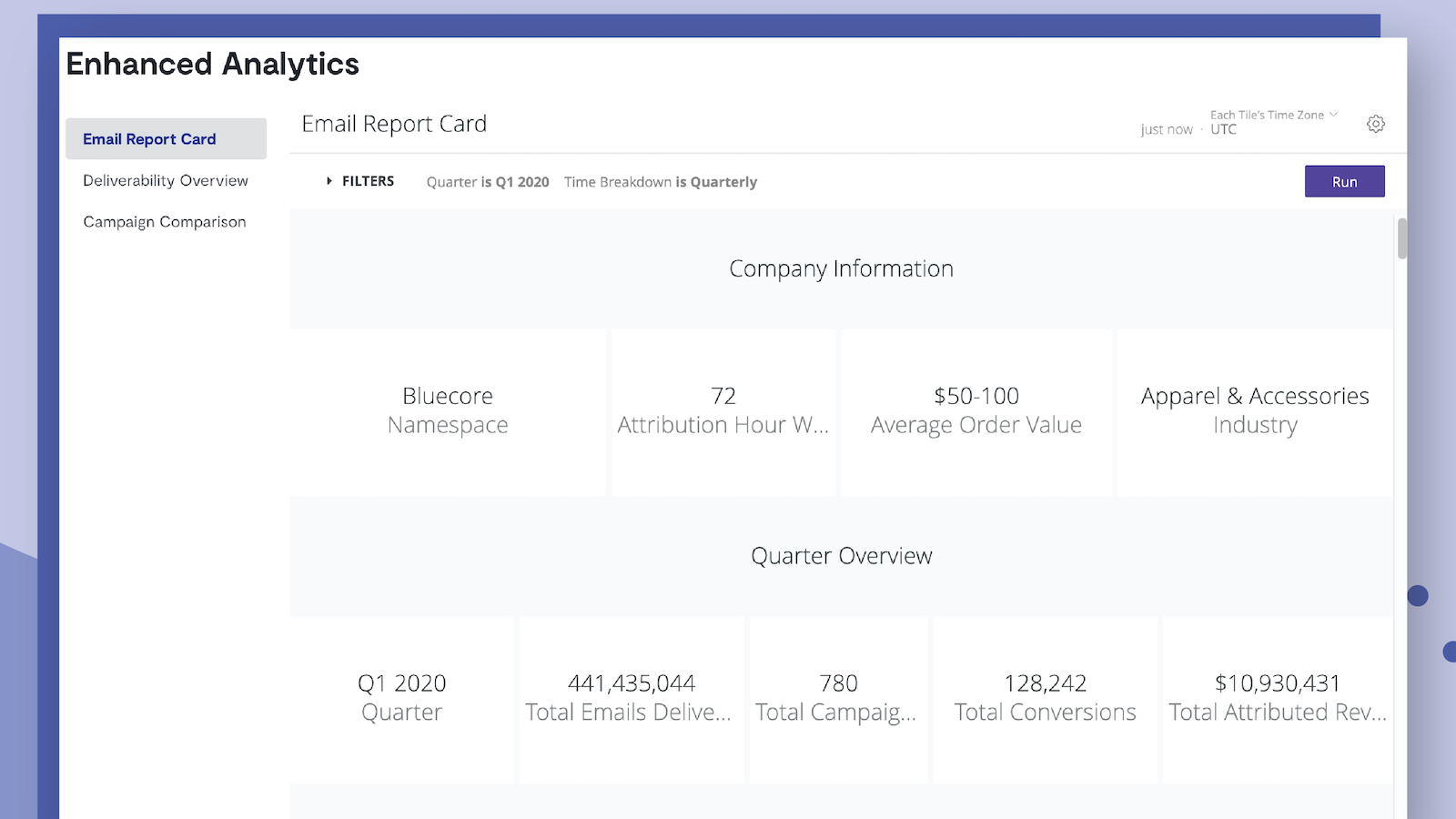
Bluecore is a retail shopper identification and customer movement technology that generates incremental revenue for enterprise brands. We turn more anonymous shoppers into known customers, and efficiently move them through the purchase funnel - repeatedly. Through a customer-focused approach centered on identification and customer movement, we increase reach, relevance, and purchase frequency of shoppers, driving incremental growth for retailer.
- CMA : understanding customer value to move shoppers through the lifecycle.
- Transparent Identification: Increase reach through a large 1st-party network.
- Signal-Based Messages : Increase purchase frequency through messages on signals.
Bluecore pricing
Free plan available. Prices in USD; check the App Store for the latest.
-
Free
Free
- App user must be a licensed Bluecore user and have an Enterprise account with Bluecore
Shopify stores using Bluecore
We haven't detected Bluecore on a live Shopify store yet. We recognise the apps that leave a trace in a store's code; some apps run only in the admin or the checkout.
Detect apps on any storeFAQ
Bluecore: FAQ
Bluecore is a retail shopper identification and customer movement technology that generates revenue.
Bluecore has a free plan.
We haven't detected Bluecore on a live Shopify store yet. Scan any store on ShopScan to see the apps it runs.
Bluecore is built by Bluecore, based in United States, and launched in November 2020.