

Ads exchange app to help brands drive quality traffic to their store without breaking the bank.
- Stores using it
- 88 0% of stores we track
- Rating
- —
- Price
- Free
- Top country
- United States 45 stores
Screenshots

About AfterShip Traffic & Ads
Merchants highly recommend this app for boosting store visibility and traffic without extra costs, potentially increasing sales. It features an easy installation, user-friendly interface, and a free traffic ad exchange that attracts more website views. The customer service is responsive and effective, with a support team that quickly resolves issues. Merchants frequently describe the app with terms like "great," "amazing," and "the best."
Ads exchange app to help brands drive quality traffic to their store without breaking the bank.
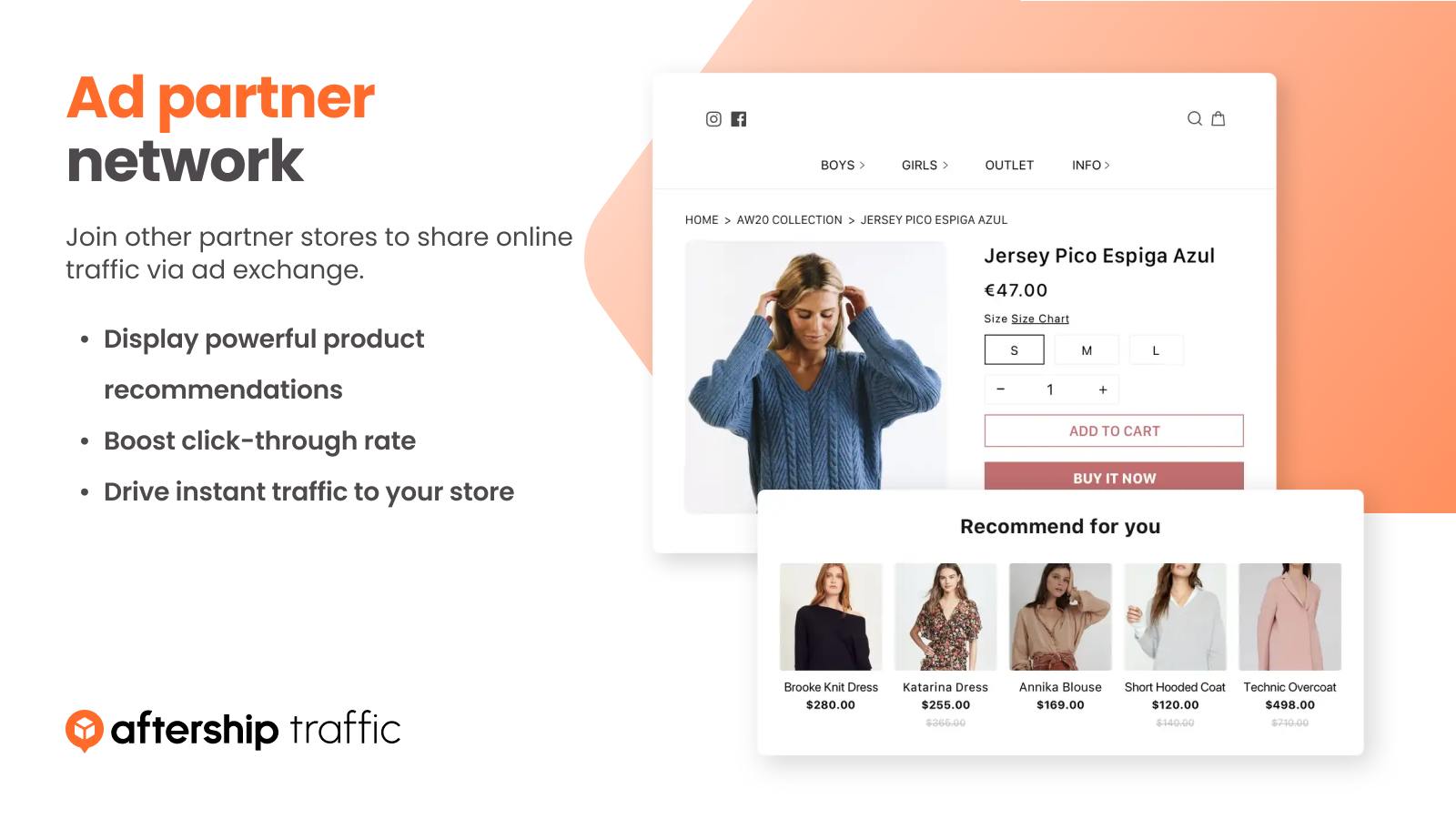
Use ad exchange to get your store products in front of more customers with high purchase intent. Exchange high-quality eCommerce traffic with other similarly themed Shopify stores in minutes via an ad exchange. Install the app, set up beautiful ads to display on other partner stores, and divert traffic to your website effortlessly without any technical expertise. Easily manage your ad campaigns and view performance analytics in one place.
- Product promotion on stores with a similar audience at a click of a button
- Ad exchange with other Shopify stores to drive quality traffic
- Easy product selection to promote what you wish to on partner stores
- Ad categories exclusion to maintain control over what’s advertised on your store
- One dashboard to track every impression and click on your ad campaign
Features
- Achievement tracking
- Ad exchange
- Audience segments
- Automated rules
- Card payouts
- Click-through rates
- Conversion tracking
- Custom audiences
- Page creation
- Performance tracking
- Traffic source
- UTM attribution
Shopify stores using AfterShip Traffic & Ads
We detect AfterShip Traffic & Ads on 88 live Shopify stores, 0% of all the stores we track. Most of them are in United States.
- Stores using it
- 88
- Share of stores
- 0%
- Median products
- 84
- Countries
- 12+
| # | Store | Location | Products | Theme | Scan |
|---|---|---|---|---|---|
| 1 | Last Bubbles lastbubbles.com | American Canyon, United States | 826 | — | Scan |
| 2 | YOKKAO yokkao.com | Las Vegas, United States | 213 | Prestige | Scan |
| 3 | Open Farm openfarmpet.com | Chicago, United States | 235 | — | Scan |
| 4 | Nathan James nathanjames.com | Sparks, United States | 1,256 | Impact | Scan |
| 5 | SILCA silca.cc | Indianapolis, United States | 152 | Impulse | Scan |
| 6 | Old Gringo Boots oldgringoboots.com | Fort Worth, United States | 311 | Focal | Scan |
| 7 | Jack Black Canada getjackblack.ca | Montréal, Canada | 57 | Dawn | Scan |
| 8 | Wavex wavex.in | Jalandhar, India | 220 | Ella | Scan |
| 9 | Novasaber novasaber.com | Sheridan, United States | 235 | Be Yours | Scan |
| 10 | Ekaya.in ekaya.in | New Delhi, India | 5,339 | Dawn | Scan |
See the top 100 stores using AfterShip Traffic & Ads
Where these stores are
What these stores sell
Installed alongside AfterShip Traffic & Ads
The apps most often found on the same stores: the share of the 88 most popular stores running AfterShip Traffic & Ads that also run each one.
- AfterShip Order Tracking 100%
- Klaviyo: Email Marketing & SMS 47.7%
- Judge.me Product Reviews 29.5%
- Pinterest 23.9%
- Microsoft Clarity: AI Insights 18.2%
- Shopify Product Reviews 14.8%
- Instafeed ‑ Instagram Feed 13.6%
- Gorgias: AI, Helpdesk & Chat 12.5%
- Loox ‑ Visual Product Reviews 12.5%
- Stamped Reviews & Loyalty 12.5%
- Brevo PushOwl: Email,Push,SMS 12.5%
- Triple Whale 12.5%












FAQ
AfterShip Traffic & Ads: FAQ
Ads exchange app to help brands drive quality traffic to their store without breaking the bank.
Yes, AfterShip Traffic & Ads is free to use.
ShopScan detects AfterShip Traffic & Ads on 88 live Shopify stores, 0% of all the stores we track. Most are in United States (45).
AfterShip Order Tracking (100%), Klaviyo: Email Marketing & SMS (47.7%), Judge.me Product Reviews (29.5%) are the apps most often installed on the same stores.
AfterShip Traffic & Ads is built by AfterShip, based in Singapore, and launched in December 2020.