


Endless moving carousels for your shop. Add sliders of collections, product media and text marquees.
- Stores using it
- — Not detected yet
- Rating
- —
- Price
- $7 / mo Free trial
- Launched
- July 2024 United States
Screenshots
About Auto Slider Pro
Endless moving carousels for your shop. Add sliders of collections, product media and text marquees.
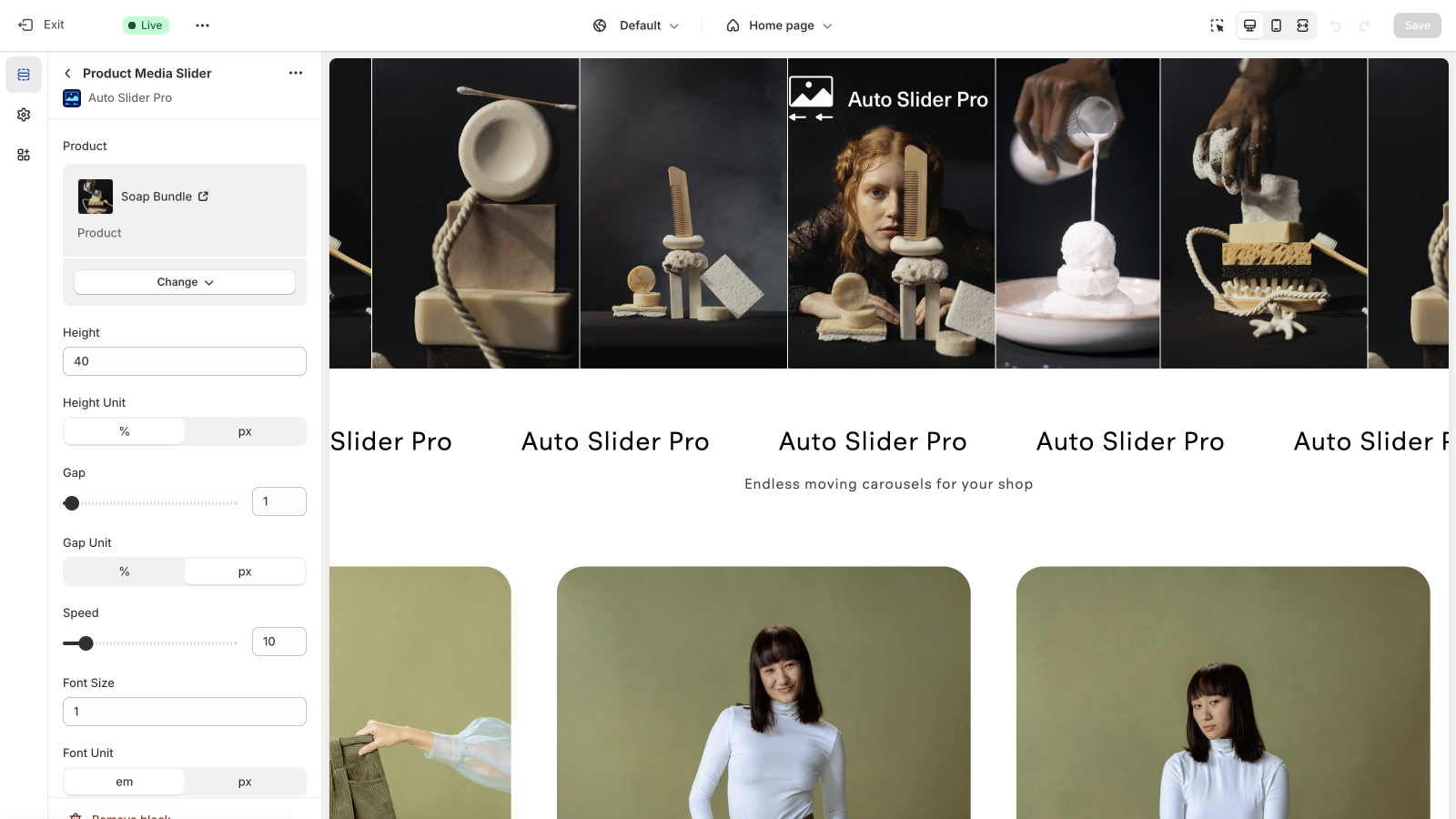
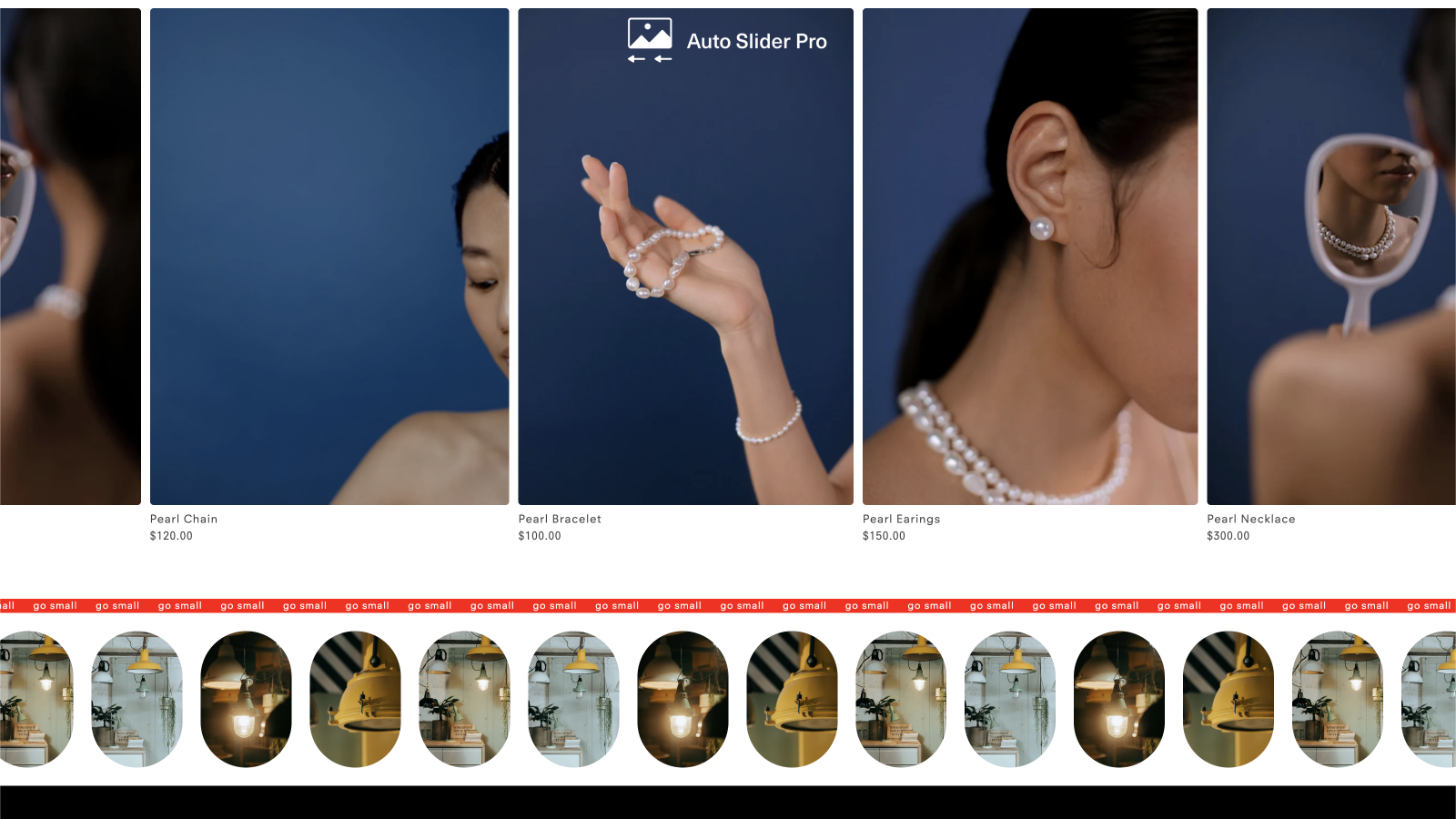
Add unique and dynamic auto sliders to your storefront. Your products, collections and text marquee banners can now be added as an animated element on any page. Use Shopify's built-in theme editor to quickly select existing content from your shop, and customize an array of options to perfectly match your brand.
- Create a slider of products, product media, or text marquee.
- Select an entire collection, or handpick individual products.
- Customize for your shop by changing the size, speed, spacing and border radius.
Auto Slider Pro pricing
Free trial · From $7 / month. Prices in USD; check the App Store for the latest.
-
Subscription
$7 / month
- Unlimited sliders
- Add to any page
- Email support
Shopify stores using Auto Slider Pro
We haven't detected Auto Slider Pro on a live Shopify store yet. We recognise the apps that leave a trace in a store's code; some apps run only in the admin or the checkout.
Detect apps on any storeFAQ
Auto Slider Pro: FAQ
Endless moving carousels for your shop. Add sliders of collections, product media and text marquees.
No. Plans start at $7 a month, with a free trial.
We haven't detected Auto Slider Pro on a live Shopify store yet. Scan any store on ShopScan to see the apps it runs.
Auto Slider Pro is built by No Plans Studio LLC, based in United States, and launched in July 2024.