


The integration platform that automates your bookkeeping and saves you valuable time!
- Stores using it
- — Not detected yet
- Rating
- 5.0 / 5 1 reviews
- Price
- Free
- Launched
- December 2021 Norway
Screenshots

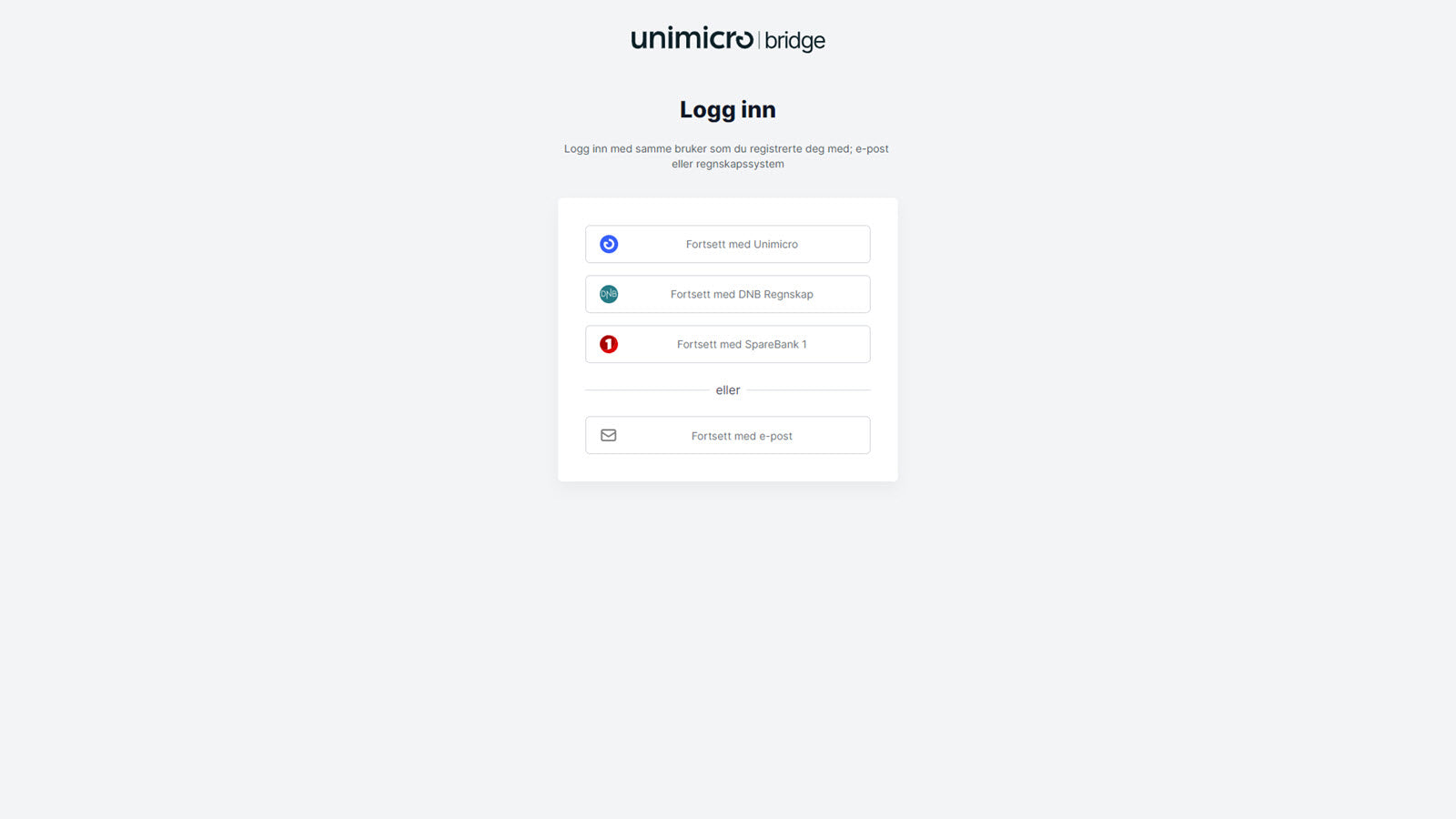
About Unimicro Bridge
The integration platform that automates your bookkeeping and saves you valuable time!
With Unimicro Bridge you get bookeeping of all sales/orders in you accounting system, and you can also connect your payment providers for fully automated settlements. The integration takes care of the settlement transactions, including the fees. This means that you no longer need to use time matching invoices towards settlements. Refunds to customers is also fully automated when orders are returned or credited. The platform is powerful, scalable and gives you dataflow in realtime.
- Automated bookeeping of sales/orders
- Automated settlements and refunds
- Dataflow in realtime - product sync and stock sync
Features
- Multi-store
- Payouts
- Sales and refunds
Unimicro Bridge pricing
Free. Prices in USD; check the App Store for the latest.
-
Free
Free
Shopify stores using Unimicro Bridge
We haven't detected Unimicro Bridge on a live Shopify store yet. We recognise the apps that leave a trace in a store's code; some apps run only in the admin or the checkout.
Detect apps on any storeFAQ
Unimicro Bridge: FAQ
The integration platform that automates your bookkeeping and saves you valuable time!
Yes, Unimicro Bridge is free to use.
We haven't detected Unimicro Bridge on a live Shopify store yet. Scan any store on ShopScan to see the apps it runs.
Unimicro Bridge is built by Uni Micro Web AS, based in Norway, and launched in December 2021.
5.0 out of 5 from 1 reviews on the Shopify App Store.