


Empower your sales teams to schedule your deliveries at the click of a button.
- Stores using it
- — Not detected yet
- Rating
- —
- Price
- Free plan Free plan available
- Launched
- August 2022 United States
Screenshots

About Arrivy
Empower your sales teams to schedule your deliveries at the click of a button.
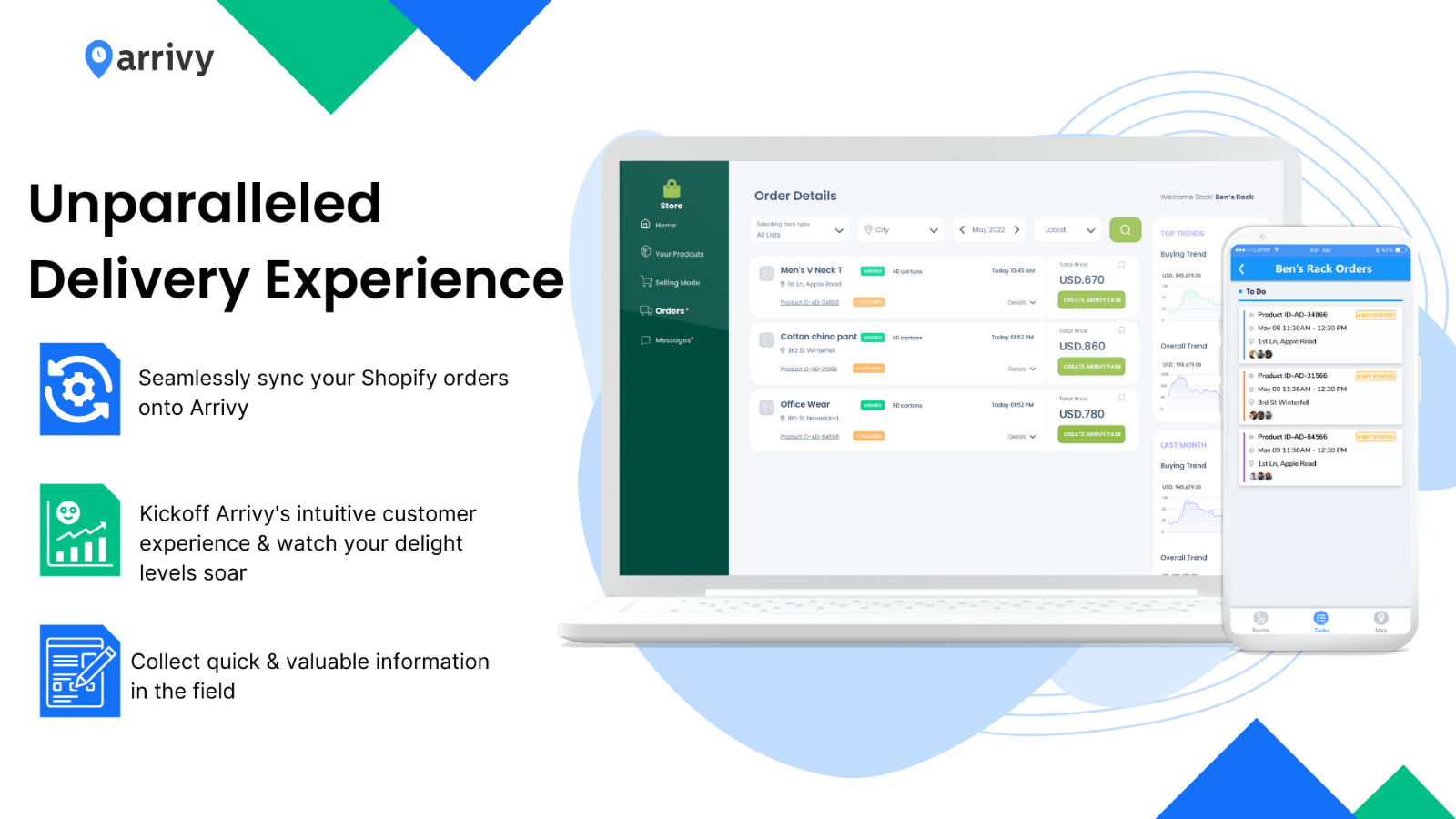
Arrivy's seamless Shopify integration helps you empower your sales teams and easily hand off jobs to operations teams on Arrivy. Create Arrivy standalone jobs or bookings right inside your orders in Shopify. Retain customers within your service experience while empowering your field team with relevant job data, custom delivery forms, efficient routes and a well-rounded day-of experience. Encourage open lines of communication between all parties involved and ensure no message goes unheard.
- Manage complex deliveries that are orchestrated across multiple warehouses.
- Enhance your team's day with dynamic inspection sheets & proof of deliveries.
- Give customers easy access to information & keep them engaged.
Arrivy pricing
Free plan available. Prices in USD; check the App Store for the latest.
-
Free
Free
- We offer a 14-day free trial. Our Shopify Integration is available to all Premium Plan and above customers.
Shopify stores using Arrivy
We haven't detected Arrivy on a live Shopify store yet. We recognise the apps that leave a trace in a store's code; some apps run only in the admin or the checkout.
Detect apps on any storeFAQ
Arrivy: FAQ
Empower your sales teams to schedule your deliveries at the click of a button.
Arrivy has a free plan.
We haven't detected Arrivy on a live Shopify store yet. Scan any store on ShopScan to see the apps it runs.
Arrivy is built by Arrivy, Inc., based in United States, and launched in August 2022.