

Remove the background on your product cards to make them look more attractive to your customer
- Stores using it
- — Not detected yet
- Rating
- 1.0 / 5 1 reviews
- Price
- Free plan Free plan available
- Launched
- July 2021 United States
Screenshots

About Aitarget Background Remover
Remove the background on your product cards to make them look more attractive to your customer
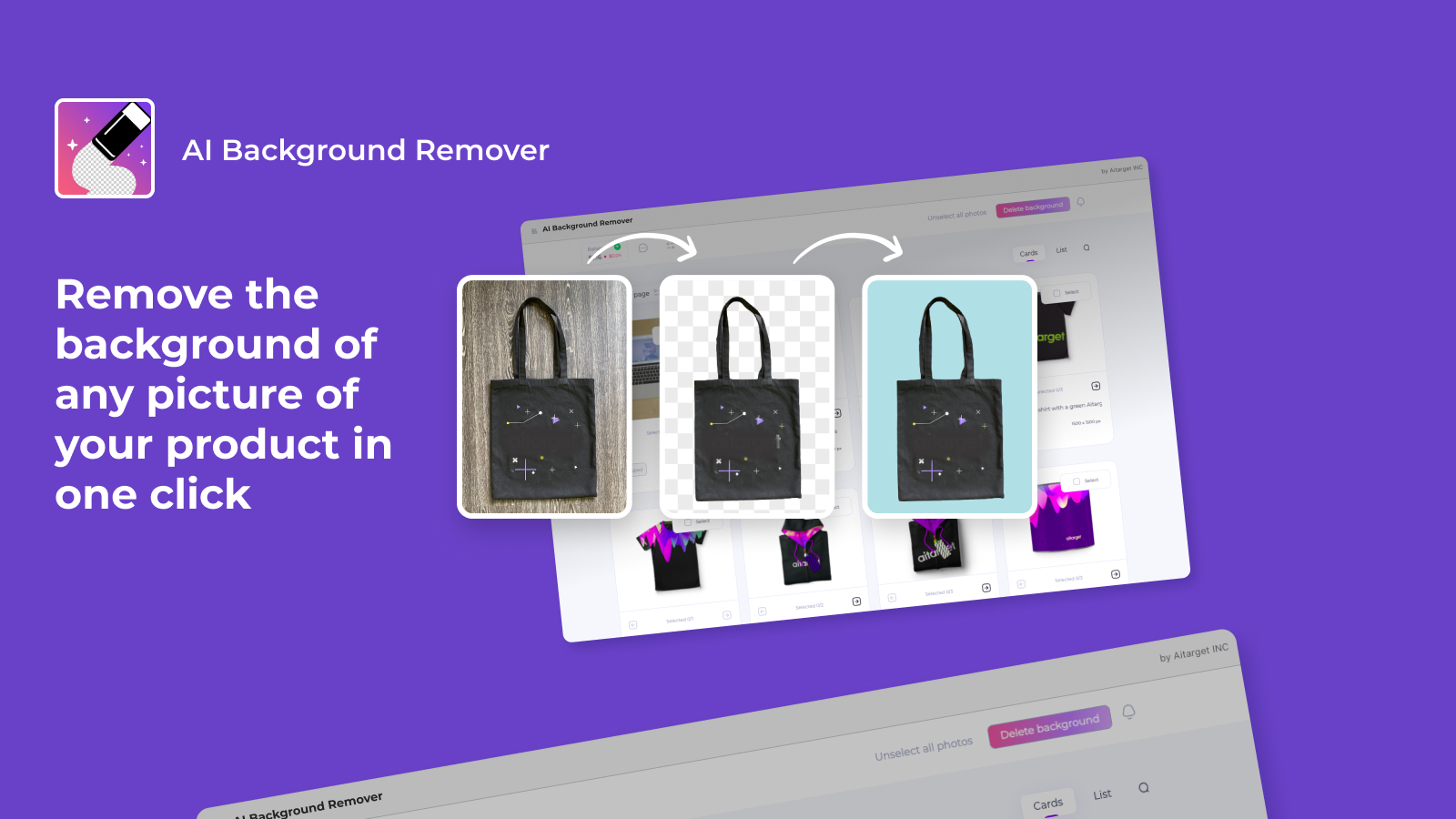
Our application helps to remove the background on your images to highlight the products on them. Algorithms allow you to do this as accurately, efficiently and quickly as possible You can also upload a whole catalog. It allows you not to spend a lot of time processing individual photos.
- Removing the background on your product images
- You can apply a background of any color, you can set it in the settings yourself
- The ability to process an entire catalog of product images
Aitarget Background Remover pricing
Free plan available. Prices in USD; check the App Store for the latest.
-
Free
Free
- $0.04 per photo
Shopify stores using Aitarget Background Remover
We haven't detected Aitarget Background Remover on a live Shopify store yet. We recognise the apps that leave a trace in a store's code; some apps run only in the admin or the checkout.
Detect apps on any storeFAQ
Aitarget Background Remover: FAQ
Remove the background on your product cards to make them look more attractive to your customer
Aitarget Background Remover has a free plan.
We haven't detected Aitarget Background Remover on a live Shopify store yet. Scan any store on ShopScan to see the apps it runs.
Aitarget Background Remover is built by Aitarget Tech, based in United States, and launched in July 2021.
1.0 out of 5 from 1 reviews on the Shopify App Store.