


Easily create marketing campaigns. Grow sales with traffic from other shops, niche websites & apps.
- Stores using it
- — Not detected yet
- Rating
- 4.8 / 5 84 reviews
- Price
- $29 / mo Free plan available
- Launched
- June 2020 Poland
Screenshots
About Adeagle: Get Traffic • AI Ads
Merchants appreciate the significant boost in traffic and sales, attributing it to the user-friendly interface and easy setup, ideal for beginners. The responsive customer support, affordable and flexible pricing plans, and free options for small businesses are also highlighted. Additionally, the simplicity of setting up advertising campaigns and the ability to increase product visibility across multiple platforms are well-regarded.
Easily create marketing campaigns. Grow sales with traffic from other shops, niche websites & apps.
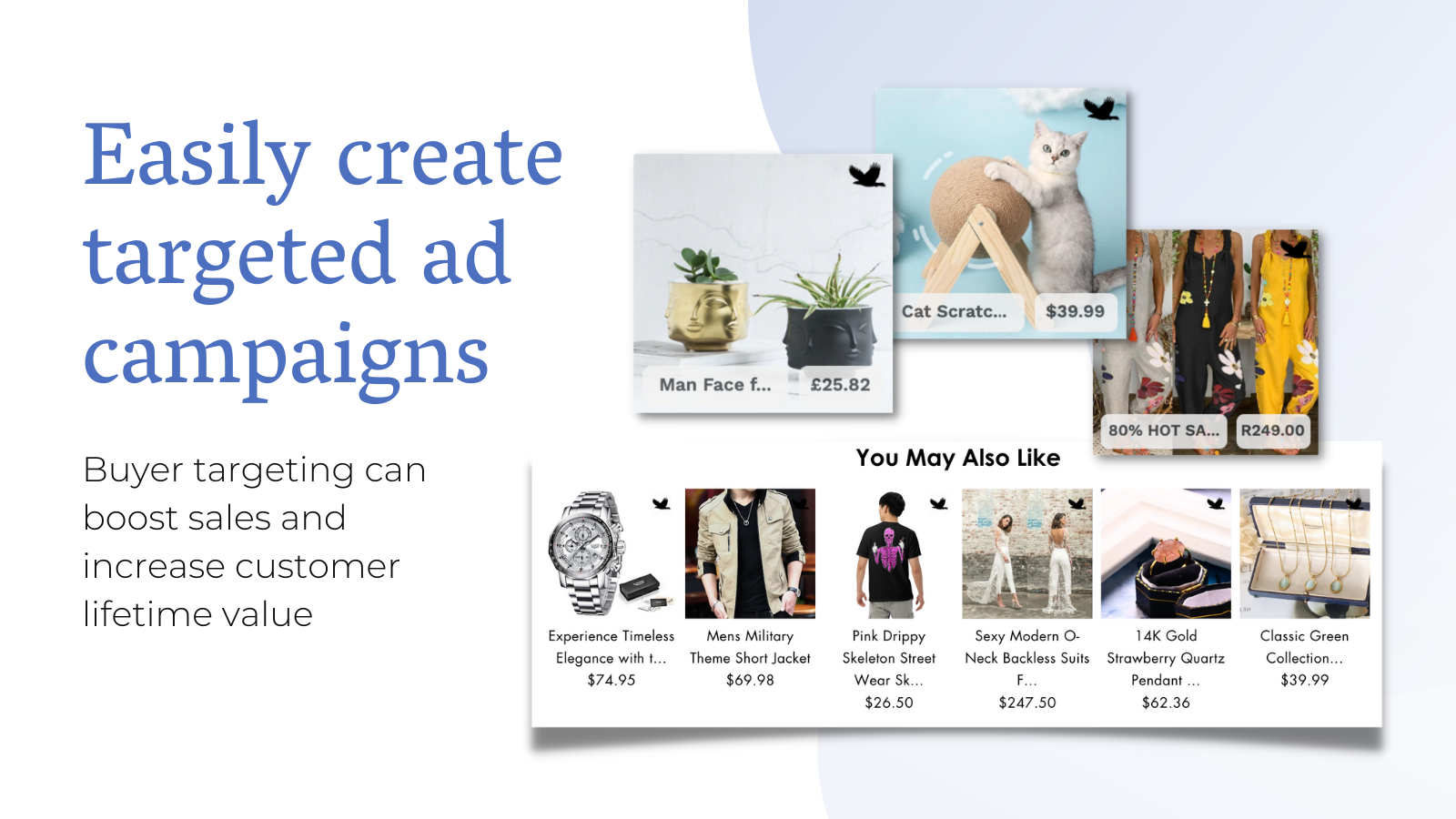
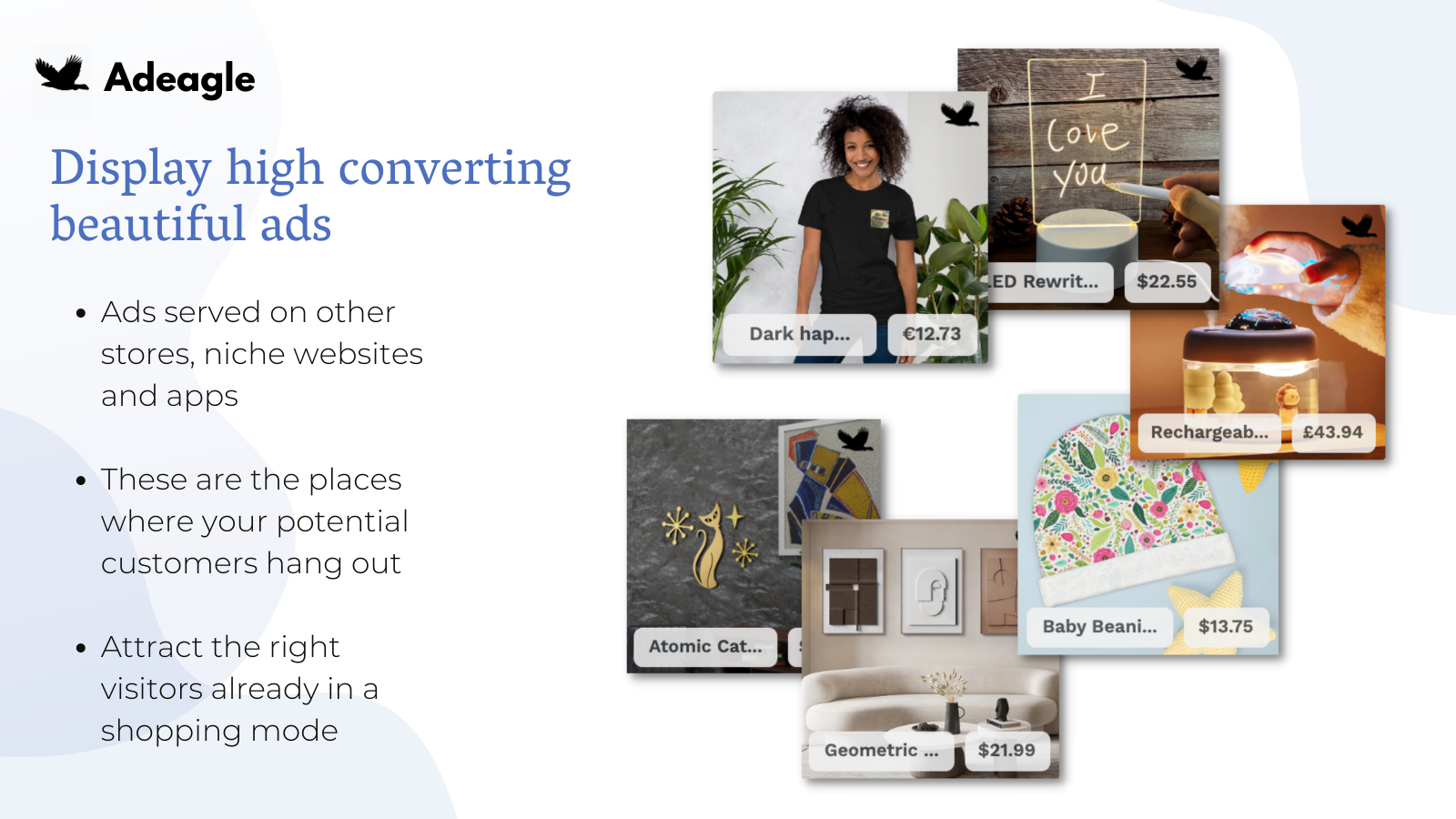
Adeagle lets you easily target and retarget users interested in your products with personalized marketing campaigns. Shoppers research blogs, forums, watch product videos or use mobile apps to find good deals. When they are ready to buy, they are browsing other shops, similar to yours. With Adeagle, you can display ads optimized by AI exactly in these places, exactly to these people. For example, we will showcase your products on pet blogs among pet enthusiasts if you sell pet supplies.
- Display ads to users already shopping and way more likely to convert
- Easily target by product categories or user interests. Retarget to grow sales
- Analyze the performance of your ads with relevant dashboards and visualizations
- Set up once and let your ads run on autopilot. Easy set up. No code required
- Option to join the traffic exchange: for ads displayed, you get your impressions
Features
- A/B testing
- AI optimization
- AI targeting
- Ad exchange
- Ad spend
- Audience segments
- Automated campaigns
- Behavior
- Bid optimization
- Click-through rates
- Custom audiences
- Dashboards
- Engagement metrics
- Event-based
- Impression counts
- Location-based
- Lookalike audiences
- Performance tracking
- Pixel management
- Product category
- Retargeting
- Traffic source
- UTM attribution
- Website
Adeagle: Get Traffic • AI Ads pricing
Free plan available · From $29 / month. Prices in USD; check the App Store for the latest.
-
Standard
Free
- Ad Exchange with Partner Stores
- Exclude unwanted ad categories
- Location & interest targeting
- Unlimited products
- 3 campaigns
-
Essential
$29 / month
- All STANDARD plan features
- 30,000 impressions
- Ads on Partner Stores
- AI Campaign Optimization
- No ads on your website
- Unlimited campaigns
-
Professional
$89 / month
- All ESSENTIAL plan features
- 100,000 impressions
- Ads on Trending Stores
- Ads on Thematic Websites
- Ads in Mobile Apps
-
Premium
$249 / month
- All PROFESSIONAL plan features
- 300,000 impressions
- Retargeting
- Ads on Trending Thematic Websites
- Ads in Trending Mobile Apps
Shopify stores using Adeagle: Get Traffic • AI Ads
We haven't detected Adeagle: Get Traffic • AI Ads on a live Shopify store yet. We recognise the apps that leave a trace in a store's code; some apps run only in the admin or the checkout.
Detect apps on any storeFAQ
Adeagle: Get Traffic • AI Ads: FAQ
Easily create marketing campaigns. Grow sales with traffic from other shops, niche websites & apps.
Adeagle: Get Traffic • AI Ads has a free plan; paid plans start at $29 a month.
We haven't detected Adeagle: Get Traffic • AI Ads on a live Shopify store yet. Scan any store on ShopScan to see the apps it runs.
Adeagle: Get Traffic • AI Ads is built by Adeagle, based in Poland, and launched in June 2020.
4.8 out of 5 from 84 reviews on the Shopify App Store.