


Turn your Team and About Us page into a powerful marketing tool. Mention your team members easily.
- Stores using it
- — Not detected yet
- Rating
- 4.3 / 5 7 reviews
- Price
- Free
- Launched
- August 2017 Hong Kong
Screenshots
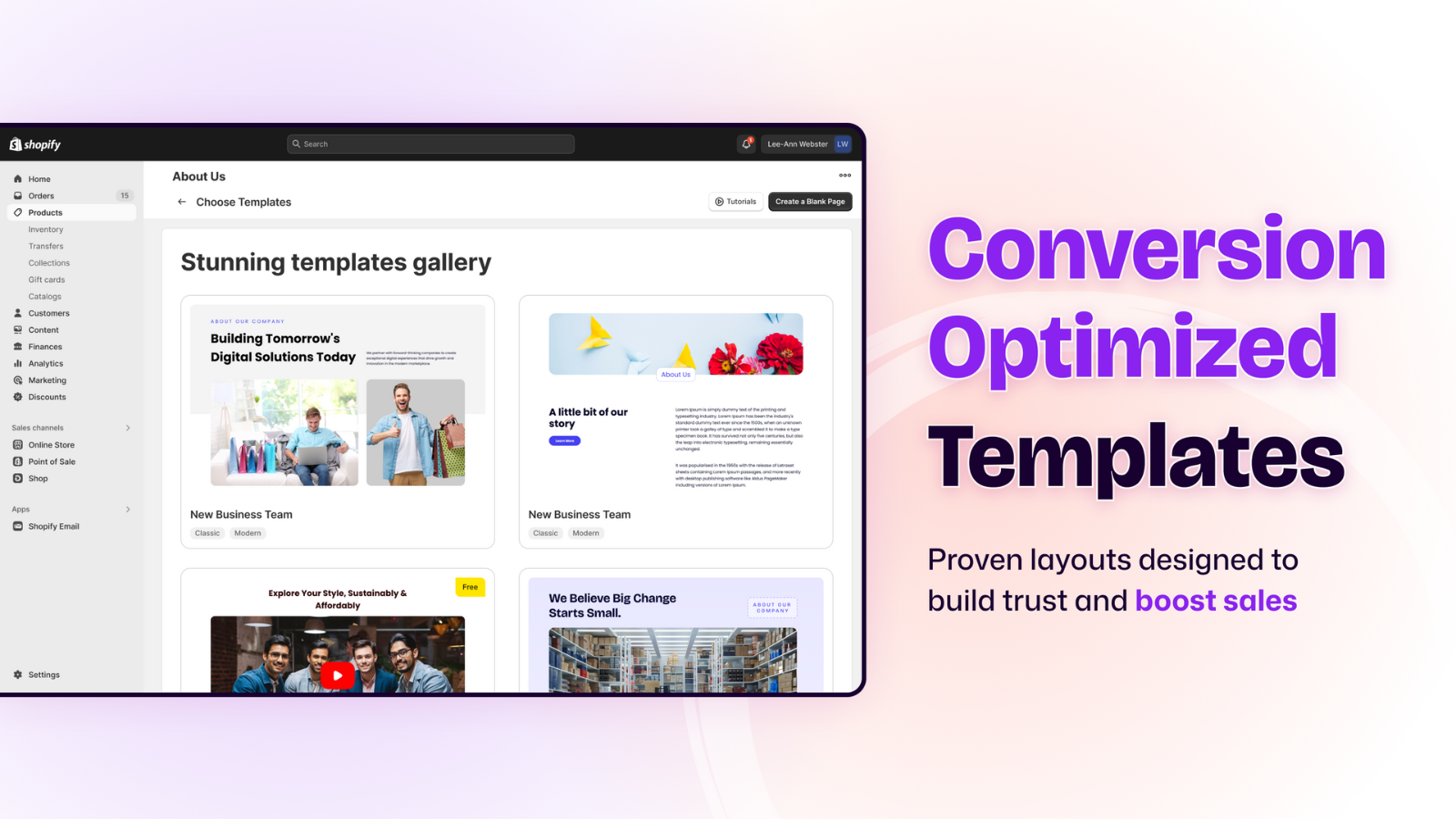
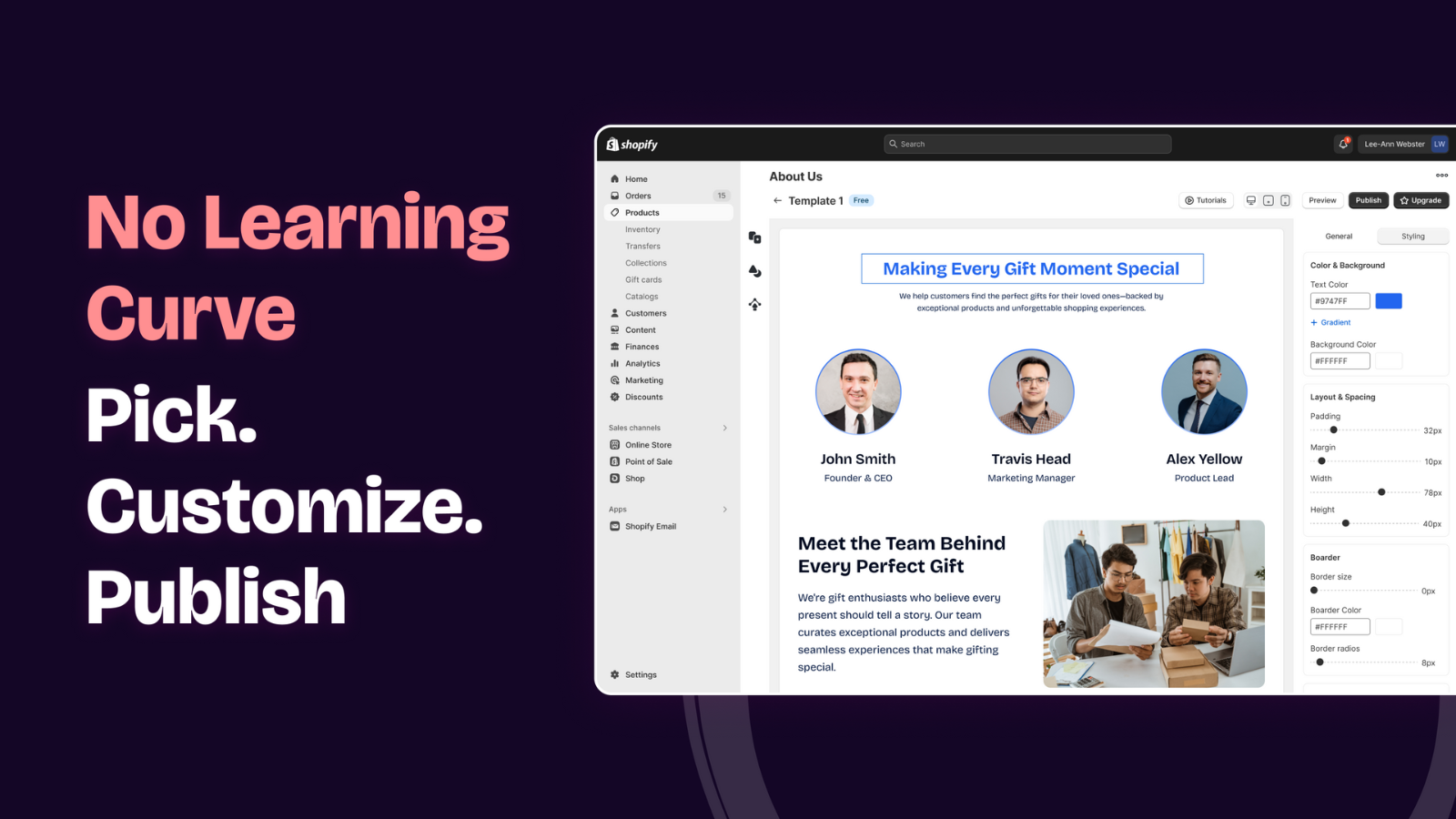
About Team & About Us
Turn your Team and About Us page into a powerful marketing tool. Mention your team members easily.
Make your store’s Team and About Us page, not just a story but also a powerful tool to make your brand stand out from the others. Interpret your experience by using spectacular visuals and a wide range of text layouts. Make a social proof and earn your customer’s trust by sharing your achievements and goals through our timeline template. Mention your team members to show the people behind the brand. Add images and videos to your stories. Make an About Us page by adding your favorite elements.
- Customizable layouts to design the Team and About Us pages.
- A simple user interface will let you make the most of your landing page.
- Easy to add team profiles with photos.
- Add images and videos and change colors and fonts the way you want.
- No coding skills required.
Shopify stores using Team & About Us
We haven't detected Team & About Us on a live Shopify store yet. We recognise the apps that leave a trace in a store's code; some apps run only in the admin or the checkout.
Detect apps on any storeFAQ
Team & About Us: FAQ
Turn your Team and About Us page into a powerful marketing tool. Mention your team members easily.
Yes, Team & About Us is free to use.
We haven't detected Team & About Us on a live Shopify store yet. Scan any store on ShopScan to see the apps it runs.
Team & About Us is built by Optinify, based in Hong Kong, and launched in August 2017.
4.3 out of 5 from 7 reviews on the Shopify App Store.